




































































































Guides d'activation

Retour

Google Play

1

Connexion:

  • Suivez ce lien pour créer un nouveau compte Google ou vous connecter à votre compte existant.
2

Se connecter à Google Play:

  • Suivez ce lien et connectez-vous à votre compte Google dans le magasin Google Play.
3

Accédez à votre compte:

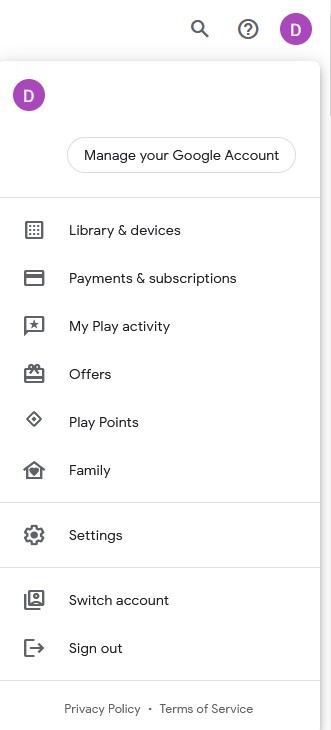
  • Allez dans le coin supérieur droit du site web et cliquez sur l'avatar de votre compte.
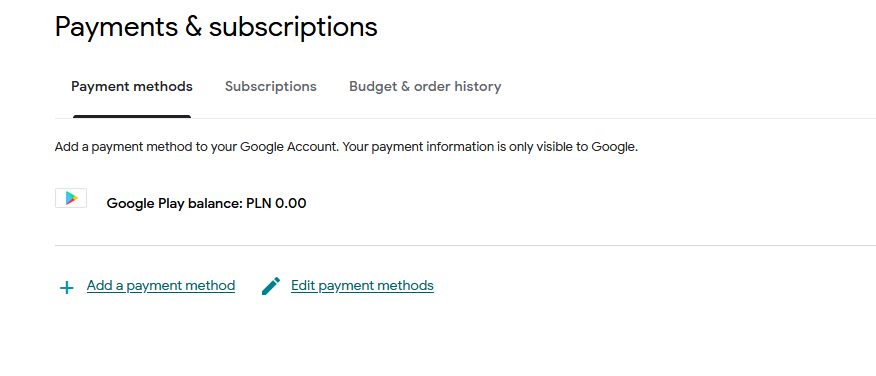
  • Choisissez l'option "Paiements et abonnements" dans le menu déroulant.
4

Ajouter une méthode de paiement:

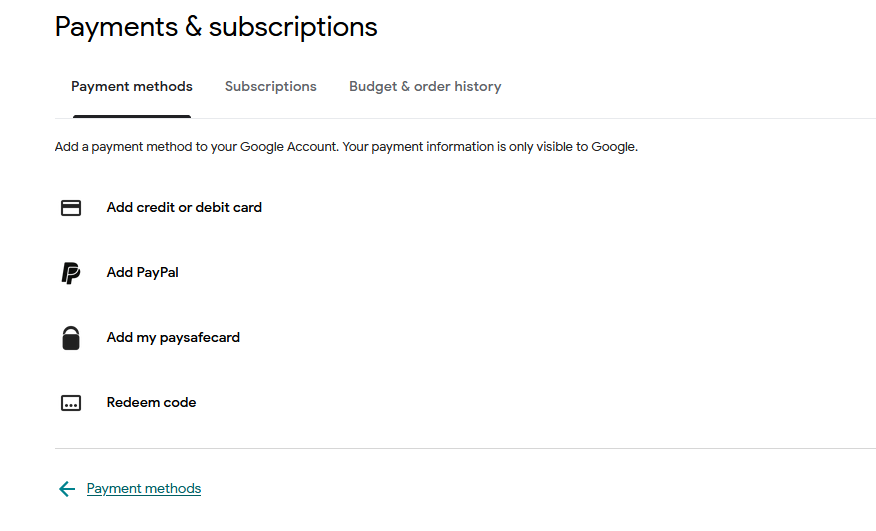
  • Dans la section Paiements et abonnements, cliquez sur "Ajouter un mode de paiement".
  • Sélectionnez l'option "Redeem code".
5

Choisissez Redeem Code:

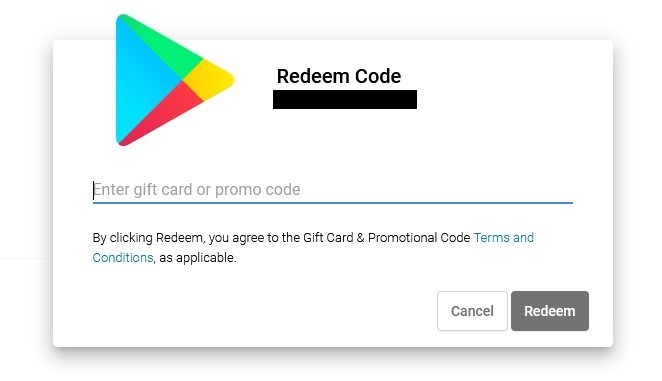
  • Saisissez votre code cadeau Google Play dans le champ prévu à cet effet.
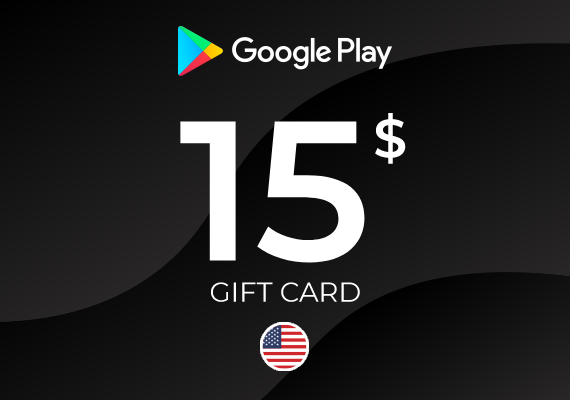
Google Play Gift Card 15 USD
-10%
Google Play Google Play
Google Play
ÉTATS-UNIS
£12,53 £11,22
£10,21 avec
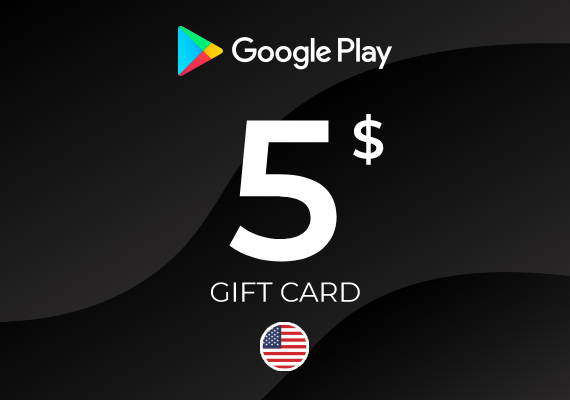
Google Play Gift Card 5 USD
-11%
Google Play Google Play
Google Play
ÉTATS-UNIS
£4,31 £3,83
£3,49 avec
Google Play Gift Card 100 USD
-9%
Google Play Google Play
Google Play
ÉTATS-UNIS
£82,14 £74,84
£69,60 avec
Google Play Gift Card 50 USD
-12%
Google Play Google Play
Google Play
ÉTATS-UNIS
£41,07 £35,95
£32,72 avec
Google Play Gift Card 25 USD
-8%
Google Play Google Play
Google Play
ÉTATS-UNIS
£20,74 £19,00
£17,29 avec
Google Play Gift Card 10 USD
-10%
Google Play Google Play
Google Play
ÉTATS-UNIS
£8,21 £7,41
£6,74 avec
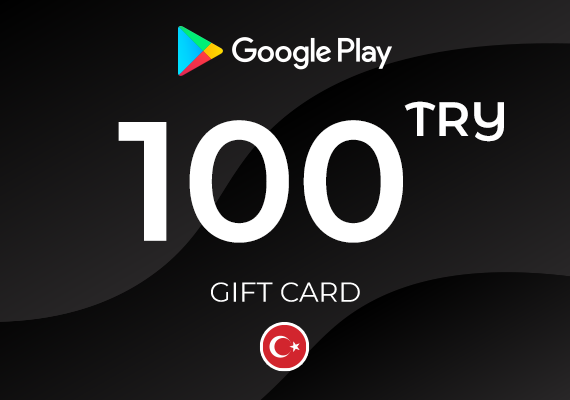
Google Play Gift Card 100 TRY
-42%
Google Play Google Play
Google Play
TURQUIE
£3,02 £1,74
£1,58 avec
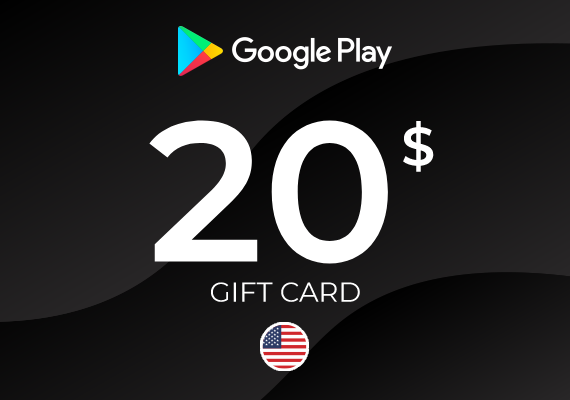
Google Play Gift Card 20 USD
-30%
Google Play Google Play
Google Play
ÉTATS-UNIS
£16,42 £11,55
£10,51 avec
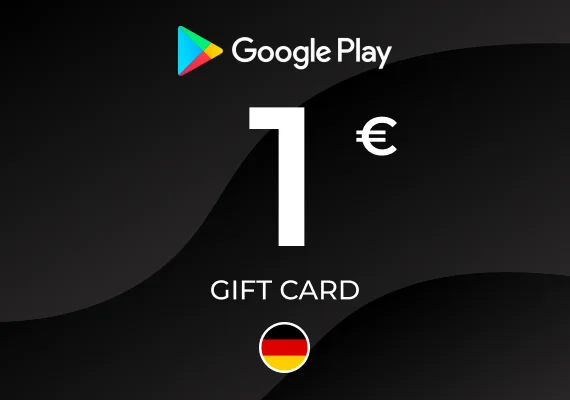
Google Play Gift Card 1 EUR
-14%
Google Play Google Play
Google Play
ALLEMAGNE
£0,86 £0,74
£0,67 avec
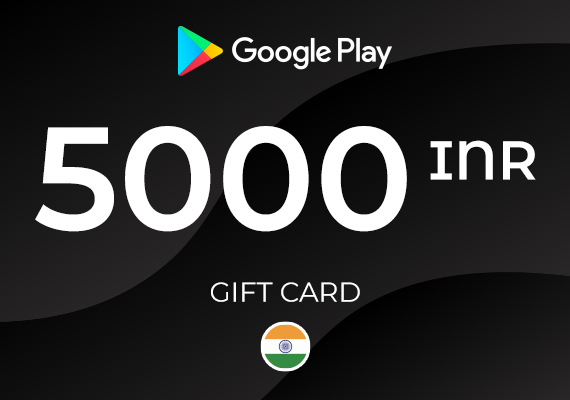
Google Play Gift Card 5000 INR
-15%
Google Play Google Play
Google Play
INDE
£47,98 £40,89
£37,21 avec