



























































































Binance
Results found: 159
Sort by

 Binance
 Binance

-4%
Binance
 Binance
 Binance

-4%
Binance
 Binance
 Binance
 Binance
 Binance
 Binance
 Binance
 Binance
 Binance
 Binance
 Binance
 Binance
 Binance
 Binance
 Binance
 Binance
 Binance
 Binance
 Binance
 Binance
 Binance
 Binance
 Binance
 Binance
 Binance
 Binance
 Binance
 Binance
 Binance
-4%
Binance
 Binance
 Binance
 Binance
 Binance
 Binance
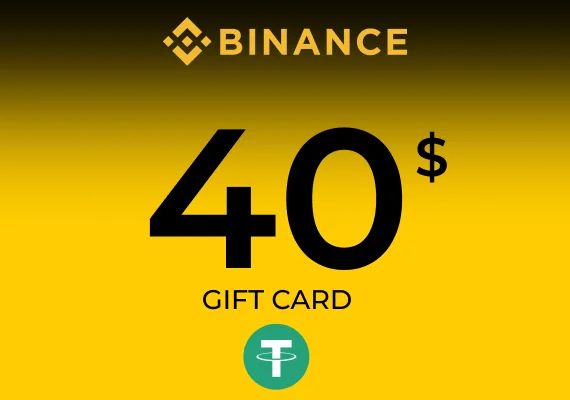
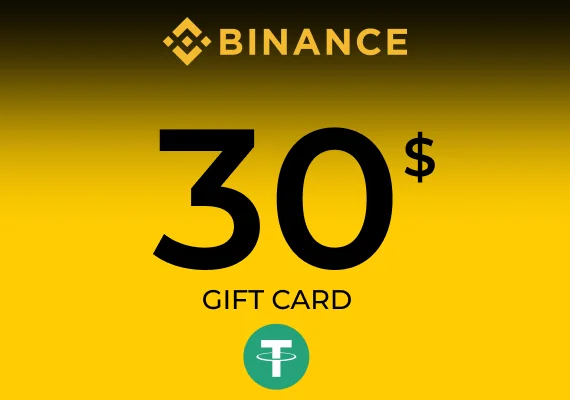
Binance Gift Cards
Binance Gift Cards are redeemed using a code and credited directly to your Binance account wallet. To redeem, you’ll use the official Binance Gift Card redemption page and enter the 16-character redemption code.
- Redeem via the Binance Gift Card page using your redemption code.
- Funds are credited to your Binance wallet (Spot or Funding Wallet, depending on your setup).
- Redemption code format: 16 characters (letters and numbers).
After redemption
Once the code is redeemed, the crypto is credited to your Binance wallet, so you can access it from your account like any other balance.
- Crypto is added to your Binance wallet balance after successful redemption.
- You can view the credited funds in your wallet within your Binance account.
How to redeem a Binance Gift Card
Redeeming takes a minute—open the Gift Card page, enter your code, and confirm. Follow these steps to credit the crypto to your Binance wallet.
- Visit the Binance Gift Card page.
- Enter your gift card redemption code in the provided field.
- Click “Redeem” to credit the crypto to your Binance wallet.
- If you face any difficulties during the process, refer to the Binance Support FAQ for assistance.