

































































































































Minecraft: Java & Bedrock Edition
Minecraft: Java & Bedrock Edition vous propose les deux versions PC du célèbre jeu sandbox dans un seul pack. Construisez, explorez, fabriquez et survivez dans un monde ouvert composé de blocs, puis choisissez entre Java Edition et Bedrock Edition selon votre façon de jouer.
- Inclut Minecraft: Java Edition et Minecraft: Bedrock Edition pour PC.
- Gameplay sandbox en monde ouvert axé sur la construction, la fabrication, l’exploration et la survie.
- Jouez en solo, créez avec des amis ou rejoignez des communautés multijoueur.
- Clé Microsoft Store EU à activer sur un compte Microsoft compatible.
Construisez, explorez et survivez
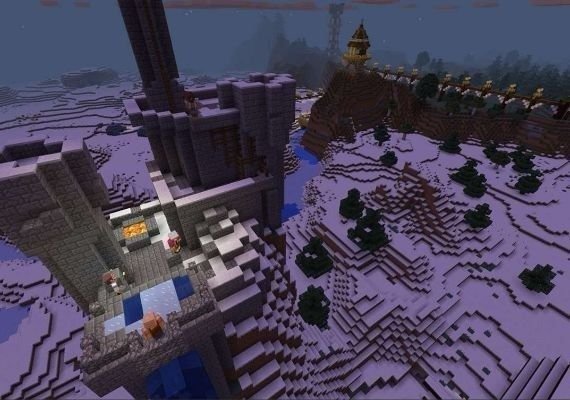
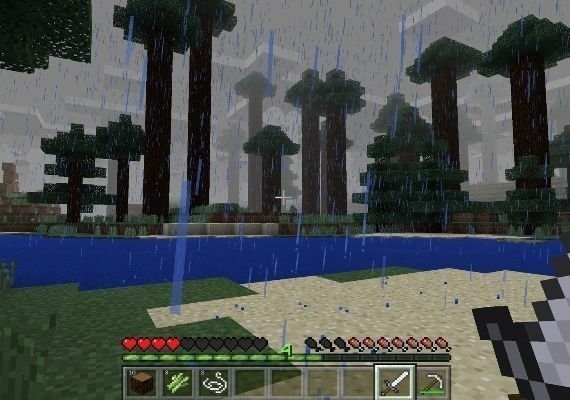
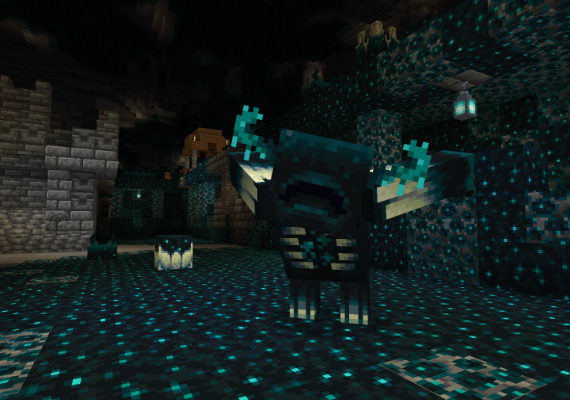
Minecraft vous donne la liberté de créer votre propre aventure. Récoltez des ressources, fabriquez des outils, construisez des abris, explorez des grottes, découvrez des biomes et choisissez entre un défi de survie ou une expérience de construction créative avec moins de limites.
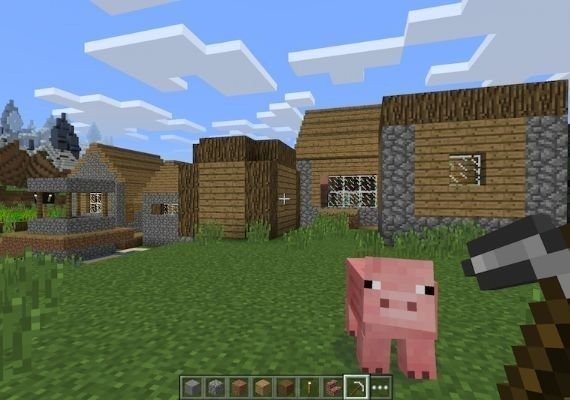
- Explorez des mondes générés de manière procédurale avec des biomes, des grottes, des villages et des créatures.
- Fabriquez des outils, des armes, des armures, des blocs et des objets utiles.
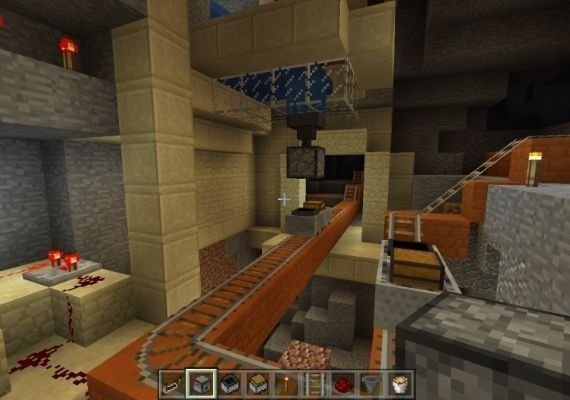
- Construisez tout ce que vous voulez, des simples abris aux structures complexes et machines en redstone.
- Jouez en Survival, Creative ou dans d’autres modes disponibles selon votre style préféré.
Java Edition et Bedrock Edition dans un seul pack
Cette édition inclut les deux versions de Minecraft pour PC. Java Edition est connue pour ses serveurs communautaires, ses skins personnalisés, ses mods et son gameplay pensé pour PC, tandis que Bedrock Edition offre des performances fluides, du contenu Marketplace et du cross-play avec d’autres joueurs Bedrock sur les plateformes compatibles.
- Java Edition : version orientée PC avec prise en charge des mods, skins personnalisés et serveurs communautaires.
- Bedrock Edition : version Windows avec contenu Marketplace et cross-play avec les plateformes Bedrock compatibles.
- Choisissez l’édition qui correspond le mieux à vos besoins multijoueur et à vos préférences de jeu.
- Les mondes et sauvegardes sont séparés entre Java Edition et Bedrock Edition.
Multijoueur, serveurs et contenu supplémentaire
Les deux éditions offrent différentes façons de jouer avec d’autres personnes. Rejoignez des serveurs, créez des mondes privés, jouez avec des amis ou enrichissez l’expérience avec du contenu communautaire et des extensions officielles selon l’édition utilisée.
- Rejoignez des serveurs communautaires Java ou des mondes multijoueur compatibles Bedrock.
- Utilisez Realms ou Realms Plus, lorsque disponible, pour des mondes multijoueur privés.
- Découvrez des cartes, skins, packs de textures et extensions via les fonctionnalités prises en charge par chaque édition.
- Profitez d’un gameplay sandbox durable avec des découvertes régulières et des créations de joueurs.
Comment activer et commencer à jouer
Utilisez la clé Microsoft Store sur le compte Microsoft auquel vous souhaitez ajouter Minecraft: Java & Bedrock Edition. Après l’activation, installez le Minecraft Launcher et choisissez l’édition à lancer.
- Connectez-vous au bon compte Microsoft avant d’utiliser la clé.
- Utilisez le code via le Microsoft Store ou la méthode d’activation officielle de Microsoft.
- Téléchargez et installez le Minecraft Launcher après l’activation.
- Sélectionnez Java Edition ou Bedrock Edition dans le launcher et commencez à jouer.
Remarques importantes
Il s’agit de la version EU de Minecraft: Java & Bedrock Edition pour PC. La compatibilité régionale, les règles d’activation et les exigences de compte peuvent s’appliquer. Consultez donc la page du produit avant l’achat.
- Format du produit : clé Microsoft Store.
- Plateforme : PC.
- Région : EU.
- Nécessite un compte Microsoft compatible pour l’activation.
- Vérifiez la plateforme, la région et les détails d’activation avant l’achat.
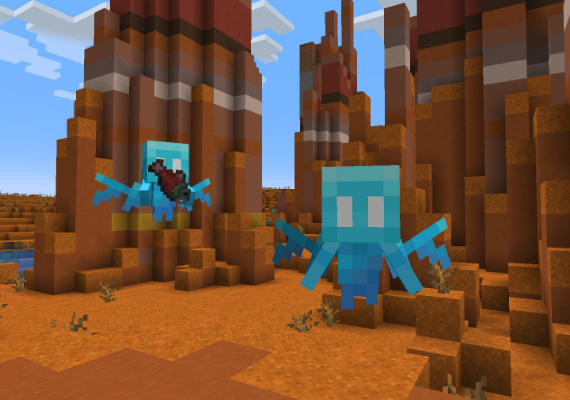
Dive into the endless cycle of creation, exploration, and survival in Minecraft: Java Edition and Bedrock Edition.
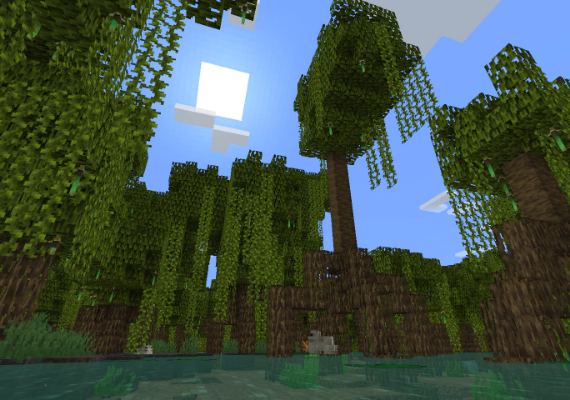
Double the mining, double the crafting – experience a vast community of Minecrafters like never before.
Join expansive multiplayer servers for free and engage in thrilling adventures with thousands of fellow players!