


























































































Guías de activación

Atrás

Google Play Store

1

Iniciar sesión:

  • Sigue este enlace para crear una nueva cuenta de Google o acceder a la que ya tienes.
2

Inicie sesión en Google Play:

  • Sigue este enlace e inicia sesión con tu cuenta de Google en la tienda Google Play.
3

Vaya a Su cuenta:

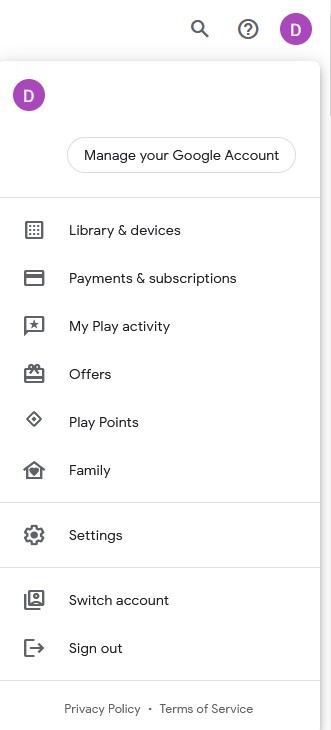
  • Navegue hasta la esquina superior derecha del sitio web y haga clic en el avatar de la cuenta.
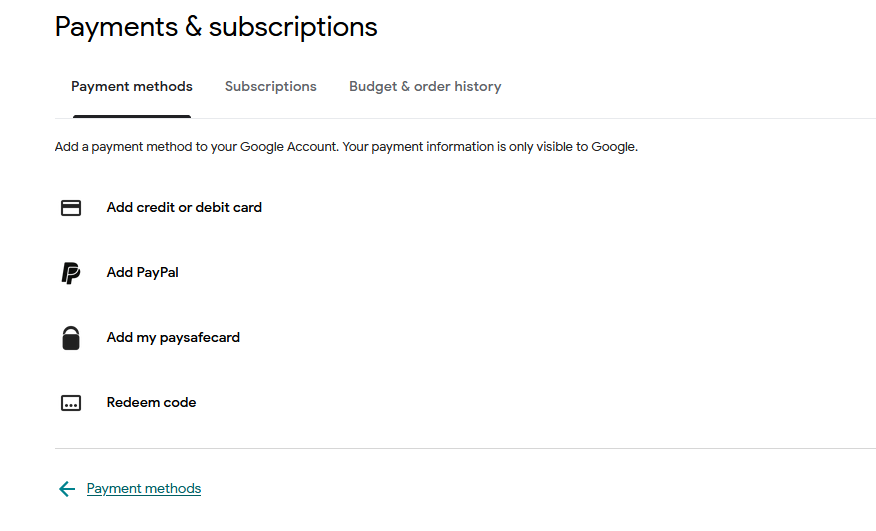
  • Elija la opción "Pagos y suscripciones" en el menú desplegable.
4

Añadir un método de pago:

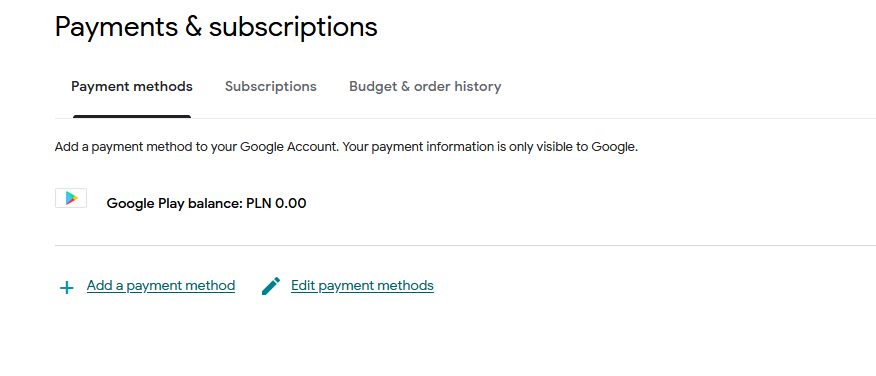
  • En la sección Pagos y suscripciones, haz clic en "Añadir un método de pago".
  • Seleccione la opción "Canjear código".
5

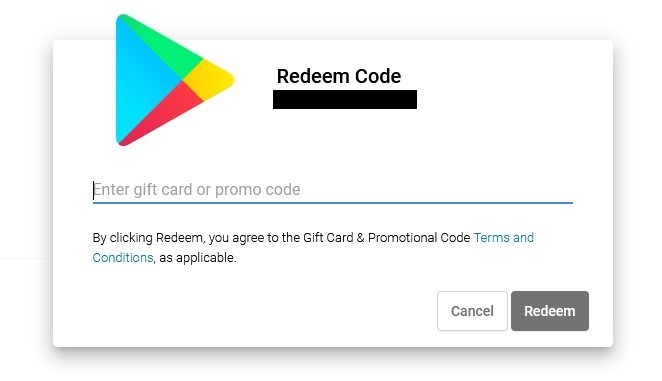
Seleccione Canjear código:

  • Introduce tu código de regalo de Google Play en el campo designado.
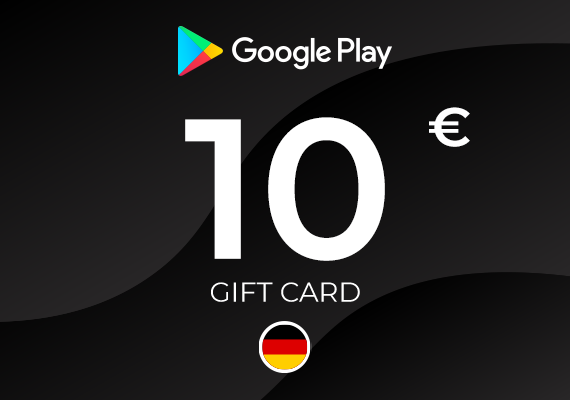
Google Play Gift Card 10 EUR
-15%
Google Play Google Play
Google Play
ALEMANIA
10,00 € 8,50 €
7,74 € con
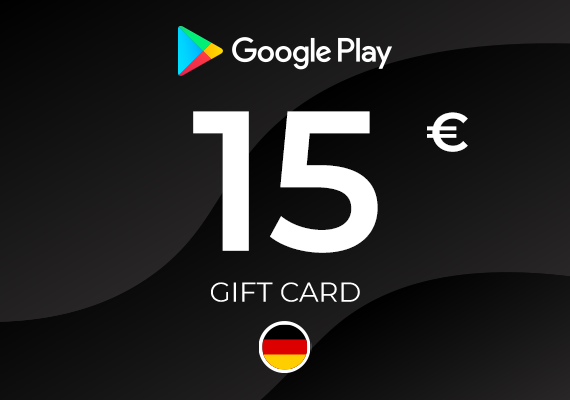
Google Play Gift Card 15 EUR
-11%
Google Play Google Play
Google Play
ALEMANIA
15,00 € 13,30 €
12,10 € con
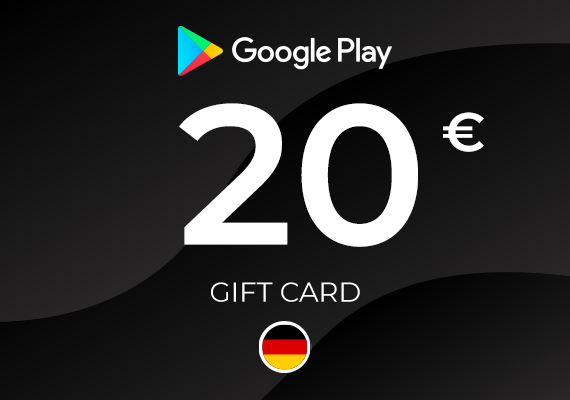
Google Play Gift Card 20 EUR
-1%
Google Play Google Play
Google Play
ALEMANIA
20,00 € 19,87 €
18,08 € con
Google Play Gift Card 5 EUR
-4%
Google Play Google Play
Google Play
ALEMANIA
5,00 € 4,81 €
4,38 € con
Google Play Gift Card 1 GBP
-77%
Google Play Google Play
Google Play
REINO UNIDO
1,49 € 0,35 €
0,32 € con
Google Play Gift Card 15 EUR
-7%
Google Play Google Play
Google Play
UE
15,00 € 13,92 €
12,67 € con
Google Play Gift Card 25 EUR
Google Play Google Play
Google Play Gift Card 20 EUR
Google Play Google Play
Google Play Gift Card 1000 INR
-46%
Google Play Google Play
Google Play
INDIA
16,99 € 9,20 €
8,37 € con
Google Play Gift Card 500 INR
-34%
Google Play Google Play
Google Play
INDIA
6,99 € 4,62 €
4,20 € con