Cartes cadeaux Lululemon
1
1. Remboursement en ligne:
Connectez-vous à votre compte
- Connectez-vous à votre compte sur le site Internet de Lululemon. Si vous n'avez pas de compte, créez-en un.
2
Naviguez jusqu'à la section des cartes-cadeaux:
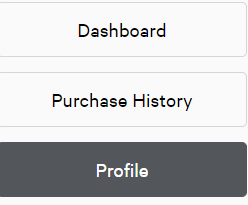
- Dans le menu de droite, sélectionnez "Profle".
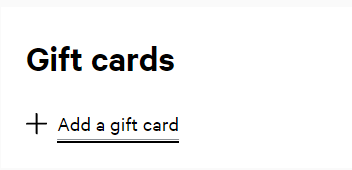
- Faites défiler la page et cliquez sur "Ajouter une carte-cadeau".
3
2. Échange via l'application Lululemon:
Ouvrez l'application et connectez-vous
- Lancez l'application Lululemon et connectez-vous à votre compte.
4
Accéder à la section des cartes-cadeaux:
- Appuyez sur l'icône de menu (trois lignes) dans le coin supérieur gauche.
- Sélectionnez "Paiements", puis "Cartes-cadeaux".
5
Ajoutez votre carte-cadeau:
- Appuyez sur le bouton "(+)".
- Saisissez le numéro de la carte-cadeau et le code PIN.