










































































































Microsoft LTSC Activation Guide
Download the Application
- Visit the Gameseal download link to get the verified installer:
Microsoft Office 2024 - LTSC Standard
Microsoft Office 2024 - LTSC Professional Plus
Start the Application
-
Launch the downloaded Office2024_Std.exe file
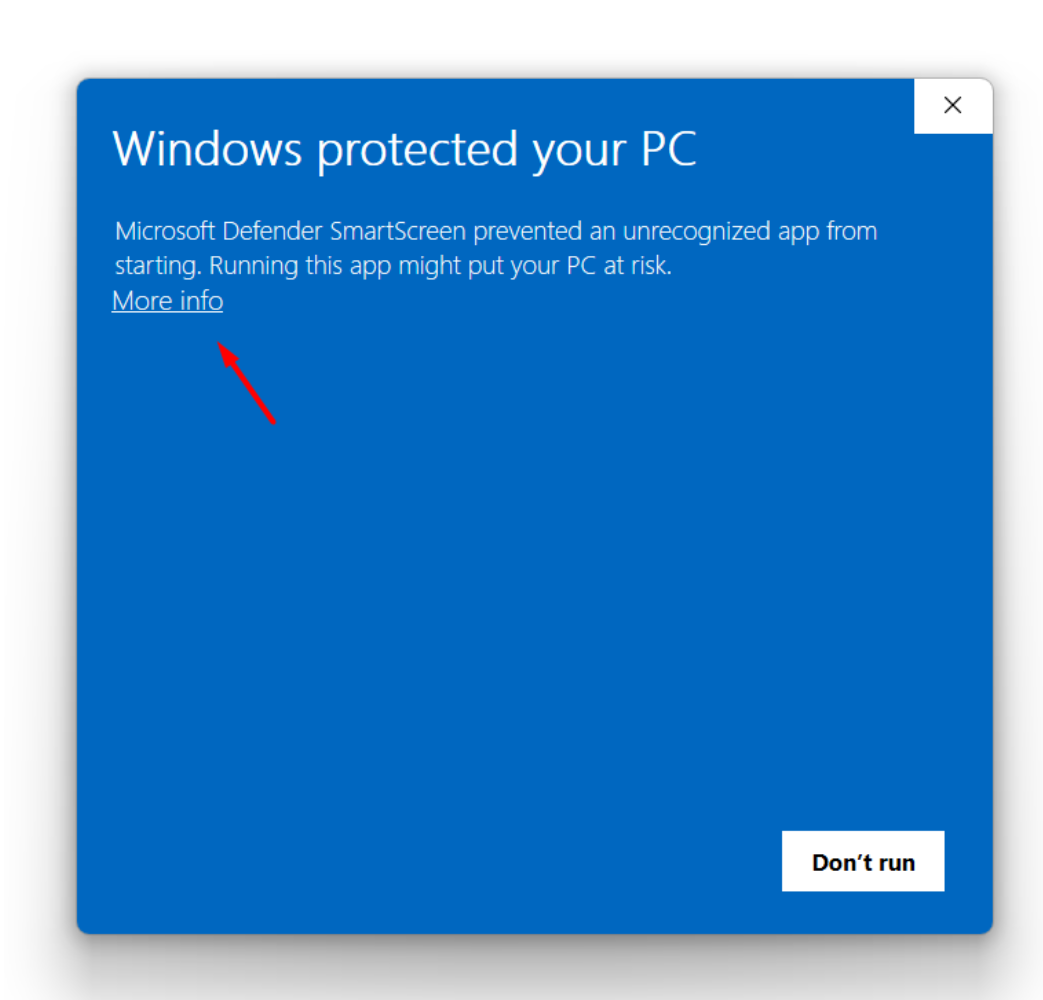
Click "More info"
-
Handle the Windows security warning dialog
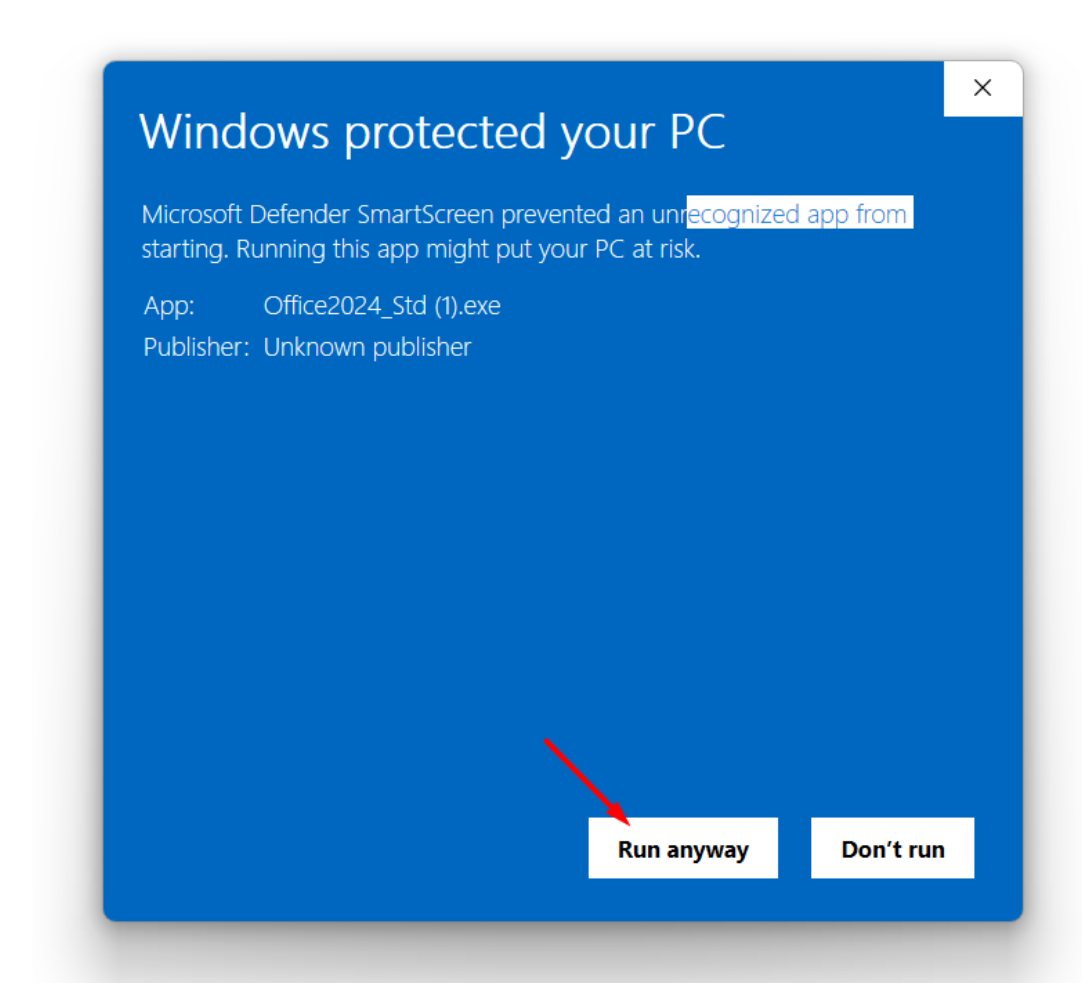
Click "Run anyway"
-
Proceed past the security dialog to continue installation
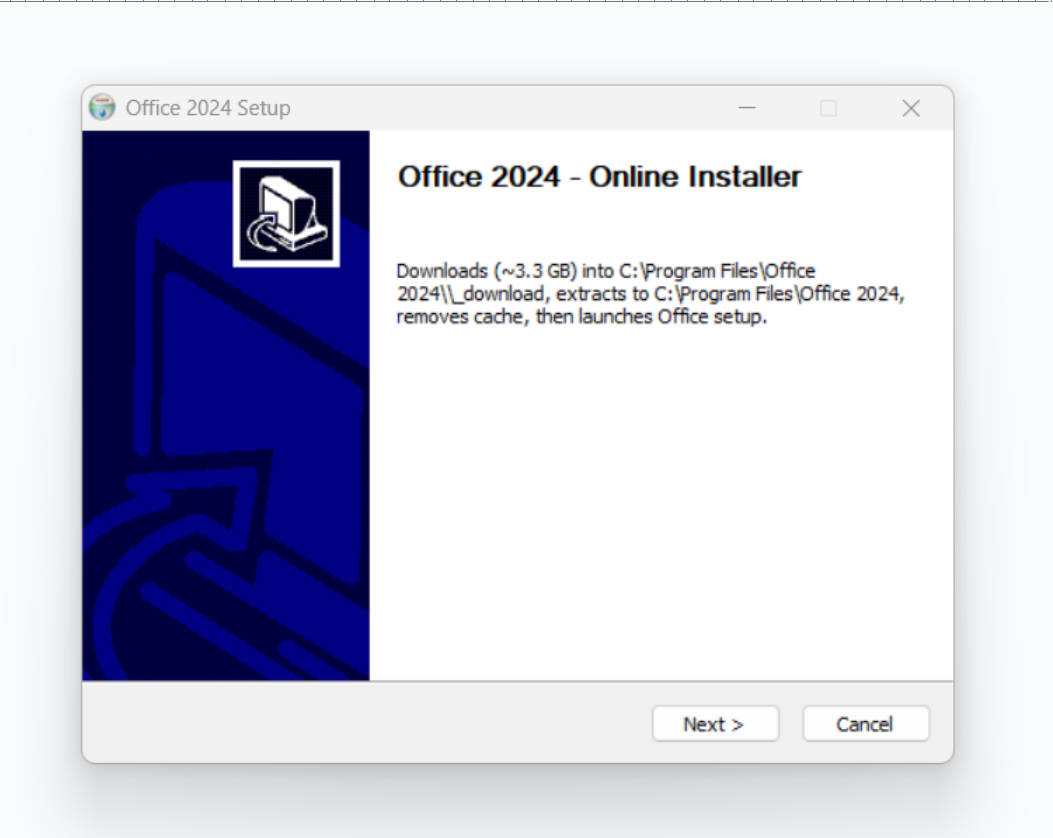
Review Installation Size and Click Next
-
Review the download size notification and proceed
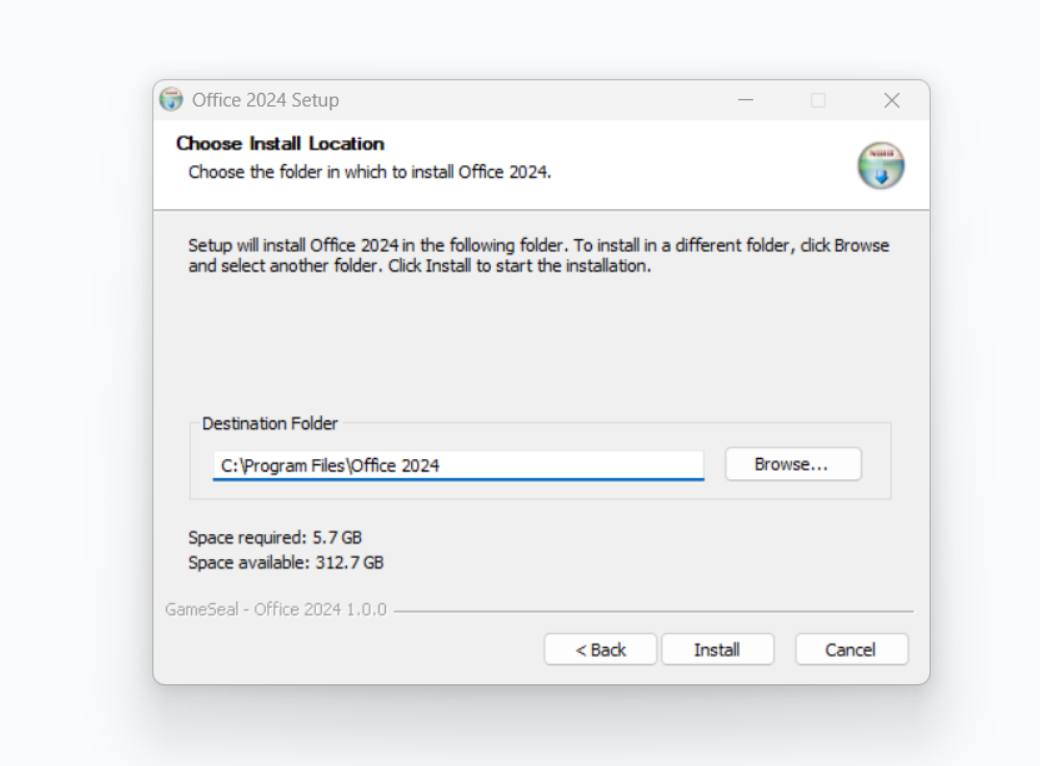
Choose Download Location and Install
-
Select download location and begin the installation process
Complete Installation
-
Wait for download and installation to finish, then click "Finish"
Activate Office Application
-
Start any Office application such as Word or Excel.
-
You might see a pop-up window asking you to log in or enter a product key — please enter your product key there.
-
If you are not prompted to enter a key immediately:
-
Click on your user icon in the top right corner of the Office application.
-
Enter your product key in the field provided.
-
-
Follow the on-screen instructions to complete the activation process.
-
Once done, your Office applications are fully activated and ready to use.