









































































































Guías de activación

Atrás

Google Play Store

1

Iniciar sesión:

  • Sigue este enlace para crear una nueva cuenta de Google o acceder a la que ya tienes.
2

Inicie sesión en Google Play:

  • Sigue este enlace e inicia sesión con tu cuenta de Google en la tienda Google Play.
3

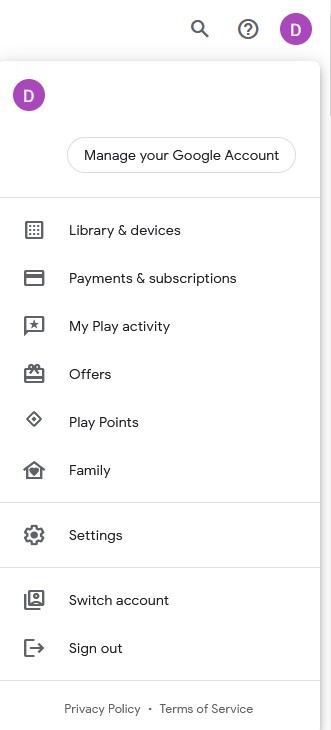
Vaya a Su cuenta:

  • Navegue hasta la esquina superior derecha del sitio web y haga clic en el avatar de la cuenta.
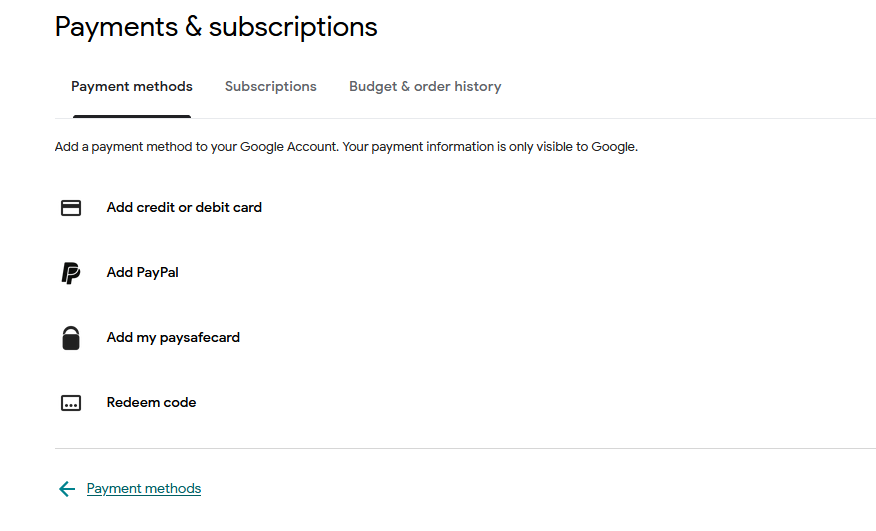
  • Elija la opción "Pagos y suscripciones" en el menú desplegable.
4

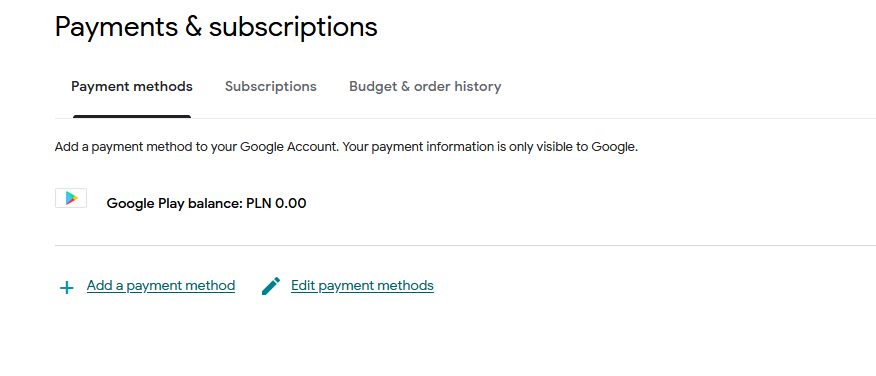
Añadir un método de pago:

  • En la sección Pagos y suscripciones, haz clic en "Añadir un método de pago".
  • Seleccione la opción "Canjear código".
5

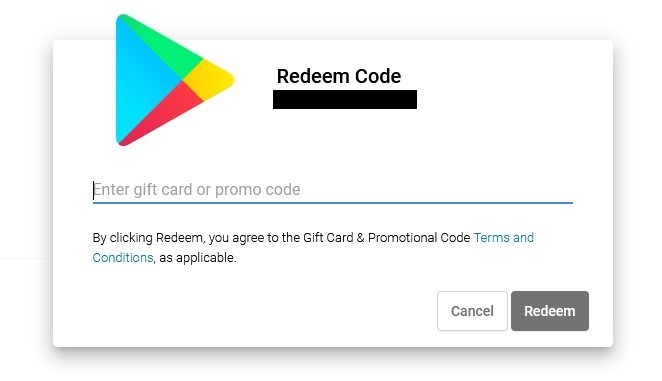
Seleccione Canjear código:

  • Introduce tu código de regalo de Google Play en el campo designado.
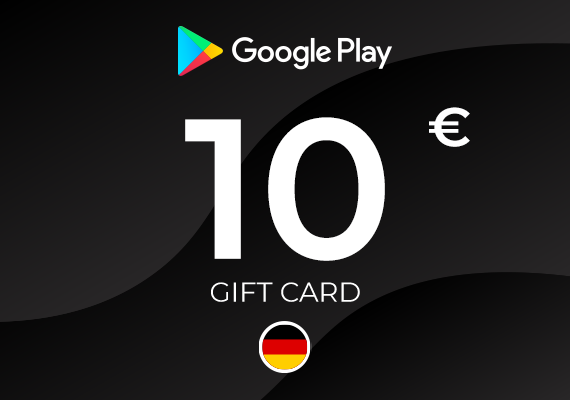
Google Play Gift Card 10 EUR
-7%
Google Play Google Play
Google Play
ALEMANIA
10,00 € 9,35 €
8,51 € con
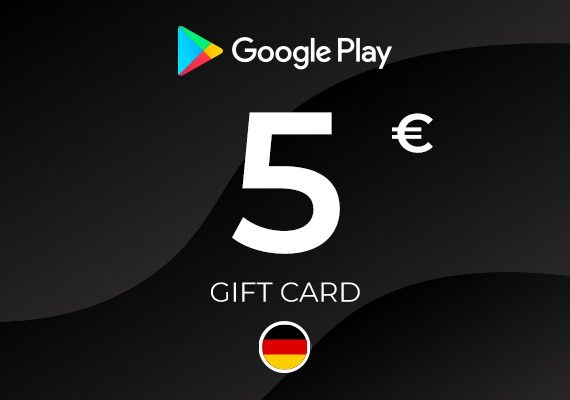
Google Play Gift Card 5 EUR
-7%
Google Play Google Play
Google Play
ALEMANIA
5,00 € 4,67 €
4,25 € con
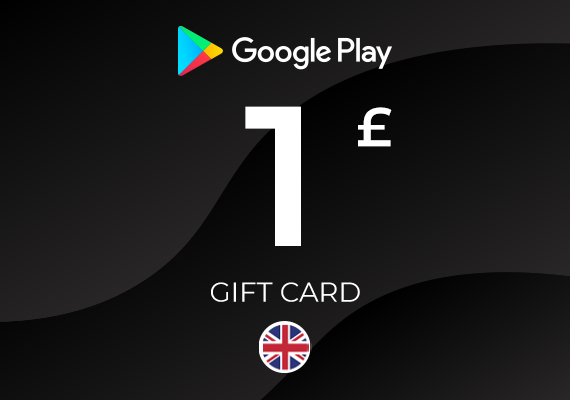
Google Play Gift Card 1 GBP
-20%
Google Play Google Play
Google Play
REINO UNIDO
1,49 € 1,19 €
1,08 € con
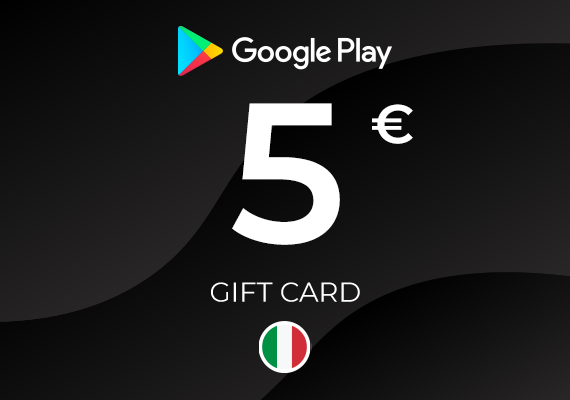
Google Play Gift Card 5 EUR
Google Play Google Play
Google Play
ITALIA
5,41 €
4,92 € con
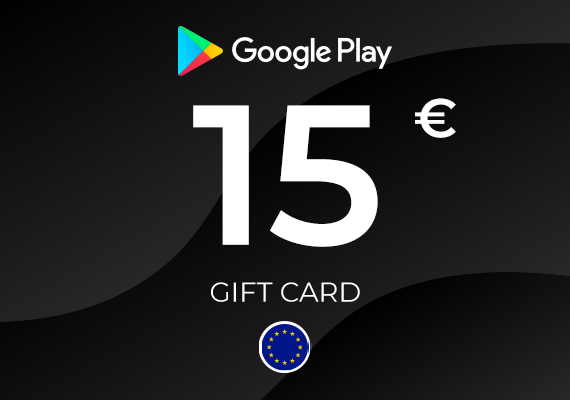
Google Play Gift Card 15 EUR
-7%
Google Play Google Play
Google Play
UE
15,00 € 13,92 €
12,67 € con
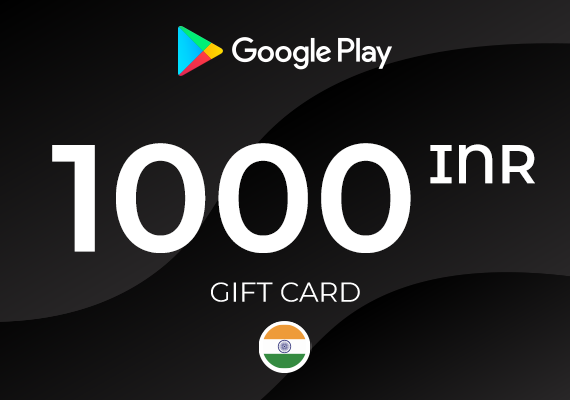
Google Play Gift Card 1000 INR
-44%
Google Play Google Play
Google Play
INDIA
16,99 € 9,51 €
8,65 € con
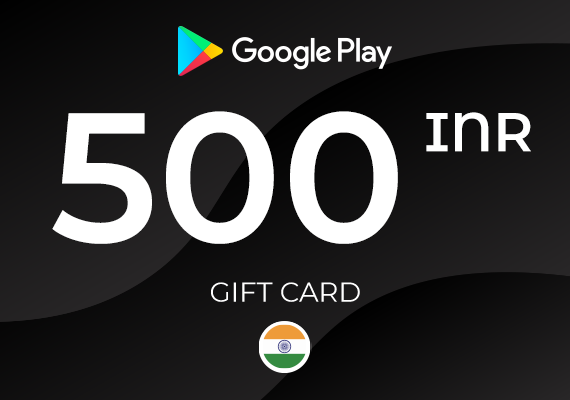
Google Play Gift Card 500 INR
-32%
Google Play Google Play
Google Play
INDIA
6,99 € 4,77 €
4,34 € con
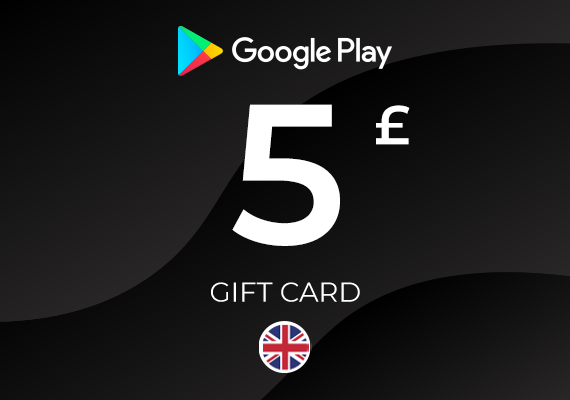
Google Play Gift Card 5 GBP
-2%
Google Play Google Play
Google Play
REINO UNIDO
5,99 € 5,87 €
5,34 € con
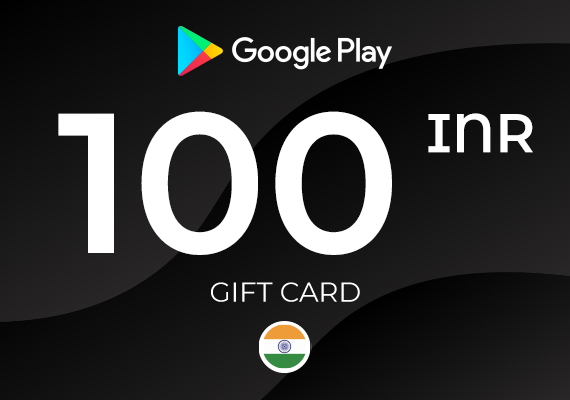
Google Play Gift Card 100 IRN
-52%
Google Play Google Play
Google Play
INDIA
1,99 € 0,96 €
0,87 € con
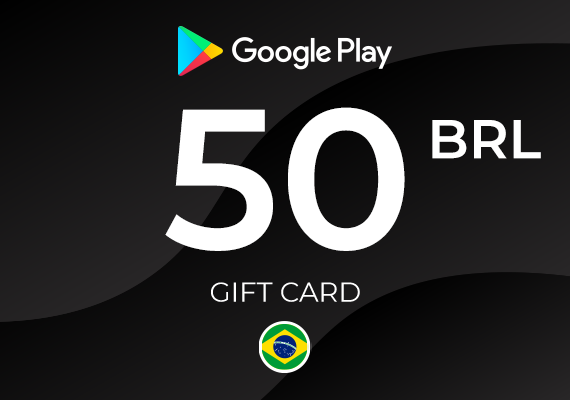
Google Play Gift Card 50 BRL
-20%
Google Play Google Play
Google Play
BRASIL
9,49 € 7,60 €
6,92 € con