

































































































Guías de activación

Atrás

Google Play Store

1

Iniciar sesión:

  • Sigue este enlace para crear una nueva cuenta de Google o acceder a la que ya tienes.
2

Inicie sesión en Google Play:

  • Sigue este enlace e inicia sesión con tu cuenta de Google en la tienda Google Play.
3

Vaya a Su cuenta:

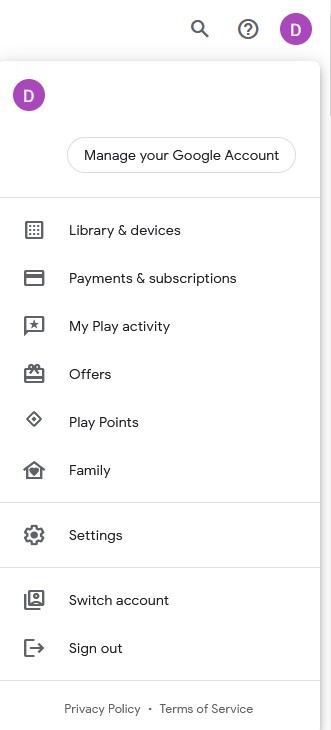
  • Navegue hasta la esquina superior derecha del sitio web y haga clic en el avatar de la cuenta.
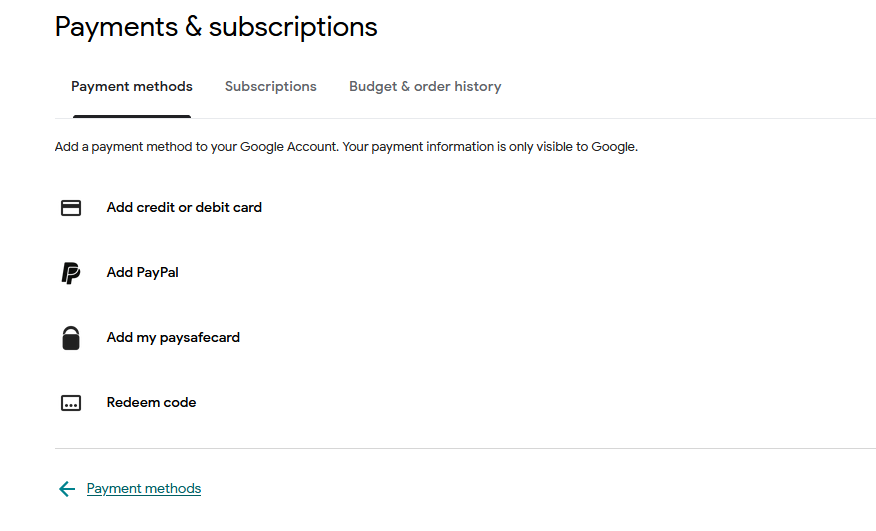
  • Elija la opción "Pagos y suscripciones" en el menú desplegable.
4

Añadir un método de pago:

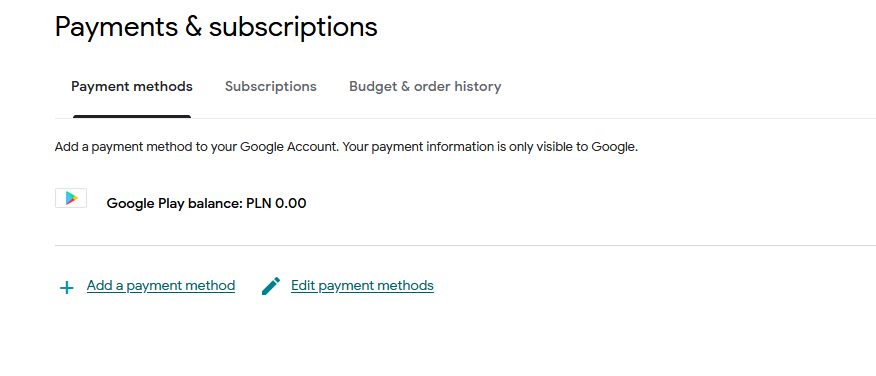
  • En la sección Pagos y suscripciones, haz clic en "Añadir un método de pago".
  • Seleccione la opción "Canjear código".
5

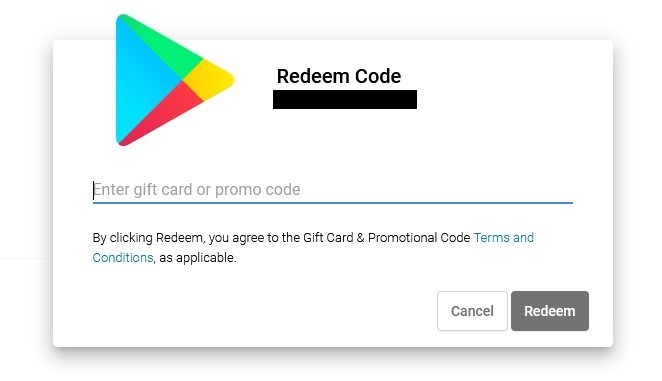
Seleccione Canjear código:

  • Introduce tu código de regalo de Google Play en el campo designado.
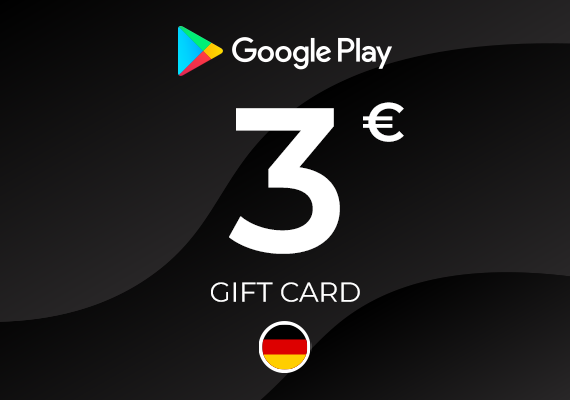
Google Play Gift Card 3 EUR
Google Play Google Play
Google Play
ALEMANIA
£2,58
£2,35 con
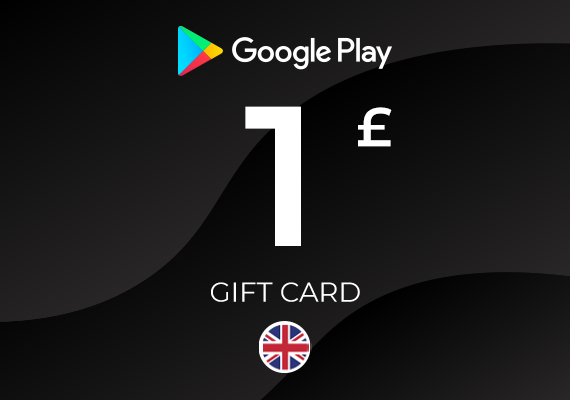
Google Play Gift Card 1 GBP
-20%
Google Play Google Play
Google Play
REINO UNIDO
£1,27 £1,01
£0,92 con
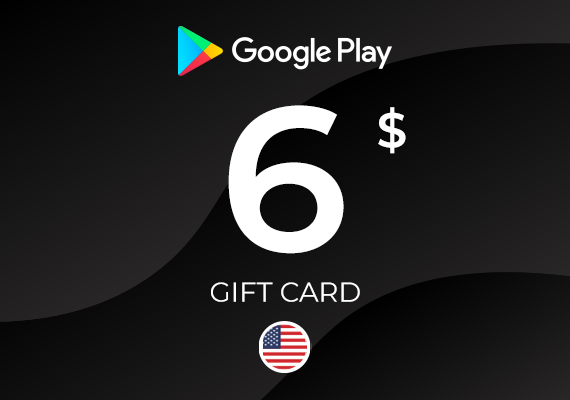
Google Play Gift Card 6 USD
-10%
Google Play Google Play
Google Play
ESTADOS UNIDOS
£5,10 £4,58
£4,16 con
Google Play Gift Card 1 EUR
Google Play Google Play
Google Play
ALEMANIA
£0,86
£0,78 con
Google Play Gift Card 5 GBP
-2%
Google Play Google Play
Google Play
REINO UNIDO
£5,10 £5,00
£4,55 con
Google Play Gift Card 100 IRN
-52%
Google Play Google Play
Google Play
INDIA
£1,70 £0,82
£0,74 con
Google Play Gift Card 2 EUR
Google Play Google Play
Google Play
ALEMANIA
£1,72
£1,57 con
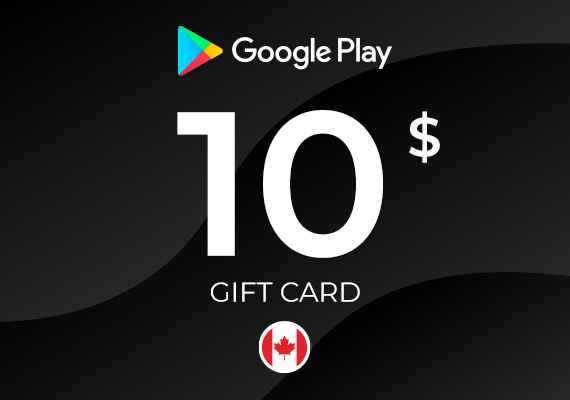
Google Play Gift Card 10 CAD
-11%
Google Play Google Play
Google Play
CANADÁ
£5,96 £5,28
£4,81 con
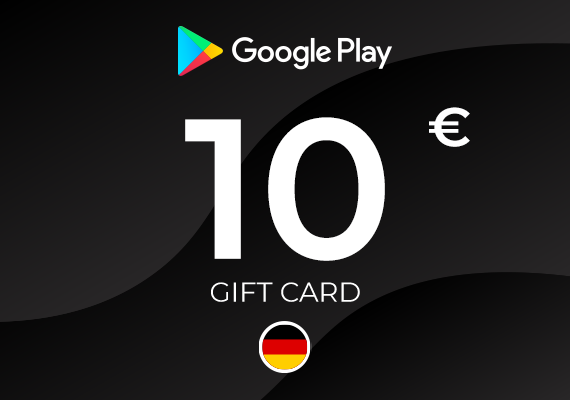
Google Play Gift Card 10 EUR
-5%
Google Play Google Play
Google Play
ALEMANIA
£8,52 £8,11
£7,38 con
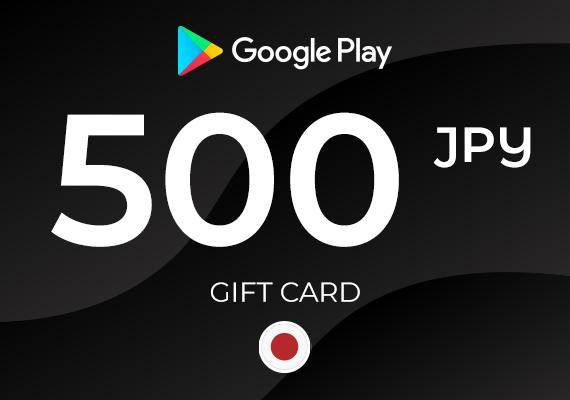
Google Play Gift Card 500 JPY
-7%
Google Play Google Play
Google Play
JAPÓN
£2,55 £2,37
£2,16 con