






























































































































Minecraft: Java and Bedrock Edition
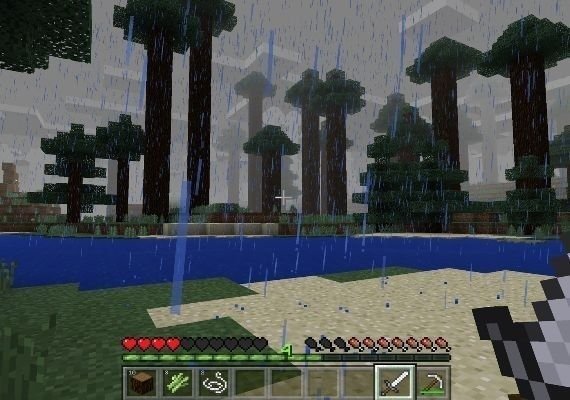
Minecraft: Java and Bedrock Edition para PC te da acceso a dos versiones del icónico juego sandbox. Construye, explora, mina, craftea y sobrevive en mundos de bloques donde tus objetivos dependen de tu creatividad, curiosidad y forma de jugar.
- Incluye Minecraft: Java Edition y Minecraft: Bedrock Edition para PC.
- Jugabilidad sandbox de mundo abierto centrada en la construcción, el crafteo, la exploración y la supervivencia.
- Juega en solitario, únete a servidores o disfruta de funciones multijugador según la edición.
- Elige Java o Bedrock según tu estilo de juego preferido y tus necesidades de compatibilidad.
Construye, sobrevive y explora tu propio mundo
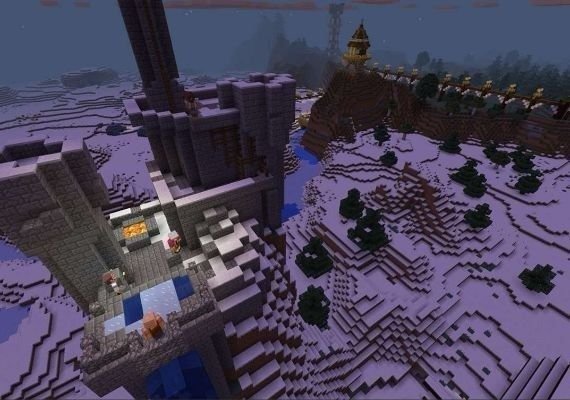
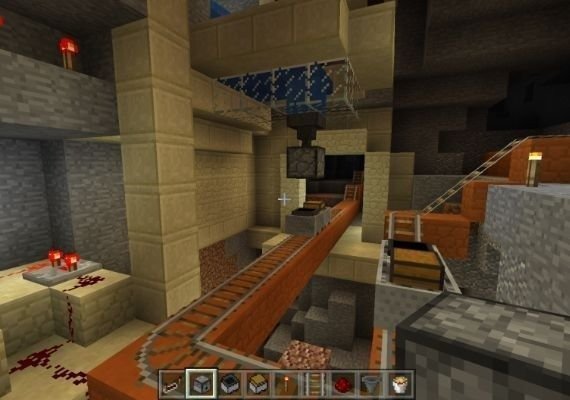
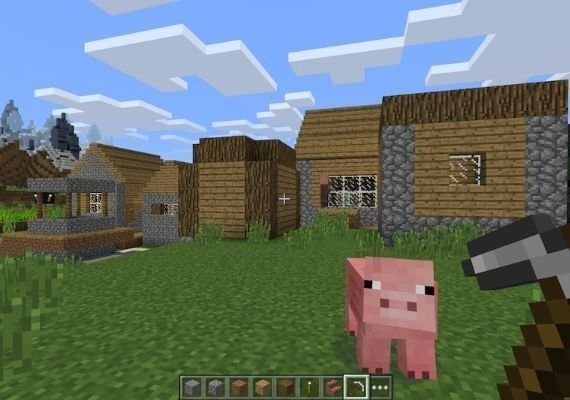
Minecraft te da libertad para crear refugios sencillos, grandes ciudades, máquinas de redstone, granjas, mapas de aventura o cualquier otra cosa que puedas imaginar. Explora mundos generados proceduralmente llenos de biomas, cuevas, aldeas, mobs, recursos y desafíos ocultos.
- Juega en modo Supervivencia y reúne recursos mientras gestionas tu salud, hambre y mobs hostiles.
- Usa el modo Creativo para construir sin límites de recursos.
- Explora cuevas, océanos, aldeas, fortalezas, el Nether y el End.
- Craftea herramientas, armaduras, armas, bloques, decoraciones y máquinas útiles.
Diferencias entre Java Edition y Bedrock Edition
Esta edición para PC incluye las dos versiones principales de Minecraft, pero están diseñadas para distintos entornos multijugador y funciones de comunidad. Java Edition es conocida por sus servidores de la comunidad, mods, mapas personalizados y experiencia centrada en PC. Bedrock Edition está diseñada para un juego multiplataforma más fluido con otros jugadores de Bedrock en dispositivos compatibles.
- Java Edition permite jugar con otros jugadores de Java en Windows, macOS y Linux.
- Bedrock Edition permite jugar de forma multiplataforma con otros jugadores de Bedrock en consolas compatibles, dispositivos móviles y Windows.
- Java Edition suele ser la opción preferida para mods, servidores personalizados y contenido creado por la comunidad.
- Bedrock Edition incluye acceso al Minecraft Marketplace para skins, mapas, complementos y otros contenidos elegibles.
- Los mundos y las partidas guardadas son independientes entre Java Edition y Bedrock Edition.
Multijugador, servidores y contenido adicional
Minecraft ofrece varias formas de jugar con otras personas, desde servidores públicos y mundos privados hasta suscripciones a Realms donde estén disponibles. Las opciones multijugador, el acceso a servidores, el contenido del marketplace y los controles parentales pueden variar entre Java y Bedrock.
- Únete a servidores públicos o de la comunidad según la edición.
- Juega con amigos usando las funciones multijugador compatibles.
- Usa Realms o Realms Plus donde estén disponibles como opción de suscripción independiente.
- Personaliza tu experiencia con skins, paquetes de texturas, complementos, mapas o mods según la edición.
Antes de empezar
Antes de jugar, comprueba qué edición se adapta mejor a tu configuración y con quién quieres jugar. Java y Bedrock no comparten los mismos mundos, servidores, sistemas de marketplace ni compatibilidad multijugador, por lo que elegir la edición correcta es importante.
- Usa Java Edition si quieres una experiencia centrada en PC con servidores Java y opciones de modding.
- Usa Bedrock Edition si quieres jugar de forma multiplataforma con otros jugadores de Bedrock.
- Puede ser necesaria una conexión a internet para iniciar sesión, jugar online, acceder a servidores, recibir actualizaciones y usar funciones online.
- Algunas funciones multijugador, contenidos del marketplace y opciones de Realms pueden requerir compras o suscripciones adicionales.
- Comprueba los requisitos del sistema y la configuración de la cuenta parental antes de instalar y jugar.
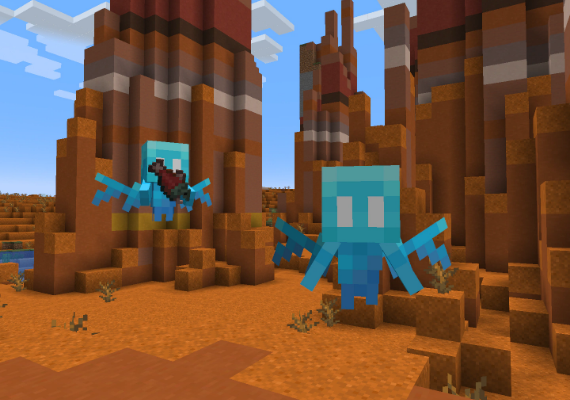
Dive into the endless cycle of creation, exploration, and survival in Minecraft: Java Edition and Bedrock Edition.
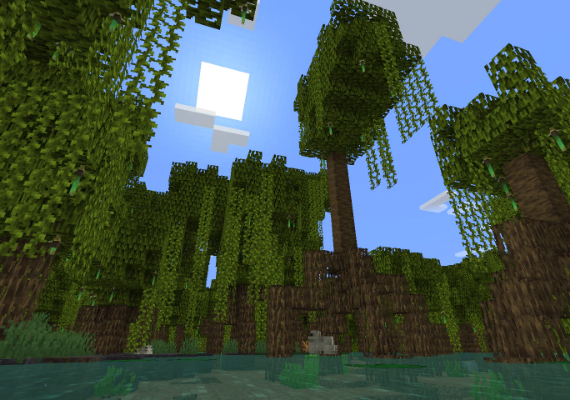
Double the mining, double the crafting – experience a vast community of Minecrafters like never before.
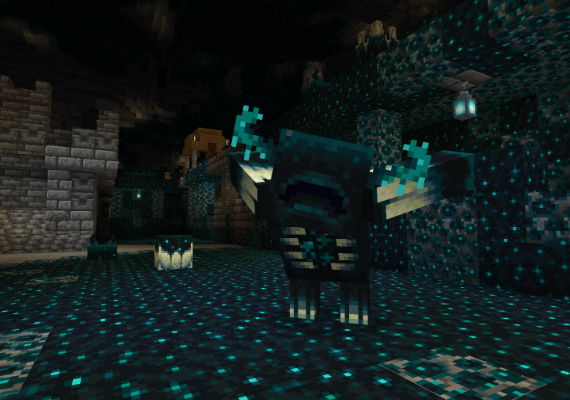
Join expansive multiplayer servers for free and engage in thrilling adventures with thousands of fellow players!