Passer au contenu principal Passer à la recherche Passer à la navigation principale

Guides d'activation

Retour

Cartes cadeaux Uber Eats

1

Ouvrez la section Compte:

  • Ouvrez l'application Uber Eats et accédez à la section "Compte".
2

Accéder au portefeuille:

  • Sélectionnez "Portefeuille" dans le menu Compte.
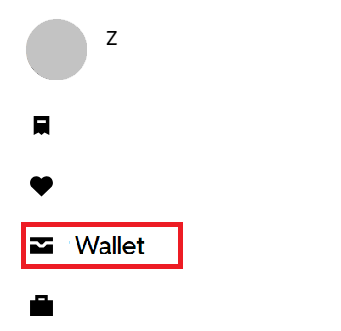
3

Ajouter des fonds:

  • Choisissez "+ Ajouter des fonds" dans la section de la carte Uber Cash.
4

Entrez le code cadeau:

  • Entrez votre code cadeau dans le champ prévu à cet effet.
5

Ajoutez le code:

  • Choisissez "Ajouter" pour appliquer le solde de la carte cadeau à votre Uber Cash.
Project Zomboid (PC)
-68%
Steam Gift Steam Gift
Steam Gift
GLOBAL
19,49 € 6,32 €
5,37 € avec
1x Master Mystery Steam Key
-33%
Steam Steam
Steam
GLOBAL
5,99 € 3,99 €
3,39 € avec
The Blood of Dawnwalker (PC)
-25%
Steam Steam
Steam
EU
69,99 € 52,74 €
49,58 € avec
Xbox Game Pass Ultimate - 1 Month Non-Stackable
-73%
Microsoft Store Microsoft Store
Microsoft Store
ÉTATS-UNIS
26,99 € 7,39 €
6,80 € avec
Minecraft: Java & Bedrock Edition (PC)
-45%
Microsoft Store Microsoft Store
Microsoft Store
GLOBAL
29,99 € 16,55 €
14,07 € avec
Xbox Game Pass Ultimate - 1 Month Non-Stackable
-51%
Microsoft Store Microsoft Store
Microsoft Store
GLOBAL
26,99 € 13,19 €
12,13 € avec
Xbox Game Pass Ultimate - 1 Month Non-Stackable
-48%
Microsoft Store Microsoft Store