Bed Bath and Beyond
1
1. Accede a tu cuenta de Bed Bath and Beyond:
- Si no tienes una cuenta, crea una en la página web.
2
Elegir artículos para comprar :
- Navegue por el sitio web y añada los artículos que le interesan a su cesta.
- A continuación, haz clic en el icono del carrito y en Comprar.
3
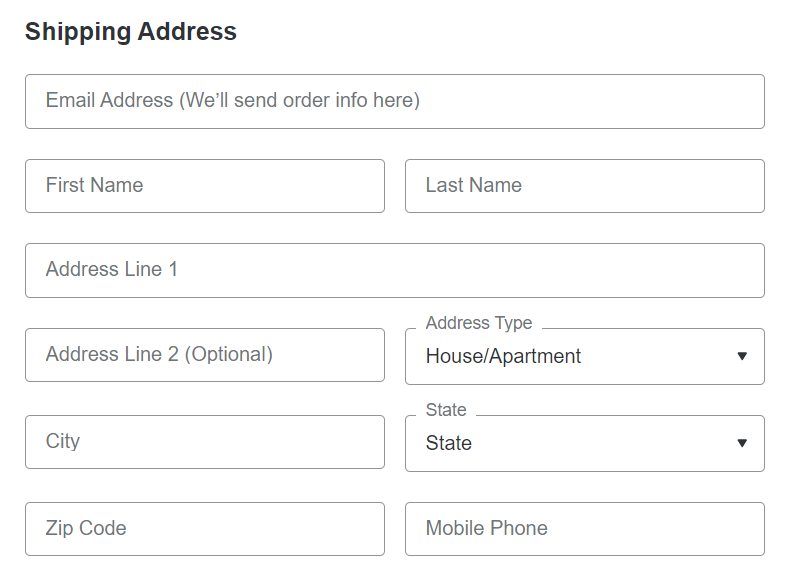
Información completa:
- Introduzca todos los datos necesarios que permitan la entrega de los productos seleccionados.
4
Seleccione la opción de pago:
- Durante el pago, marca la casilla "Usar tarjeta regalo Bed Bath & Beyond" en la sección Opciones de pago.
5
Introduzca la información de la tarjeta regalo:
- Introduzca el número y el PIN de la tarjeta regalo.

6
Aplicar Tarjeta Regalo:
- Haga clic en "Aplicar". Si ha aplicado previamente su tarjeta regalo a su cuenta, el importe de la tarjeta regalo se utilizará automáticamente en su compra y se reflejará en la casilla de totales.
7
2. Solicitud de cuenta en línea:
Visite la Página de Tarjetas Regalo
8
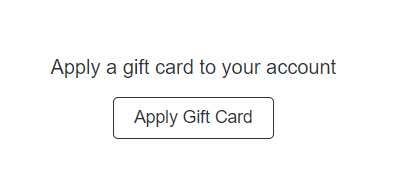
Aplicar Tarjeta Regalo:
- Seleccione "Aplicar Tarjeta Regalo".
- Introduzca el número y el PIN de la tarjeta regalo.
- Pulse "Aplicar".
9
Utilizar saldo más tarde:
- El importe aparecerá en tu cuenta y podrás utilizarlo más adelante durante el proceso de pago como método de pago.