Dunk City Dynasty Direct Top-Up Activation Guide
1
Select top-up amount:
- Choose the number of Tokens you want to purchase.
- Check your selection before moving forward.
2
Enter account details:
- Provide your User ID and select the correct Server.
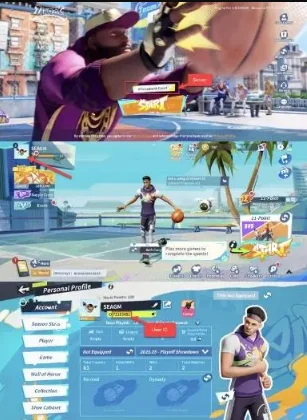
- Log in to the game to view your Server on the main screen.
- Tap your avatar in the top-left corner to find your User ID under your nickname.
3
Complete payment:
- Proceed to checkout after entering your details.
- Select your payment method and confirm the transaction.
4
Receive Tokens:
- After successful payment, the Tokens will be activated in your account.
- The top-up is usually processed instantly.