Hytale Account Activation Guide
1
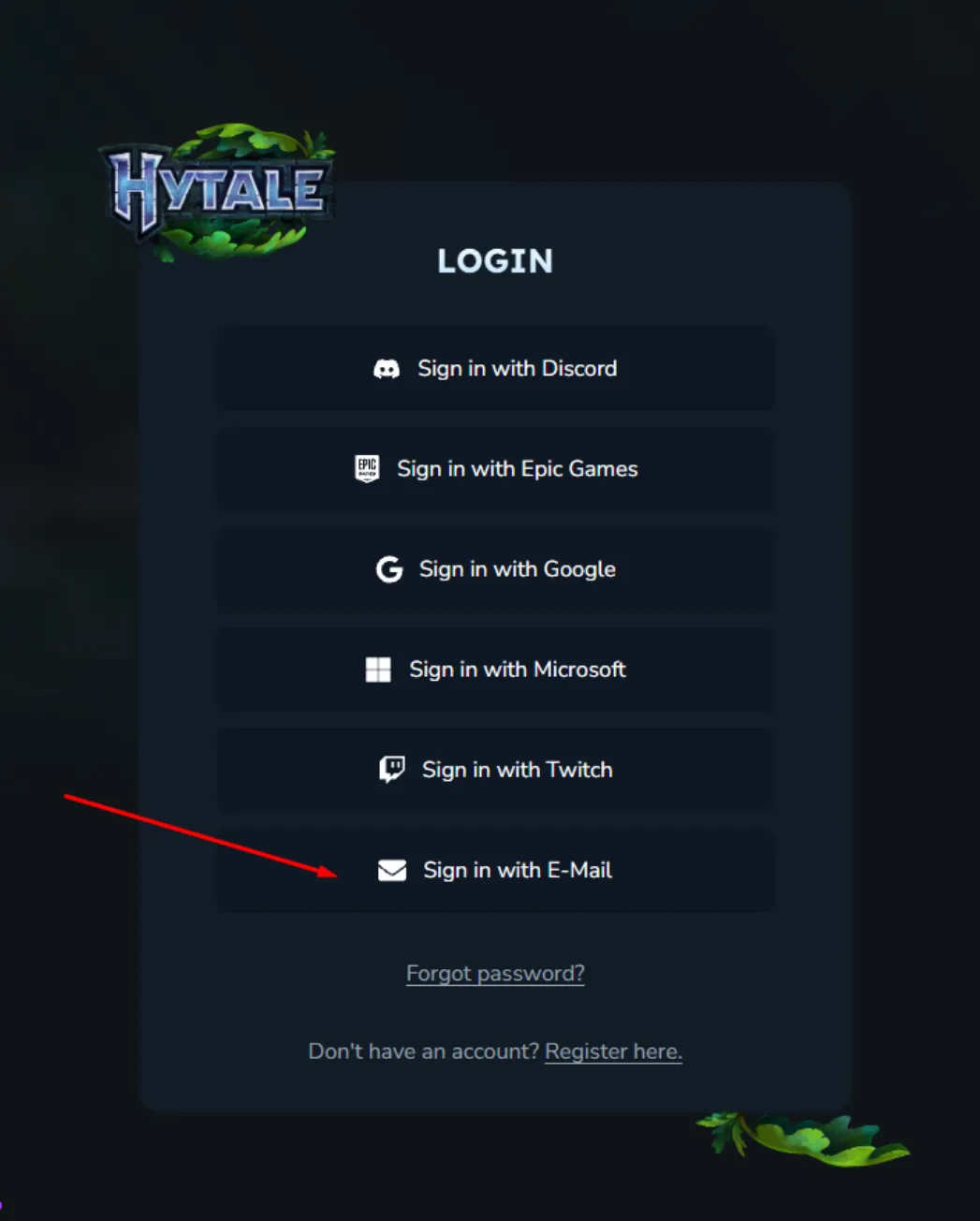
Accedi all’account Hytale:
- Vai su https://accounts.hytale.com/login dopo aver completato l’ordine.
- Clicca su “Accedi con e-mail”.
- Inserisci l’e-mail e la password fornite, quindi clicca “Accedi con password”.
2
Accedi al codice 2FA tramite e-mail:
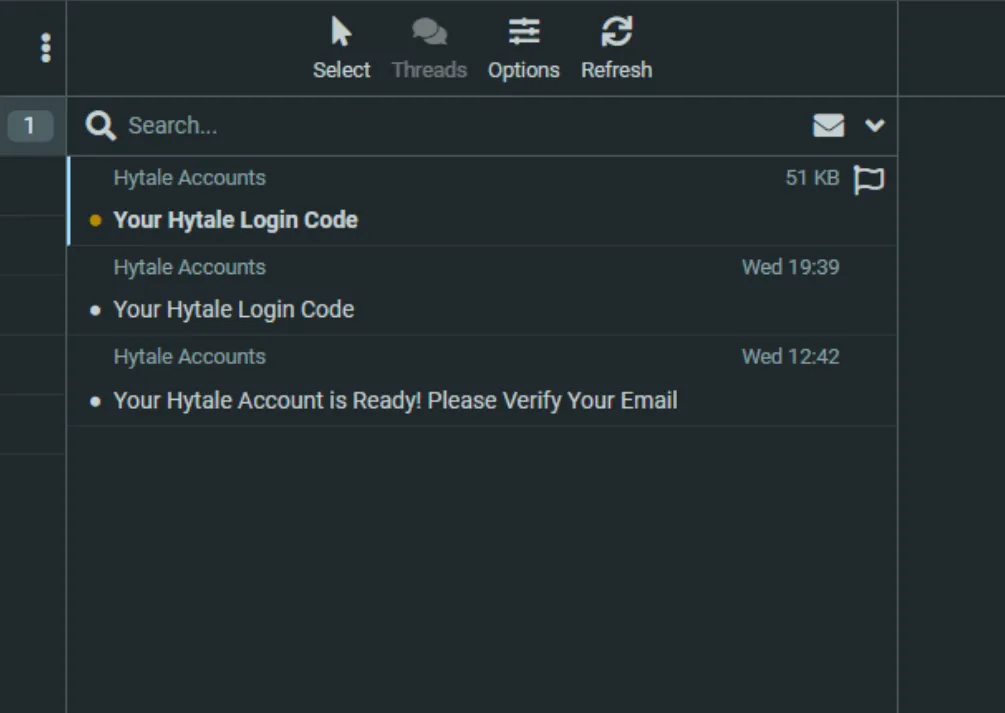
- Apri una nuova scheda e vai su https://onevmail.com/rc/.
- Accedi usando la stessa e-mail e password del tuo account Hytale.
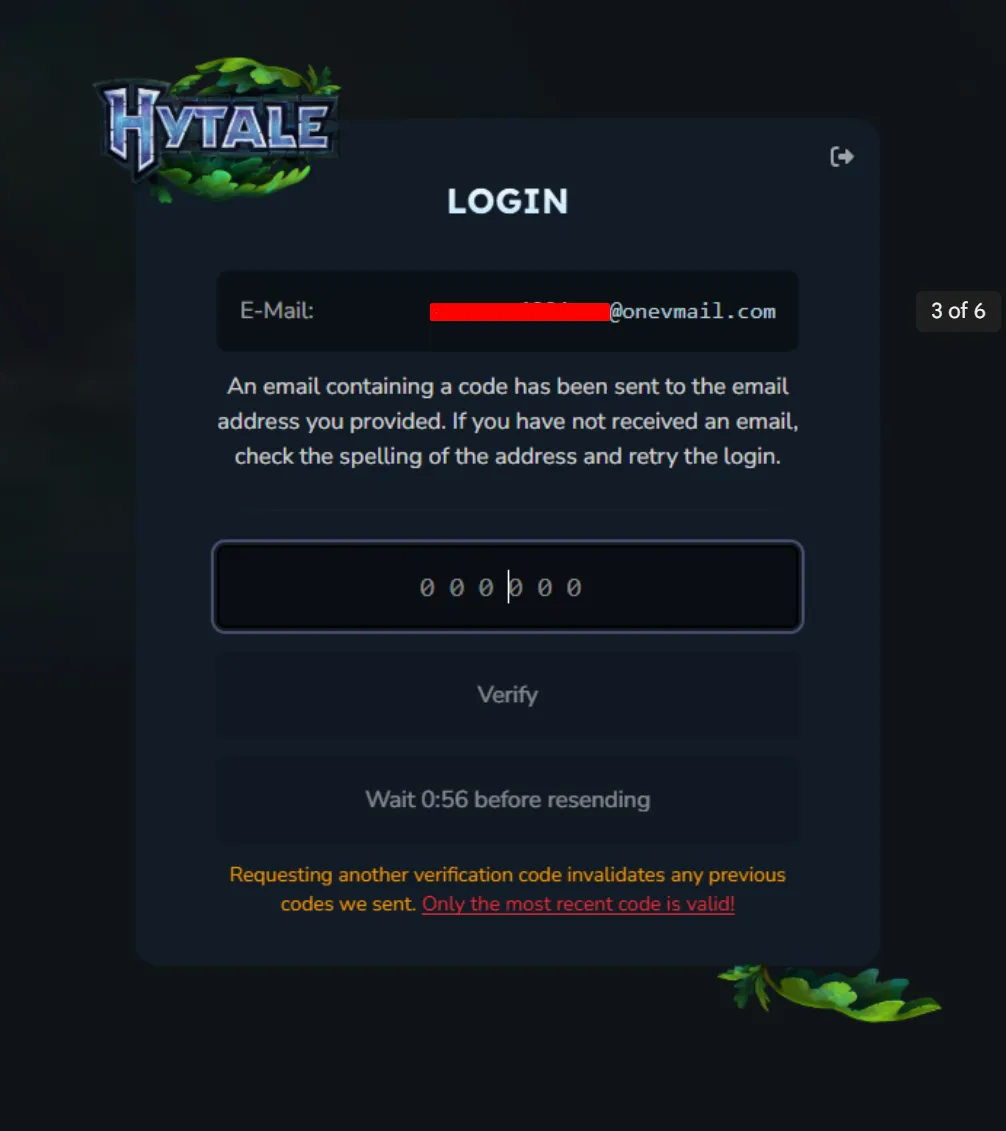
- Apri l’e-mail più recente intitolata “Your Hytale Login Code” e copia il codice 2FA.
3
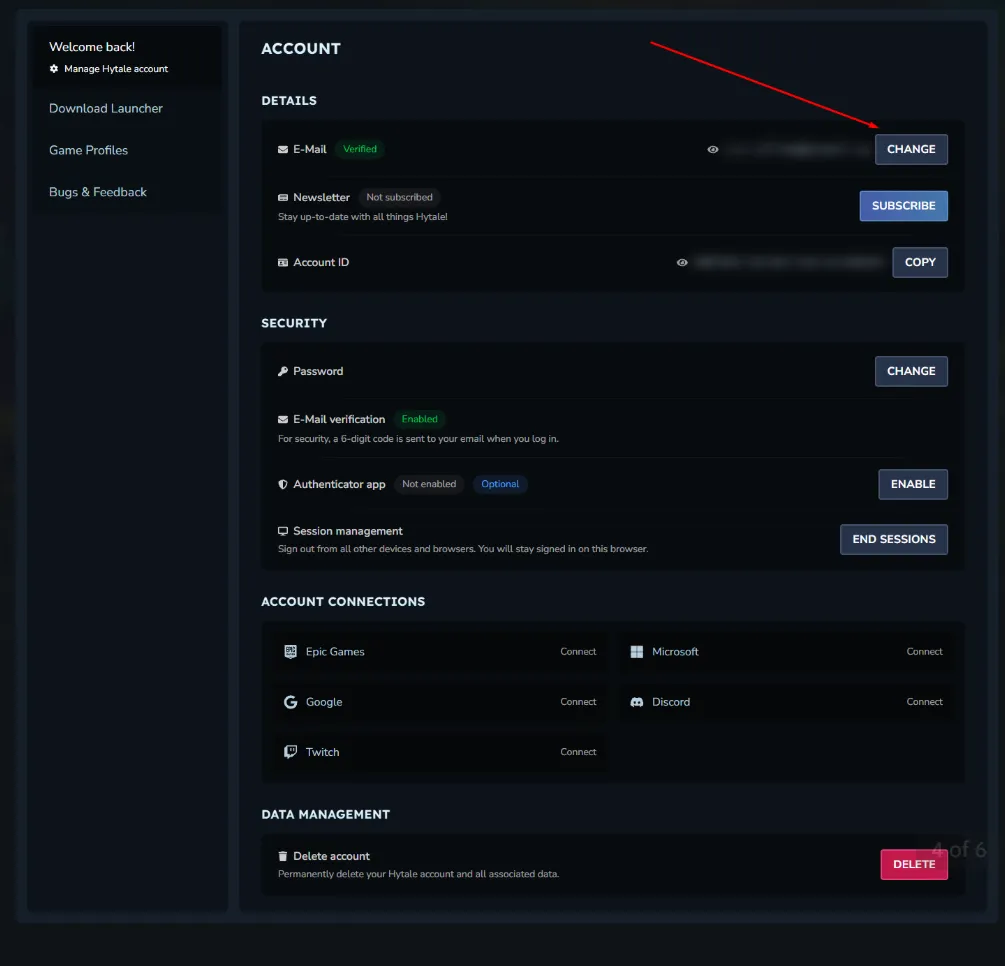
Cambia e-mail dell’account:
- Clicca qui per le istruzioni sul cambio e-mail (dal pannello account o dalla pagina di supporto).
- Segui i passaggi per aggiornare la tua e-mail personale.
- Conferma la nuova e-mail tramite il link ricevuto.
4
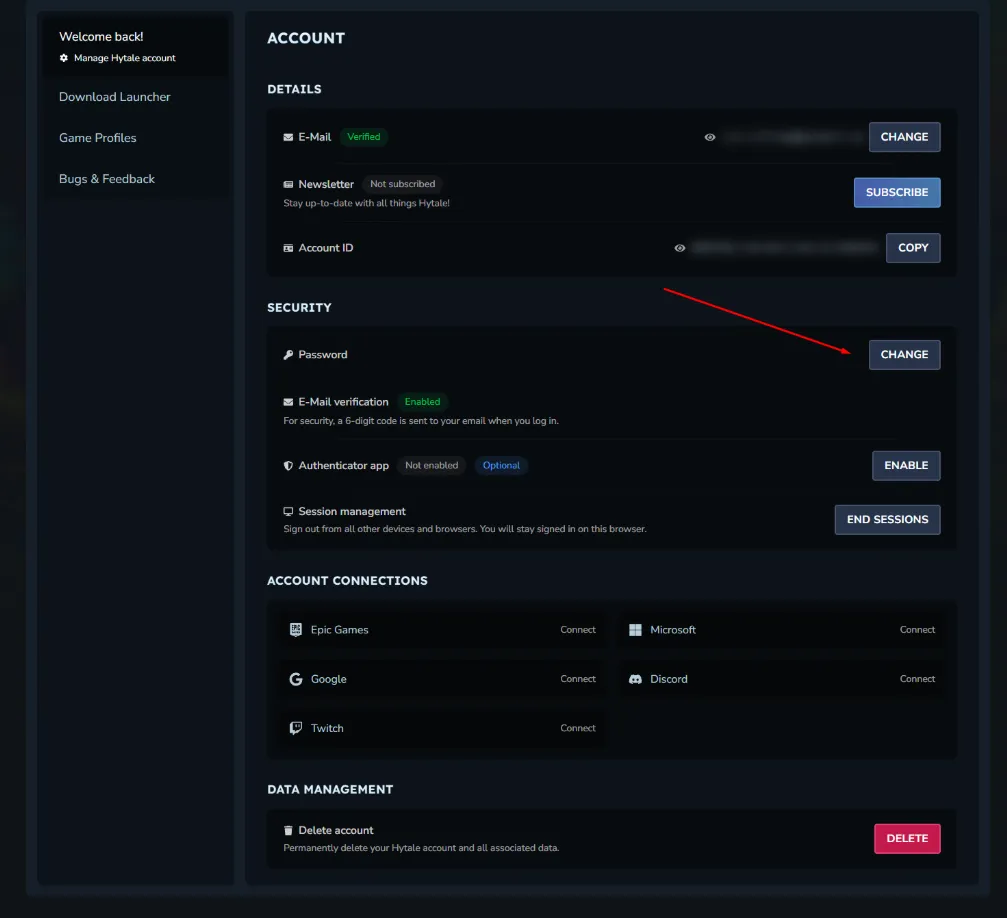
Cambia password e aggiungi sicurezza:
- Clicca qui per istruzioni (nella sezione impostazioni account).
- Imposta una nuova password e attiva eventualmente l’autenticazione a due fattori.
- Salva le modifiche e prova ad accedere di nuovo.
5
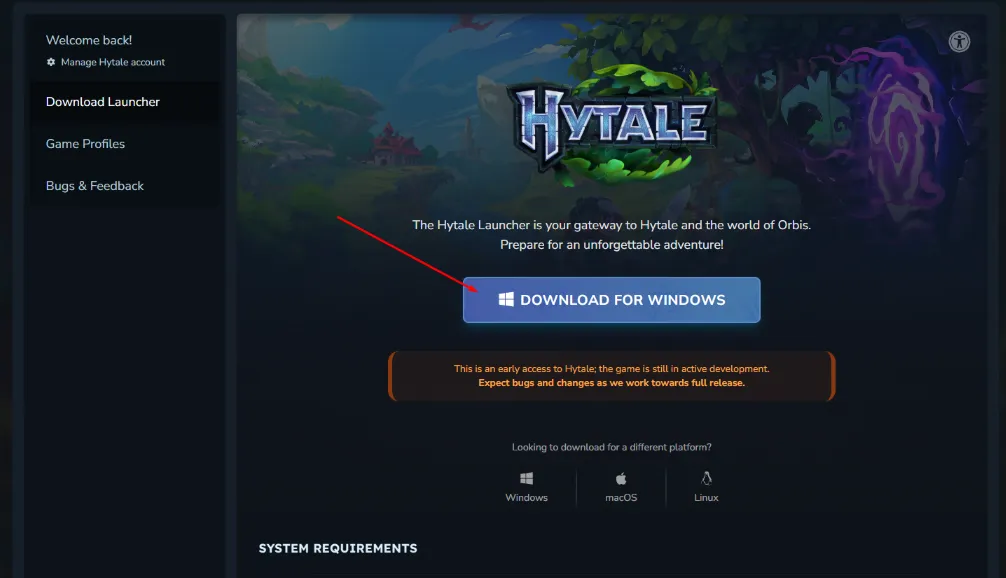
Scarica il gioco Hytale:
- Vai su https://accounts.hytale.com/download.
- Seleziona “Scarica per Windows”.
- Esegui l’installatore e avvia il gioco.