

















































































































Google Play
1
Accedi:
- Segui questo link per creare un nuovo account Google o accedi a quello esistente.
2
Accedi a Google Play:
- Segui questo link e accedi al tuo account Google nel Google Play Store.
3
Vai al tuo account:
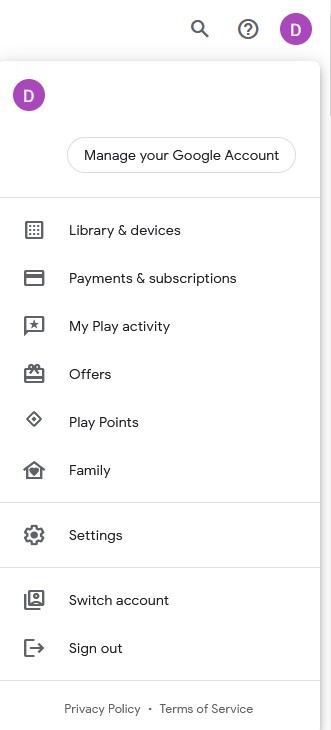
- Vai nell'angolo in alto a destra del sito web e clicca sull'avatar dell'account.
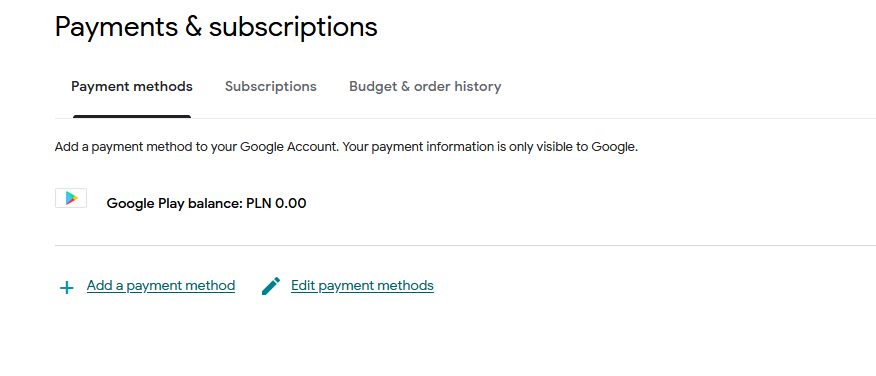
- Seleziona l'opzione "Pagamenti e abbonamenti" dal menu a tendina.
4
Aggiungi un metodo di pagamento:
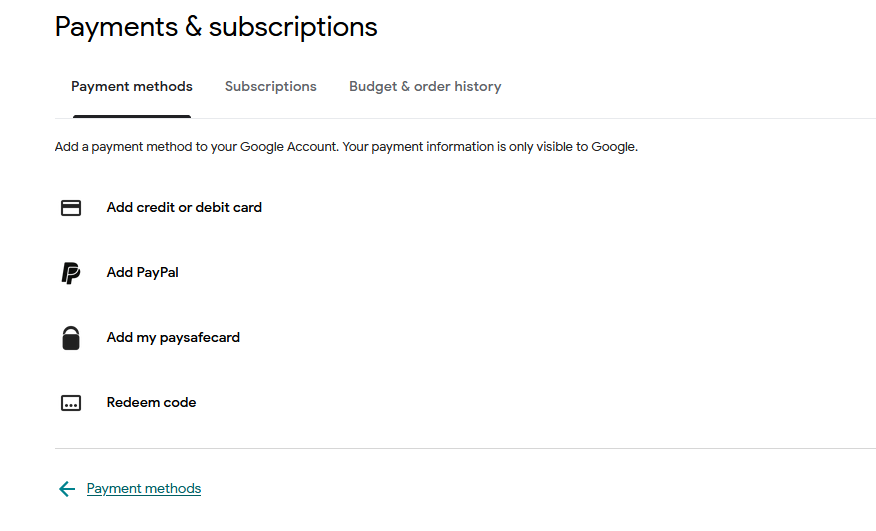
- Nella sezione Pagamenti e abbonamenti, clicca su "Aggiungi un metodo di pagamento".
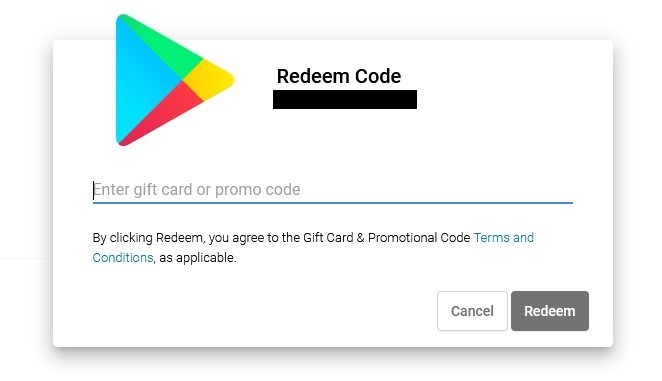
- Seleziona l'opzione "Riscatta codice".
5
Scegli "Riscatta codice":
- Inserisci il tuo codice regalo Google Play nell'apposito campo.