
















































































Garena Free Fire Diamond Gift Cards
Results found: 29
Sort by
 Garena
 Garena
 Garena
 Garena
 Garena
 Garena
 Garena
 Garena
 Garena
 Garena
 Garena
 Garena
 Garena
 Garena
 Garena
 Garena
 Garena
 Garena
 Garena
 Garena
 Garena
 Garena
 Garena
 Garena
 Garena
 Garena
 Garena
 Garena
 Garena
Garena Free Fire Gift Cards
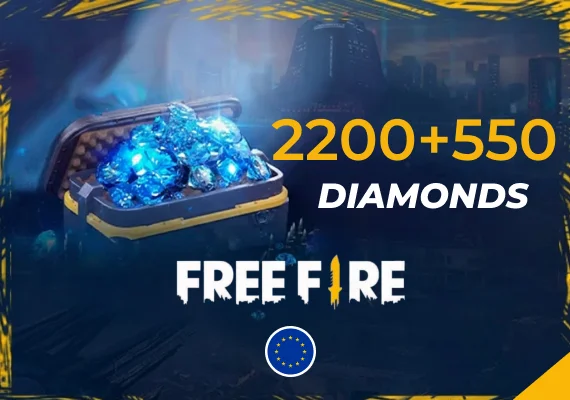
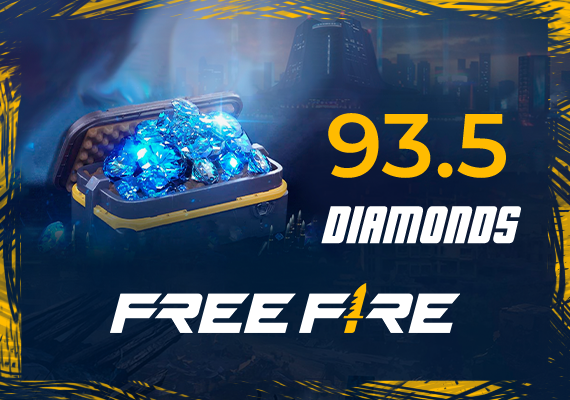
This page covers Garena Free Fire gift cards delivered as a redeem code. After redemption, Diamonds are credited to the Free Fire account linked to the Player ID you enter, so accuracy matters.
- Gift card delivered as a code.
- Redeem by entering your Free Fire Player ID and the redeem code.
- Diamonds are credited to the account tied to the Player ID used during redemption.
What Diamonds are used for
Free Fire Diamonds are used for optional in-game purchases and event content. Available items and offers can change based on updates, events, and regional settings.
- Buy skins, characters, bundles, and other store items.
- Use in selected event features where Diamonds are required.
- Access limited-time offers tied to seasonal updates.
Garena Free Fire Gift Card Activation Guide
Redeem your gift card by signing in, selecting Free Fire, then entering your Player ID and code. Double-check the Player ID before confirming to avoid crediting the wrong account.
- Log into your account on the Garena Free Fire website and locate the Free Fire game icon.
- Select the Free Fire game and enter your Free Fire Player ID in the designated field.
- Go to the “Redeem Code” page and enter your code in the provided space.
- After activation, Diamonds are added to your account within a few moments.
Important notes
Redemption credits Diamonds to the account linked to the Player ID you enter. If the balance does not update immediately, refresh the game session and verify the details used during redemption.
- Use the correct Player ID to avoid crediting the wrong account.
- Diamonds are typically non-transferable after they are credited.
- If there is a delay, reopen the game and check your balance again.