



















































































Nintendo Switch Online Membership Plans
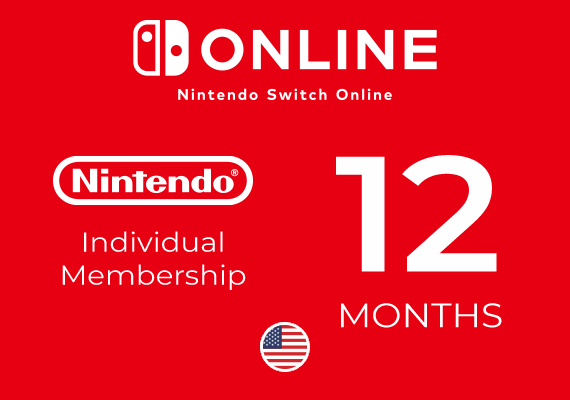
 Nintendo
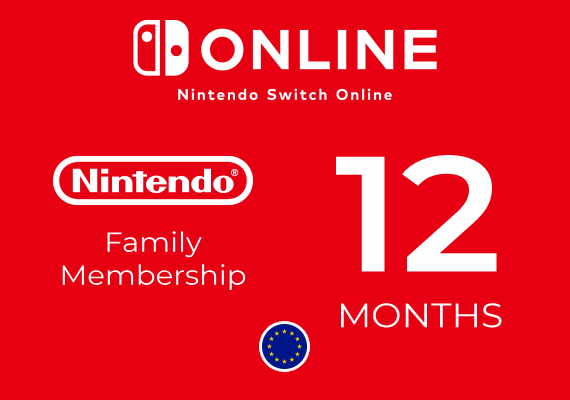 Nintendo
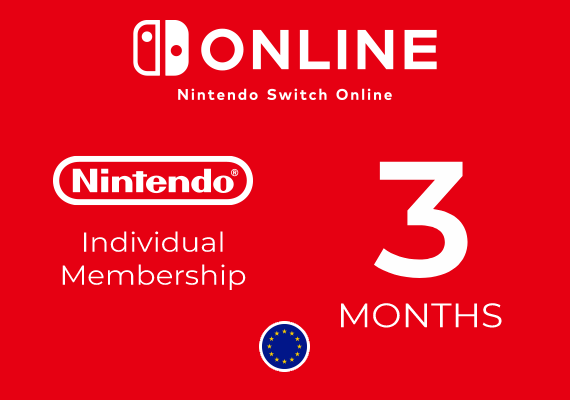 Nintendo
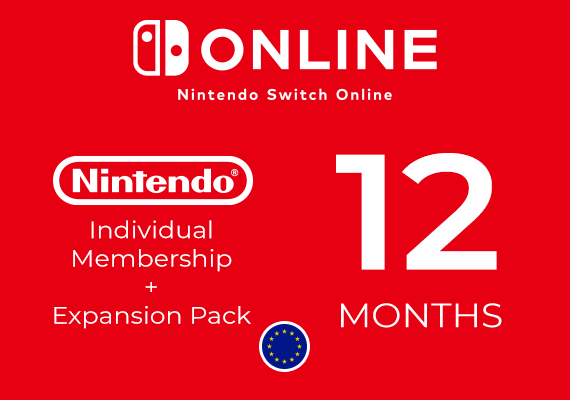 Nintendo
 Nintendo
 Nintendo
 Nintendo
 Nintendo
 Nintendo
 Nintendo
 Nintendo
Nintendo Switch Online Membership for Switch and Switch 2
A Nintendo Switch Online membership unlocks online play, cloud saves, and a growing library of classic games on your Switch or Switch 2. This category covers every plan, from Individual to Family and from the Standard tier to the Expansion Pack, so you can pick the one that fits how you and your household play. Each plan comes as a code you redeem on your own Nintendo Account.
Compare the membership tiers
Nintendo Switch Online comes in two tiers, each available as an Individual or a Family plan. The right choice depends on how many people play and whether you want the extra retro libraries.
- Standard covers online multiplayer, cloud saves, the NES, SNES, and Game Boy classic libraries, and the Nintendo Music app.
- Expansion Pack adds more retro libraries, including N64, Game Boy Advance, Sega Mega Drive, and GameCube on Switch 2, plus major DLC for games like Mario Kart 8 Deluxe and Animal Crossing.
- Individual plans cover one Nintendo Account.
- Family plans cover up to eight Nintendo Accounts, who do not all need to be in the same household, so the cost per person is much lower.
How to redeem your membership code
Your membership starts as soon as you redeem the code, and there is no payment card to add. Because the code is prepaid, it runs for its full term and then simply ends, with no surprise renewal.
- Sign in to your Nintendo Account on your Switch, Switch 2, or at the Nintendo redeem page.
- Open the eShop and choose the redeem code option.
- Enter the code from your email to activate the membership right away.
- Redeem before your current membership ends to extend the same plan without a gap.
What to check before you buy
A quick look at the product page makes sure the plan lines up with your account and how you play. These are the details worth confirming.
- Region: the code is tied to a region, so check that it matches the country set on your Nintendo Account.
- Tier: confirm whether the listing is Standard or Expansion Pack, and Individual or Family, so you get the features you want.
- Term: check the length of the plan, since memberships are sold for a set period such as a full year.
- If a code does not work, you can request a replacement or a refund, so your purchase is protected.
Frequently asked questions
How much does Nintendo Switch Online cost?
The price depends on the tier and term you choose. Standard plans cost less than Expansion Pack plans, and a Family plan covers up to eight accounts, so the cost per person drops well below an Individual plan. Each listing shows its current price.
What happens when my membership ends?
At the end of the term the membership expires, since a code does not renew on its own. Online play and cloud access pause, but your cloud saves are kept for a period, and you can redeem a new code any time to pick up where you left off.
Are these memberships cheaper than buying from Nintendo directly?
Yes, you get lower prices than buying the same plan from the eShop directly. The amount you save depends on the tier and term, so check the listing for the current offer on the plan you want.
Is it safe to buy a Nintendo Switch Online membership here?
Yes. Every purchase is legal and protected by secure, monitored checkout, and your code is delivered fast. If a code ever fails to activate, our support team steps in and arranges a replacement or a refund when it is justified.
How fast do I get my code?
Delivery is instant. Your membership code arrives by email within about 15 seconds of payment, so you can redeem it and start playing online the same day.