















































































































.svg)
Ghid de activare a aplicației EA
1
Descărcați și instalați aplicația EA:
- Dacă nu ați făcut-o deja, descărcați și instalați aplicația EA de pe site-ul oficial.
2
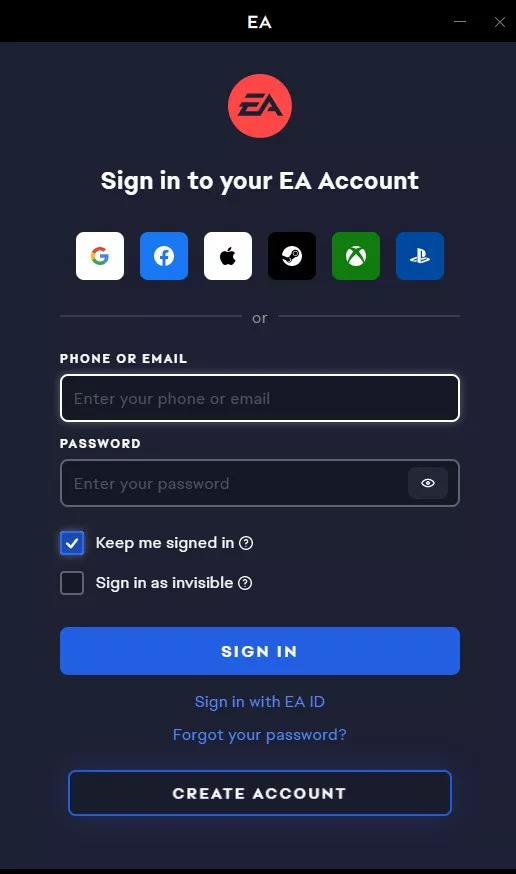
Lansați și conectați-vă:
- Porniți aplicația EA.
- Conectați-vă cu contul dvs. EA. Dacă nu aveți un cont, puteți crea unul.
3
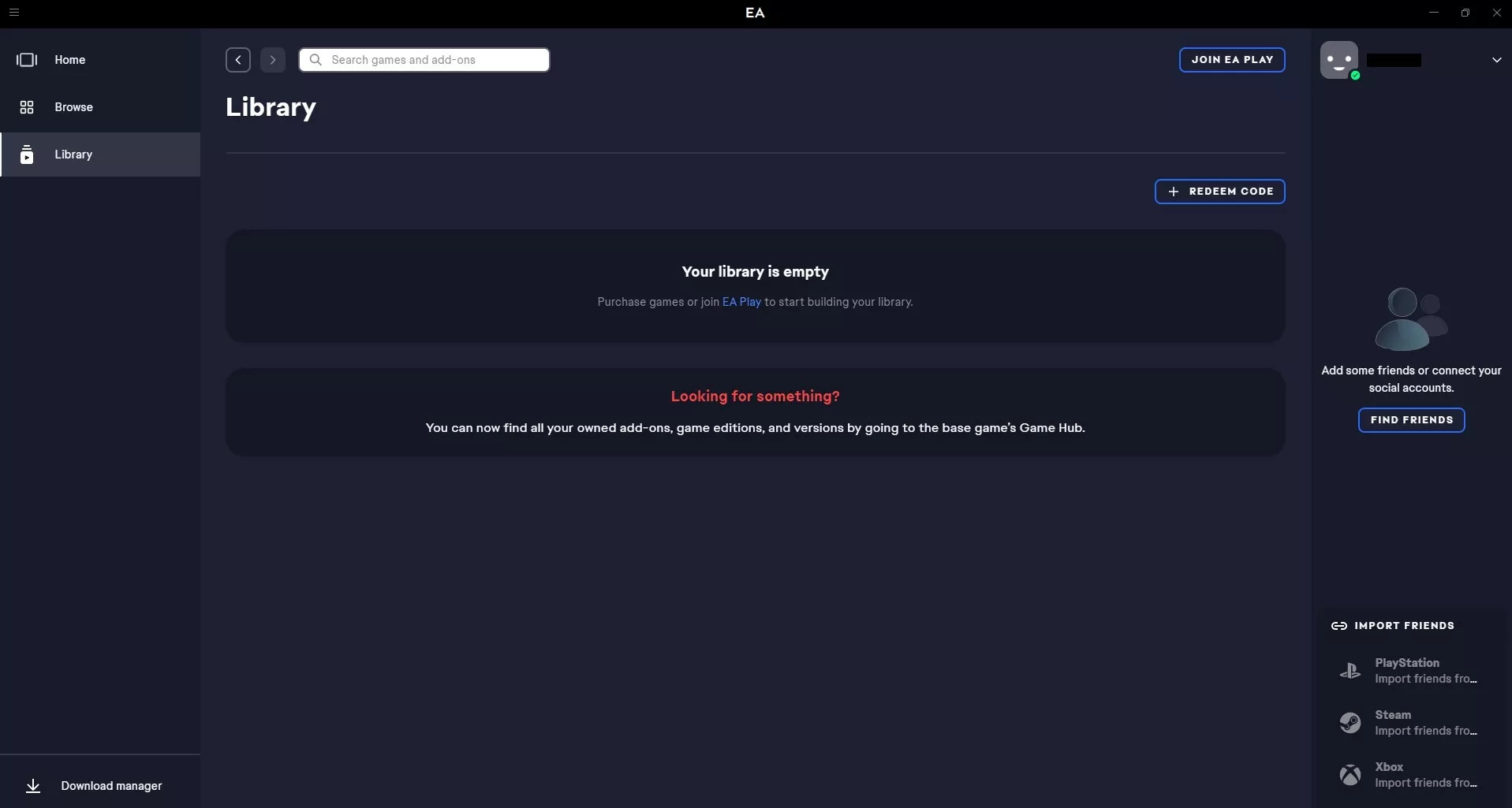
Valorificați codul jocului:
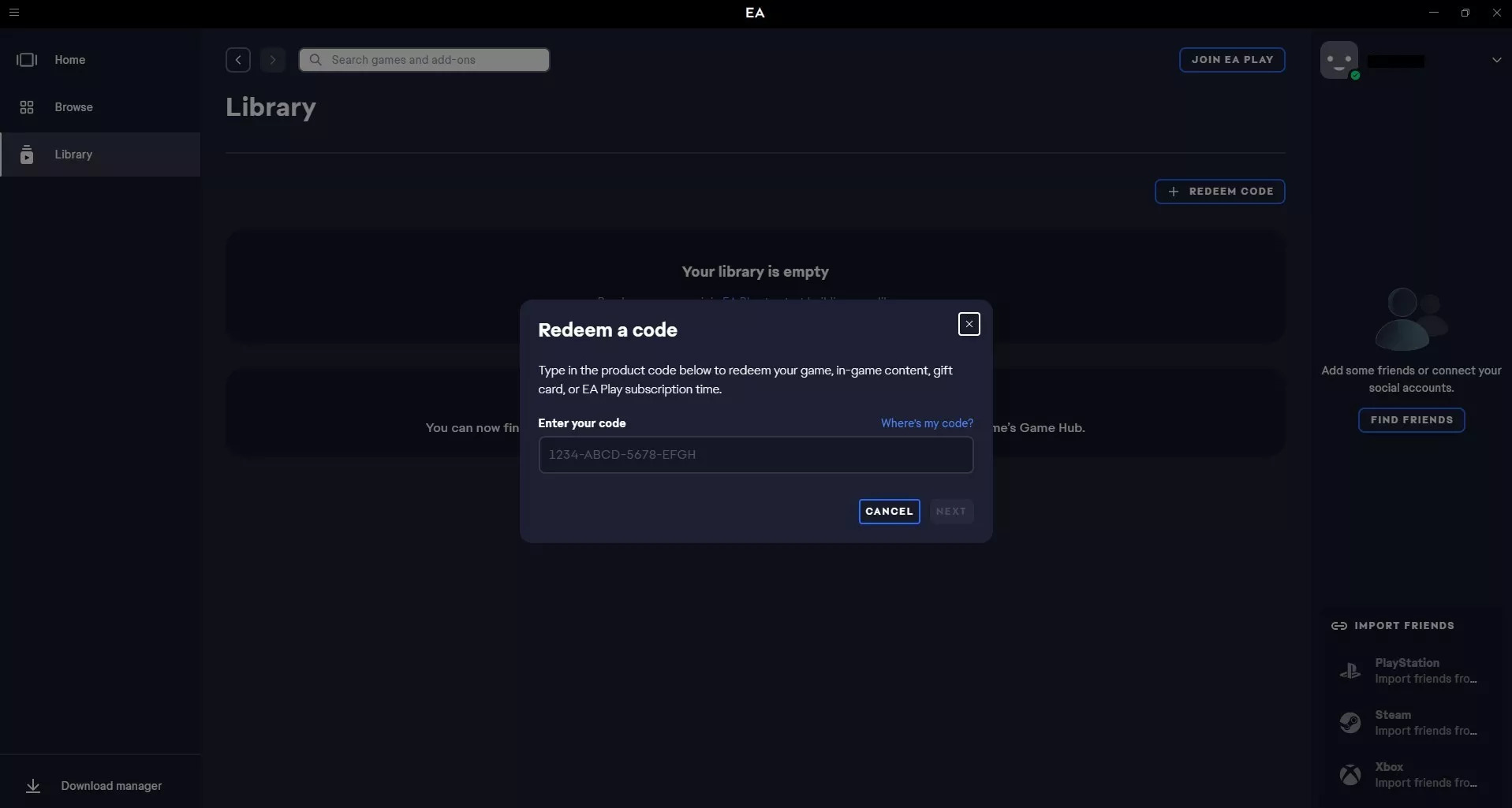
- Ar trebui să existe o opțiune precum „Adăugați un joc”, „Valorificați un cod” sau un semn „+” (sau similar). Faceți clic pe acesta.
- Introduceți codul jocului în câmpul prevăzut.
4
Confirmă activarea:
- După introducerea codului, aplicația îți va arăta, de obicei, jocul pe care urmează să îl adaugi. Confirmă că jocul este corect și finalizează activarea.
- Jocul ar trebui să apară acum în biblioteca dvs., gata pentru descărcare și redare.