ESET
1
Accesați site-ul web ESET:
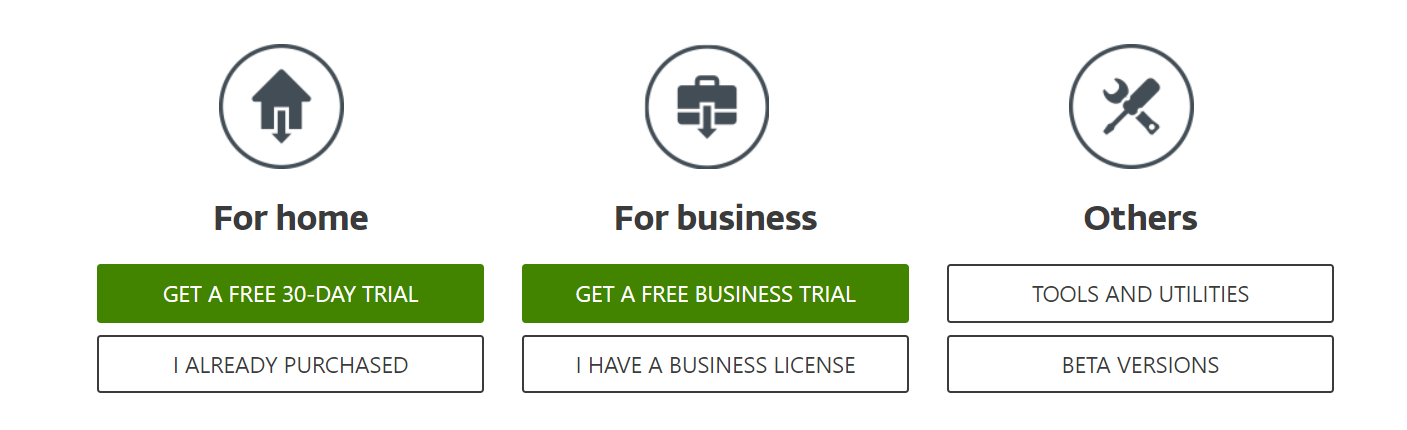
- Accesați site-ul web ESET și descărcați software-ul corespunzător.
- Dacă ați achiziționat deja un cod de activare, faceți clic pe „Am un cod de activare”.
2
Instalați software-ul:
- Urmați instrucțiunile de pe ecran și faceți clic pe „Începeți” pentru a începe procesul de instalare.

3
Conectați-vă la contul dvs.:
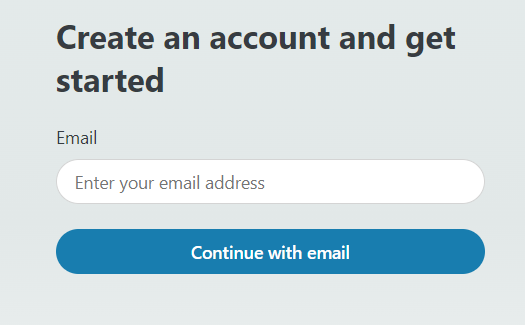
- Conectați-vă la contul ESET. Dacă nu aveți un cont, creați unul.
4
Acces la abonament:
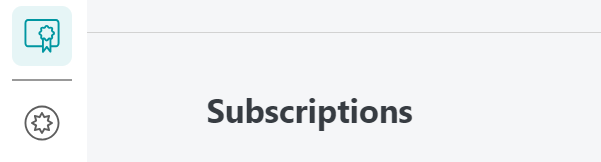
- Accesați fila „Abonamente” vizibilă în partea dreaptă a meniului.
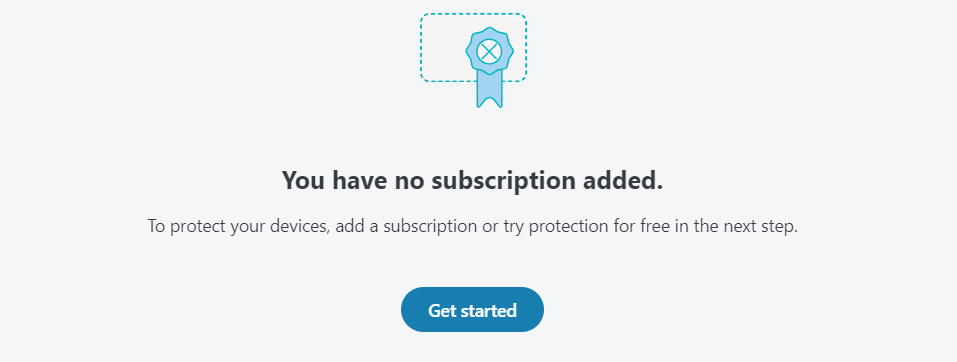
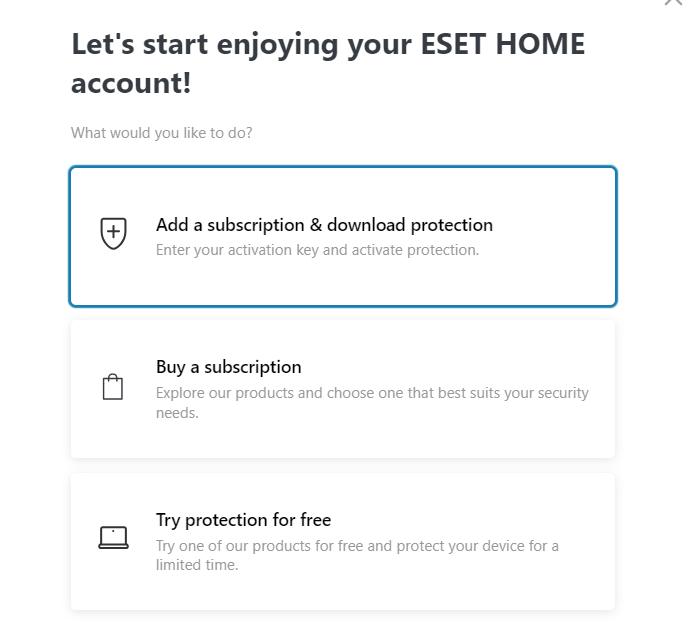
- Faceți clic pe butonul „Începeți” care apare în centrul ecranului.
5
Adăugați și activați abonamentul:
- Selectați „Adăugați abonament” și faceți clic pe „Continuați”.
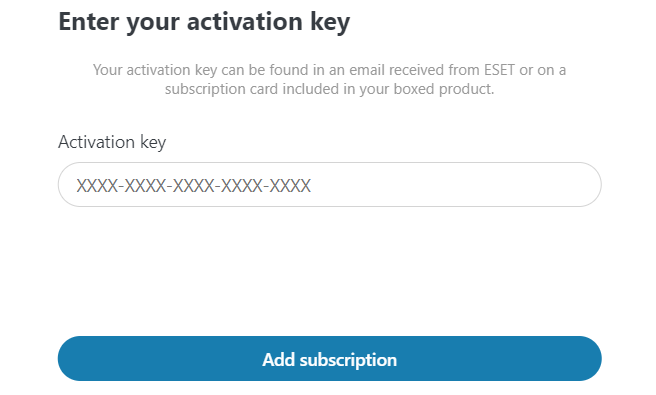
- Introduceți codul de activare în câmpul prevăzut.
- Asigurați-vă că codul este introdus corect.
- Faceți clic pe „Adăugați abonament” pentru a finaliza procesul de activare.
6
Abonament adăugat:
- Abonamentul dvs. a fost adăugat cu succes la contul dvs.