Norton
1
Visite la página de activación de Norton:
- Vaya aquí.
2
Inicie sesión en Norton:
- Si aún no ha iniciado sesión en Norton, se le solicitará que lo haga. Escriba su dirección de correo electrónico y contraseña para Norton, y haga clic en Iniciar sesión.
3
Descargue el producto:
- Descargue el producto adecuado del sitio web.
4
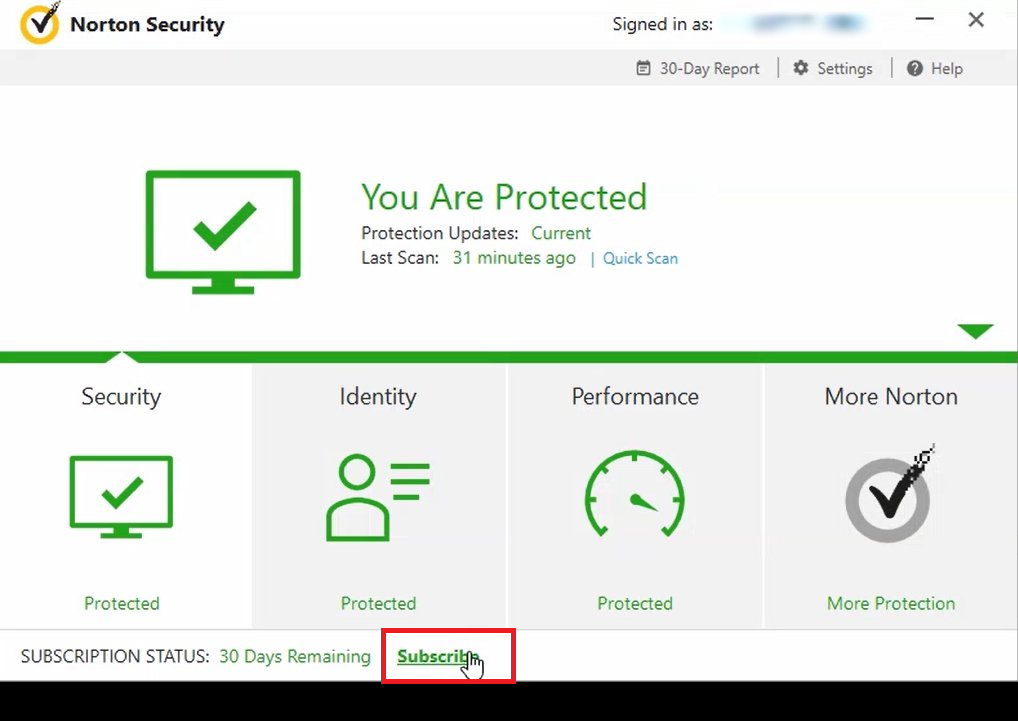
Vaya a la página de suscripción:
- Haga clic en "Suscribirse" en la parte inferior de la pantalla.
5
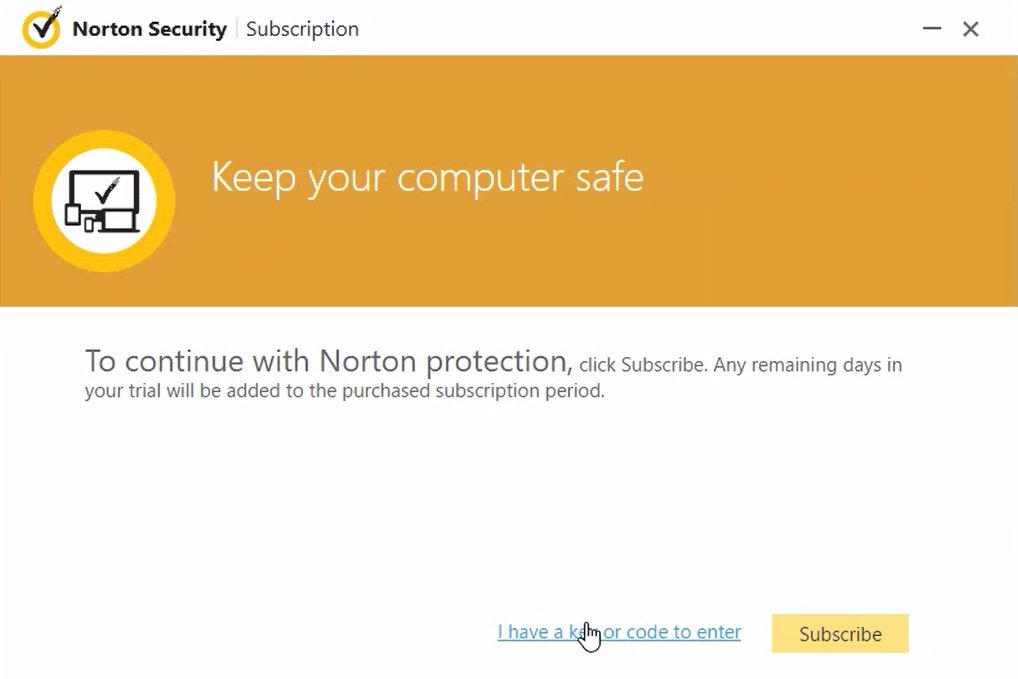
Introduzca su código:
- Haga clic en "Tengo una clave o código que introducir".
6
Introduzca el código:
- Introduzca el código de su producto en el campo correspondiente.
- Haga clic en "Siguiente".
.jpg)
7
Active su producto:
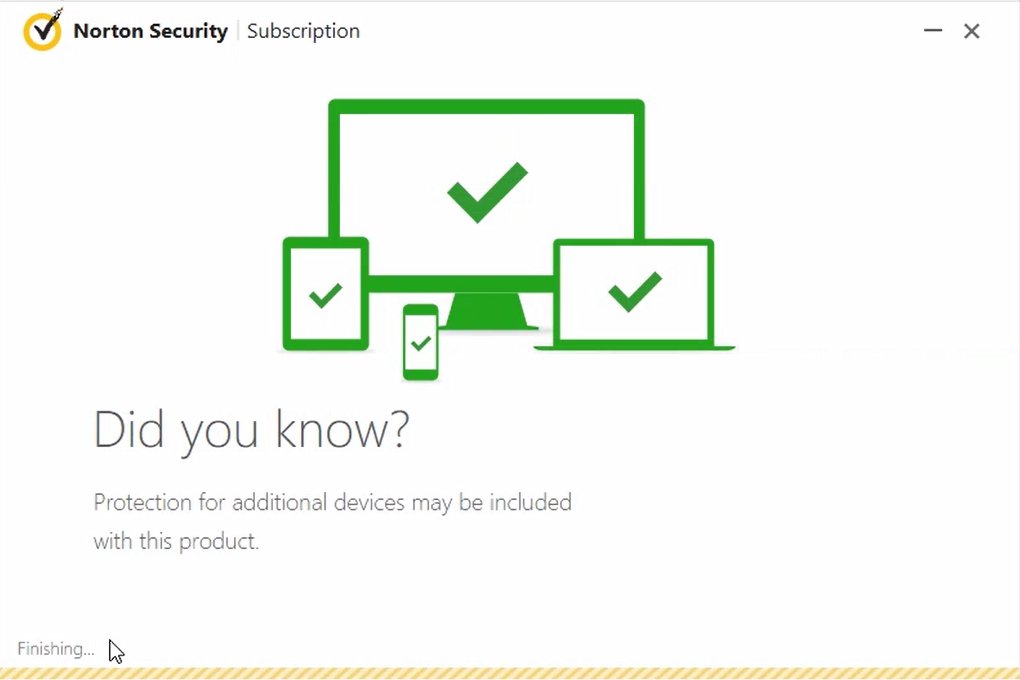
- Espere a que el producto se active. Esto puede tardar unos instantes.
8
Verifique el estado de activación:
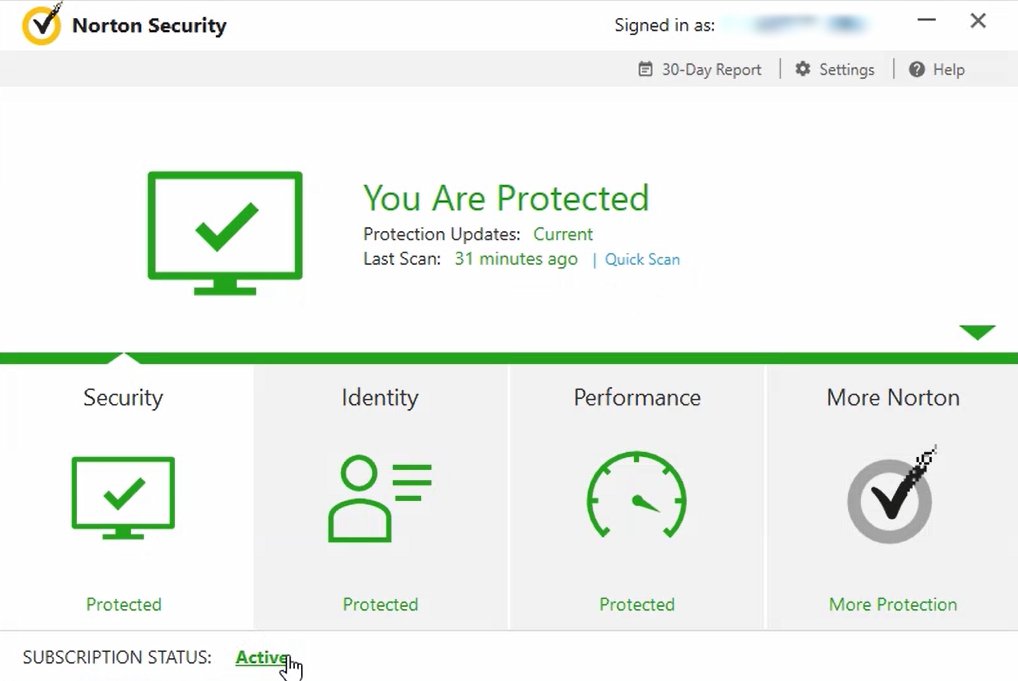
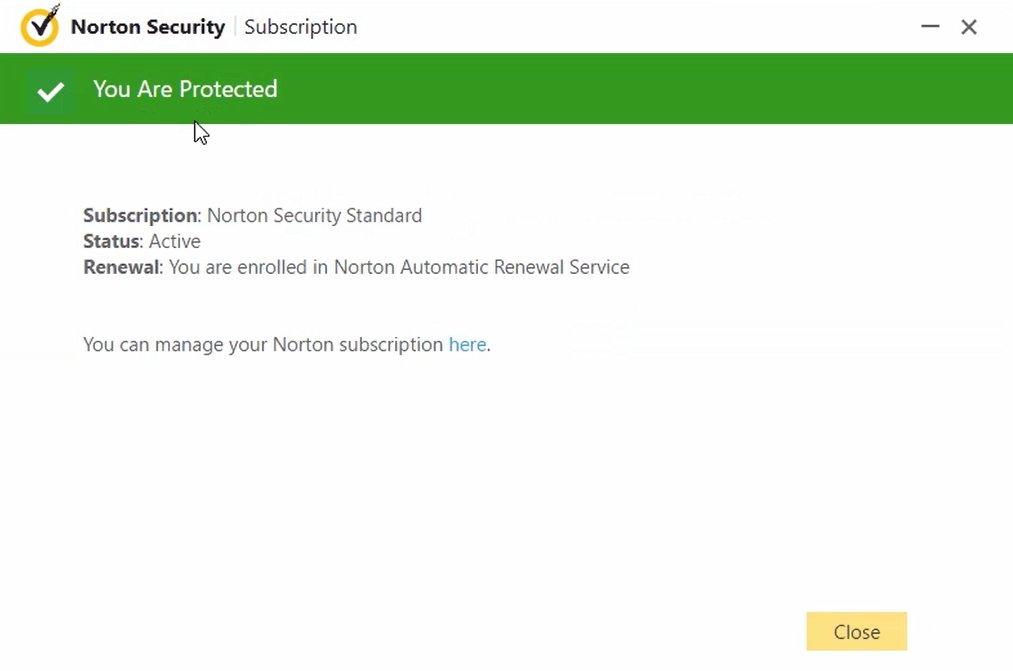
- Desde tu pantalla de inicio, haz clic en "Activo" en la parte inferior de la pantalla para comprobar el estado de activación del producto.