


















































































































Karta podarunkowa Deliveroo
1
Odwiedź Deliveroo:
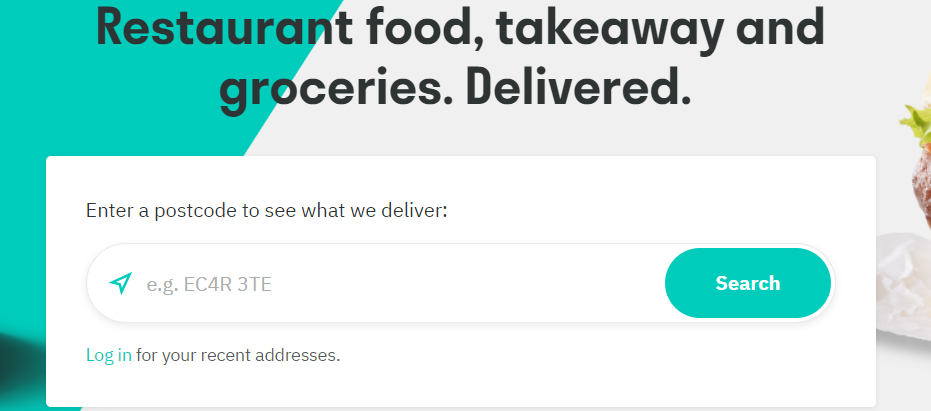
- Wejdź na stronę Deliveroo lub otwórz aplikację Deliveroo.
2
Zaloguj/Zarejestruj się:
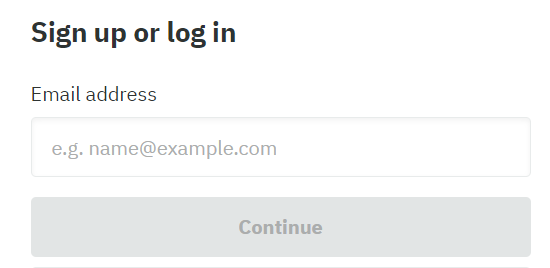
- Zaloguj się na swoje konto lub utwórz nowe, jeśli nie masz konta.
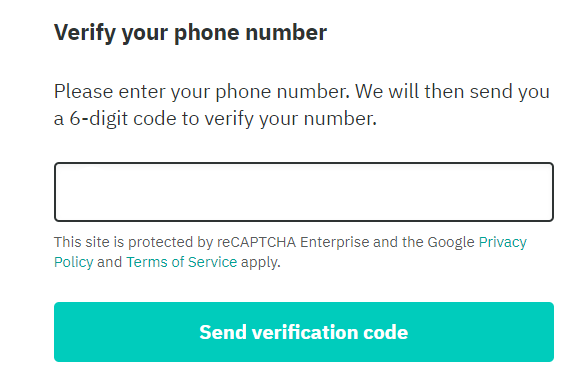
- Po wprowadzeniu adresu e-mail zostaniesz poproszony o weryfikację dwuetapową poprzez wprowadzenie kodu wysłanego na Twój telefon.
3
Wybierz produkty:
- Wybierz produkty, które mają zostać dostarczone.
4
Przejdź do sekcji Kupony i środki:
- Przejdź do "Moje konto".
5
Dodaj kod:
- Kliknij "Vouchery i kredyty", a następnie kliknij "Dodaj kod".
6
Wprowadź i prześlij kod podarunkowy:
- Wpisz kod karty podarunkowej.
7
Prześlij:
- Naciśnij "Wyślij", aby zastosować saldo karty podarunkowej na swoim koncie.