



































































































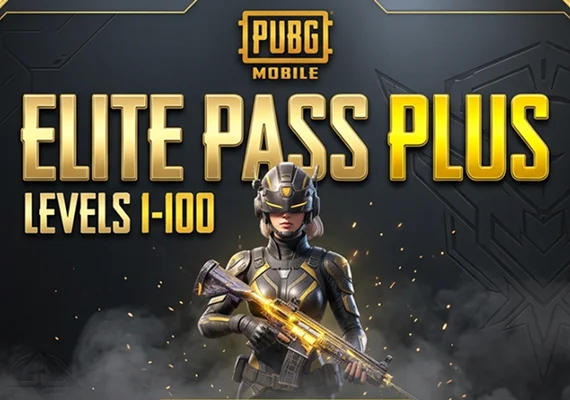



PUBG Mobile — Elite Pass Plus (LV1–100) (Direct Top-Up) - GLOBAL
This product is a direct game top-up for the PUBG Mobile Elite Pass Plus (LV1–100). The pass is credited to the PUBG Mobile account you provide during checkout, so the entered Player ID must be correct.
- Direct game top-up for PUBG Mobile Elite Pass Plus (LV1–100).
- Pass is applied to the account linked to the Player ID entered during purchase.
- Delivery is usually completed shortly after payment confirmation.
About PUBG Mobile
PUBG Mobile is a battle royale shooter where players compete to survive against others on large maps filled with weapons, equipment, and vehicles. Each match begins with players entering the battlefield, collecting gear, and fighting to remain the last player or team standing.
The game includes multiple maps, modes, and seasonal updates. Players can play solo or with teammates, using strategy, positioning, and aim to outlast opponents while the safe zone gradually becomes smaller.
- Battle royale matches with up to 100 players.
- Multiple maps and gameplay modes.
- Wide selection of weapons, equipment, and vehicles.
- Seasonal progression with ranked and event content.
What the Elite Pass Plus is used for
The Elite Pass Plus unlocks seasonal rewards and additional progression benefits in PUBG Mobile. Rewards are obtained by completing missions and increasing pass levels during the active season.
- Unlock premium rewards from level 1 to level 100.
- Includes additional progression benefits compared to the standard pass.
- Access seasonal missions, cosmetics, and other rewards depending on the season.
How to complete the direct game top-up
The top-up requires the correct Player ID. Follow the instructions on the product page and verify the details before confirming payment.
- Select the Elite Pass Plus product.
- Enter the required PUBG Mobile Player ID.
- Proceed to checkout and complete payment.
- Open the game and check the Royale Pass section after processing.
Important notes
Top-ups are applied to the account you provide and cannot usually be transferred after delivery. Royale Pass products are normally limited to one purchase per season, and changing pass type after activation may not be possible.
- Enter the correct Player ID to avoid delays.
- Royale Pass products may only be purchased once per season.
- After activation, upgrading to another pass type may not be possible.