





















































































































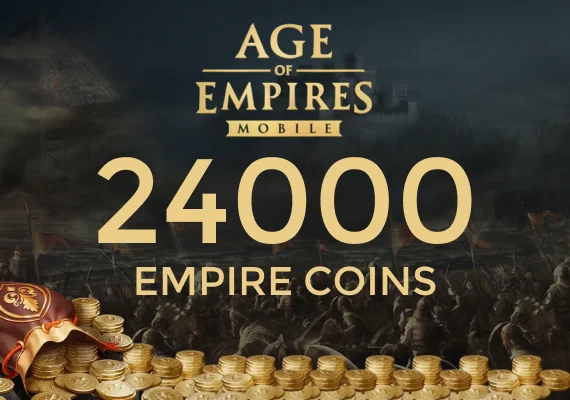












This product is a direct game top-up for Age of Empires Mobile Empire Coins, credited straight to the game account you specify during checkout. Empire Coins are applied to the account details you provide, so entering the correct information is essential.
- Direct game top-up for Age of Empires Mobile Empire Coins.
- Coins are credited to the account identifiers entered in the top-up form.
- Delivery is typically completed shortly after payment confirmation.
About Age of Empires Mobile
Age of Empires Mobile is a strategy game focused on building and managing your own civilization while competing against other players. You develop your city, gather resources, and train armies to expand your influence on a shared map.
The game blends base-building with real-time strategy elements, where planning, timing, and cooperation play an important role. Players often join alliances to coordinate attacks, defend territory, and take part in large-scale events. Its historical theme, steady progression systems, and competitive environment are key reasons why players keep coming back.
- Expand your city and manage resources efficiently.
- Train and upgrade armies for PvE and PvP encounters.
- Join alliances and participate in coordinated battles.
- Progress through research, upgrades, and event-based content.
What Empire Coins are used for
Empire Coins are used for optional in-game purchases in Age of Empires Mobile. Available items and offers can change based on updates, events, and regional settings.
- Purchase in-game items and store offers (availability varies).
- Access limited-time bundles or event-related content when available.
- Support progression through optional purchases tied to the game systems.
How to complete the game top-up
The game top-up process depends on the account details required by the checkout form. Follow the product page instructions and double-check the entered identifiers before you confirm payment.
- Select the Empire Coins denomination you want.
- Enter the required Age of Empires Mobile account details shown in the top-up form.
- Proceed to checkout, choose a payment method, and complete payment.
- Open the game and verify the updated Empire Coins balance after processing.
Important notes
Direct top-ups are applied to the account you provide and are typically non-transferable after crediting. If the balance does not update immediately, refresh the game session and verify the details used for the purchase.
- Verify account details before confirming to avoid crediting the wrong account.
- Empire Coins are typically account-bound after delivery.
- If there is a delay, restart the game and check the balance again.