













































































































Xbox Game Pass Abos

 Microsoft Store
 Microsoft Store
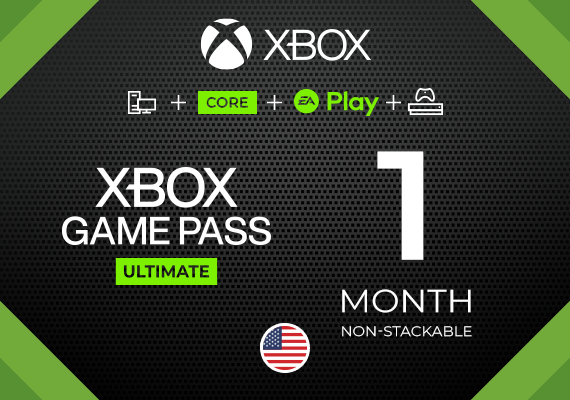 Microsoft Store

 Xbox Live
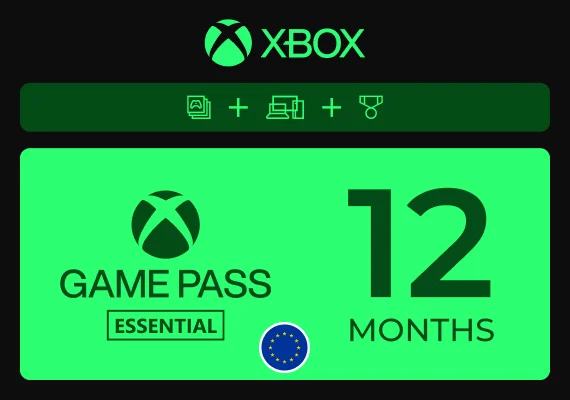 Xbox Live
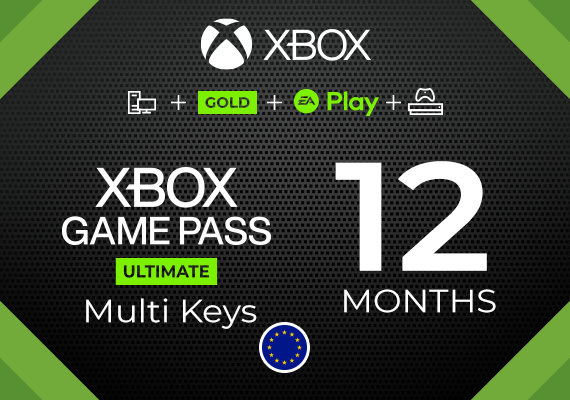 Microsoft Store

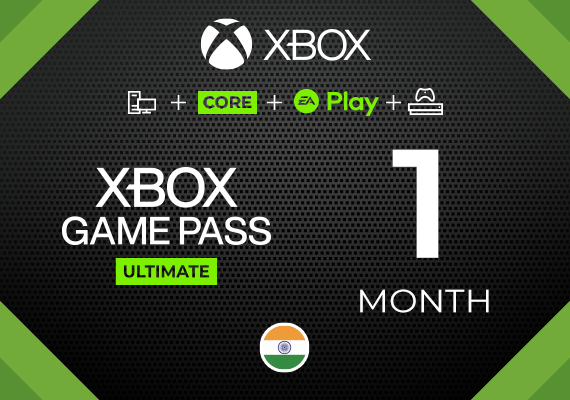 Microsoft Store
 Xbox Live
 Microsoft Store
 Microsoft Account
 Microsoft Store
 Microsoft Store
 Microsoft Account
 Microsoft Store
 Xbox Live
 Microsoft Store
 Xbox Live
 Xbox Live
 Xbox Live
 Xbox Live
 Microsoft Account
 Microsoft Store
 Xbox Live
 Xbox Live
 Microsoft Account
 Microsoft Store
 Microsoft Store
 Xbox Live
 Microsoft Store
 Xbox Live
 Microsoft Account
 Xbox Account
 Microsoft Store
 Microsoft Store
 Xbox Live
 Microsoft Store
 Microsoft Store
 Microsoft Store
 Microsoft Store
 Microsoft Store
Xbox Game Pass Abos, Keys und Konten
Entdecke Xbox Game Pass Abos, die je nach ausgewähltem Produkt als Key, Code oder kontobasierter Zugang verfügbar sind. In dieser Kategorie kannst du Game Pass Angebote nach Plan, Laufzeit, Plattform und Zugangsart vergleichen, einschließlich Ultimate, Premium, Essential und PC Game Pass Optionen.
- Xbox Game Pass Angebote mit Plan, Laufzeit und Zugangsart auf jeder Produktseite.
- Game Pass Keys und Codes für Nutzer, die den Zugang auf einem Microsoft-/Xbox-Konto einlösen möchten.
- Kontobasierte Game Pass Optionen für ausgewählte Abo-Formate.
- Produkte können Ultimate, Premium, Essential, PC Game Pass oder andere verfügbare Pläne umfassen.
Xbox Game Pass Keys
Xbox Game Pass Keys sind für Nutzer gedacht, die ein Abo auf einem Microsoft-/Xbox-Konto aktivieren möchten. Dieses Format ist in der Regel die beste Wahl, wenn die Mitgliedschaft direkt mit deinem eigenen Konto verknüpft sein soll.
- Löse den Game Pass Key über die Aktivierungsmethode ein, die auf der ausgewählten Produktseite angegeben ist.
- Verwende das Microsoft-/Xbox-Konto, auf dem das Abo aktiv sein soll.
- Einige Angebote können Xbox Game Pass Ultimate Keys, PC Game Pass Keys oder andere planspezifische Codes enthalten.
- Prüfe, ob der Key stapelbar, nicht stapelbar oder an bestimmte Kontobedingungen gebunden ist.
Stackable vs. Non-Stackable Xbox Game Pass
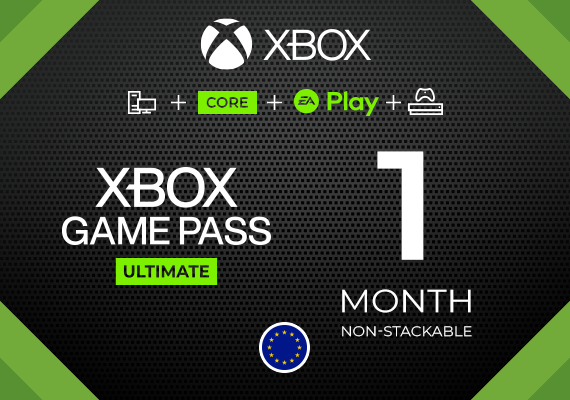
Einige Xbox Game Pass-Abonnementschlüssel sind als stackable oder non-stackable gekennzeichnet. Dies ist besonders wichtig, wenn du bereits ein aktives Game Pass-Abonnement hast.
-
Stackable Game Pass kann in der Regel zu einem berechtigten bestehenden Abonnement hinzugefügt werden und dadurch die verbleibende Laufzeit verlängern.
-
Non-Stackable Game Pass setzt normalerweise voraus, dass auf dem Konto vor der Aktivierung kein aktives Abonnement des entsprechenden Typs vorhanden ist.
-
Ein Non-Stackable-Key kann normalerweise nicht einfach eingelöst werden, um ein bereits aktives Game Pass-Abonnement zu verlängern.
-
Die genauen Aktivierungs- und Teilnahmebedingungen können je nach Produkt variieren. Prüfe daher vor dem Kauf immer die Informationen auf der jeweiligen Produktseite.
Xbox Game Pass Konten und kontobasierter Zugang
Einige Produkte werden als kontobasierter Zugang statt als einlösbarer Key geliefert. Dieses Format eignet sich für Nutzer, die Game Pass Kontozugang suchen, einschließlich ausgewählter Ultimate-Kontoangebote, sofern verfügbar.
- Unterscheidet sich von einem Key, der auf deinem eigenen Microsoft-/Xbox-Konto eingelöst wird.
- Der Zugang erfolgt über ein separates Konto; Liefer- und Nutzungsregeln werden im Angebot erklärt.
- Kann für Xbox Game Pass Ultimate oder andere Abo-Pläne verfügbar sein.
- Login-Daten und Einrichtungshinweise hängen vom ausgewählten Produkt ab.
Günstige Xbox Game Pass Angebote
Günstige Xbox Game Pass Preise können vom Plan, der Laufzeit, der Lieferform, den Kontoanforderungen und der aktuellen Verfügbarkeit abhängen. Das erklärt, warum Keys, Codes und kontobasierte Angebote unterschiedliche Preise haben können.
- Vergleiche günstigere Game Pass Keys, Codes und kontobasierte Angebote.
- Prüfe den ausgewählten Plan, bevor du dich für Ultimate, Premium, Essential oder PC Game Pass entscheidest.
- Kontrolliere Laufzeit, Regionsregeln und Aktivierungsanforderungen vor dem Kauf.
Game Pass Pläne: Ultimate, Premium, Essential und PC
Xbox Game Pass Produkte unterscheiden sich nach Planstufe und unterstützter Plattform. Einige Pläne konzentrieren sich auf Konsolenzugang, andere sind für Windows-PCs gedacht, während Ultimate in der Regel die breiteste Plattformabdeckung bietet, sofern verfügbar.
- Xbox Game Pass Ultimate bietet in der Regel die breiteste Plattformabdeckung und die meisten Mitgliedschaftsvorteile.
- PC Game Pass ist für Spieler auf Windows-PCs gedacht.
- Premium und Essential bieten unterschiedliche Zugriffsstufen, abhängig von der aktuellen Xbox-Abo-Struktur.
- Spielebibliotheken, Funktionen und Verfügbarkeit können sich je nach Plan, Plattform und Region im Laufe der Zeit ändern.
Mehrmonatige und 12-monatige Game Pass Optionen
Xbox Game Pass Abos können je nach Produkt mit unterschiedlichen Laufzeiten verfügbar sein, darunter mehrmonatige und 12-monatige Game Pass Optionen.
- Prüfe die auf der ausgewählten Produktseite angegebene Abo-Laufzeit.
- Längere Laufzeiten können als ein Code, mehrere Keys oder kontobasierter Zugang geliefert werden.
- Bestätige, ob das Produkt ein bestehendes Abo verlängert oder ein Konto ohne aktiven Game Pass erfordert.
Aktivierungsregeln und Voraussetzungen
Aktivierungsanforderungen können sich je nach Game Pass Produkt unterscheiden, besonders bei Keys, kontobasiertem Zugang und nicht stapelbaren Angeboten.
- Kompatibilität mit Region, Land oder Währung kann erforderlich sein.
- Einige Produkte erfordern ein Konto ohne aktives Game Pass Abo.
- Nicht stapelbare Angebote können in der Regel nicht auf einen aktiven Plan hinzugefügt werden.
- Zahlungsmethode oder andere Kontovoraussetzungen können erforderlich sein.
Häufig gestellte Fragen
Was ist der Unterschied zwischen einem Game Pass Key und einem Game Pass Konto?
Ein Game Pass Key wird auf einem Microsoft-/Xbox-Konto eingelöst. Ein Game Pass Konto bedeutet, dass der Zugang gemäß den Produktdetails über ein separates Konto bereitgestellt wird.
Warum sind einige Xbox Game Pass Abos günstiger?
Preise können sich aufgrund von Planart, Laufzeit, Region, Produktformat, Kontoanforderungen und aktueller Verfügbarkeit unterscheiden.
Kann ich ein Xbox Game Pass Ultimate Konto kaufen?
Ja, wenn kontobasierter Zugang auf der ausgewählten Produktseite verfügbar ist. Dieses Format bietet Zugang über ein separates Konto, daher solltest du vor dem Kauf immer die Liefer- und Nutzungsregeln prüfen.
Kann ich einen Xbox Game Pass Key für mein eigenes Konto kaufen?
Ja. Wähle ein Key- oder Code-Produkt und prüfe, ob es zu deinem Kontostatus, deiner Region und den Abo-Anforderungen passt.
Was bedeutet nicht stapelbarer Game Pass?
Nicht stapelbar bedeutet in der Regel, dass das Abo nicht zusätzlich zu einem aktiven Game Pass Plan hinzugefügt werden kann.
Funktioniert Game Pass auf Xbox und PC?
Das hängt vom ausgewählten Plan ab. Einige Pläne sind für Konsole gedacht, andere für Windows-PCs, und Ultimate bietet in der Regel die breiteste Plattformabdeckung, sofern verfügbar.
Kann ich Xbox Game Pass für 12 Monate bekommen?
Einige Produkte können längeren Zugang bieten, einschließlich 12-monatiger Optionen. Das Abo kann je nach Angebot als ein Key, mehrere Keys oder kontobasierter Zugang geliefert werden.
Wie aktiviere ich ein Xbox Game Pass Abo?
Die Aktivierung hängt vom Produktformat ab. Keys und Codes werden in der Regel auf einem Microsoft-/Xbox-Konto eingelöst, während kontobasierte Produkte die mit der Bestellung bereitgestellten Zugangsdaten verwenden.