


Blimpie Gift Card
1
Visit the Blimpie Website:
- Go to the Blimpie and locate the "Order Now" tab at the top right corner.
2
Click on the "Order Now" Tab:
- Click on the "Order Now" tab and fill in the required information.

3
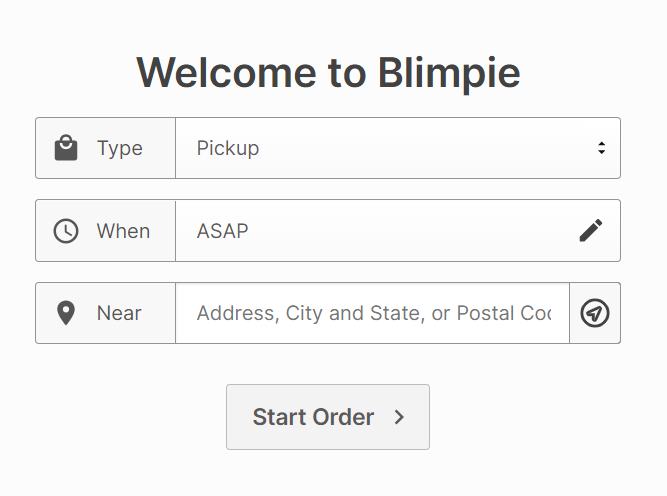
Enter Your Address and Delivery Method:
- Enter your address to find the nearest Blimpie restaurant and choose your preferred delivery method.
4
Select Food from the Menu:
- Browse the menu and select the items you want to purchase.
5
Proceed to Checkout:
- When you are ready, click on the shopping cart icon in the upper right corner to proceed with your order.

6
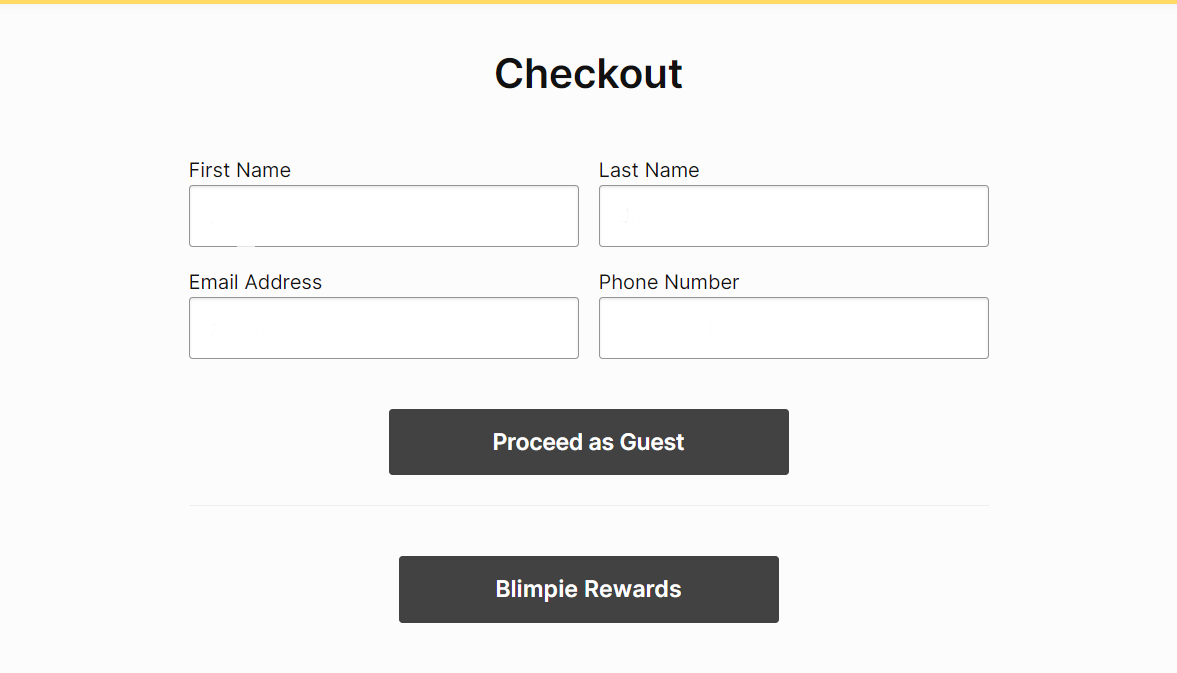
Complete Your Information:
- Fill in the required data in the visible boxes to complete the order process.
7
Review Your Order:
- Check that all the details are correct and that your order is complete.
8
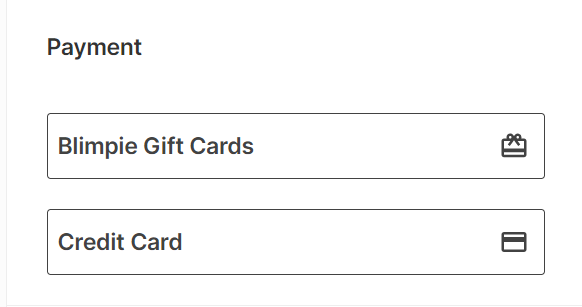
Select Gift Card as Payment Method:
- On the Payment tab, select "Gift Card" and enter your gift card code.
9
Place Your Order:
- Click on "Place Order" to finalize and enjoy your order.


