


ESET
1
Go to the ESET Website:
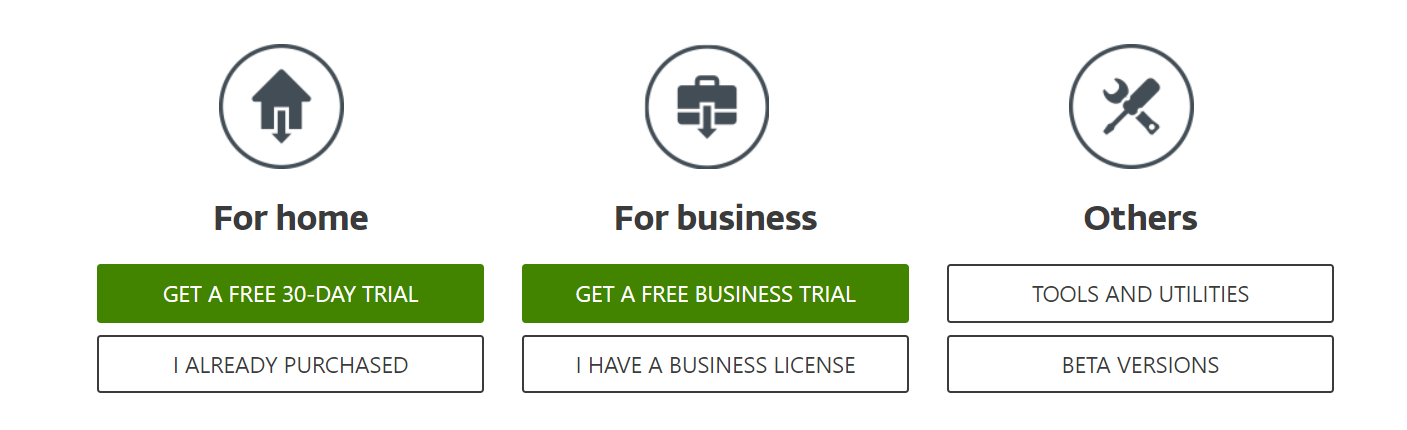
- Navigate to the ESET website and download the appropriate software.
- If you have already purchased an activation code, click on "I have an activation code".
2
Install the Software:
- Follow the on-screen instructions and click "Get Started" to begin the installation process.

3
Log In to Your Account:
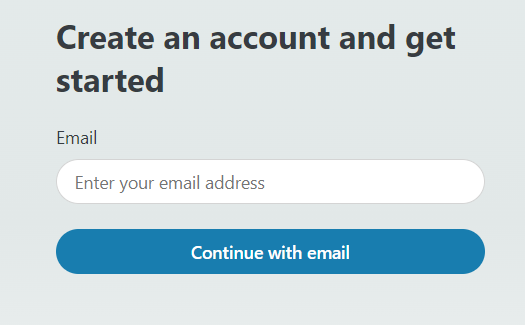
- Sign in to your ESET account. If you do not have an account, create one.
4
Access Subscription:
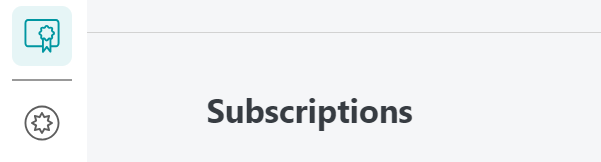
- Go to the "Subscriptions" tab visible on the right side of the menu.
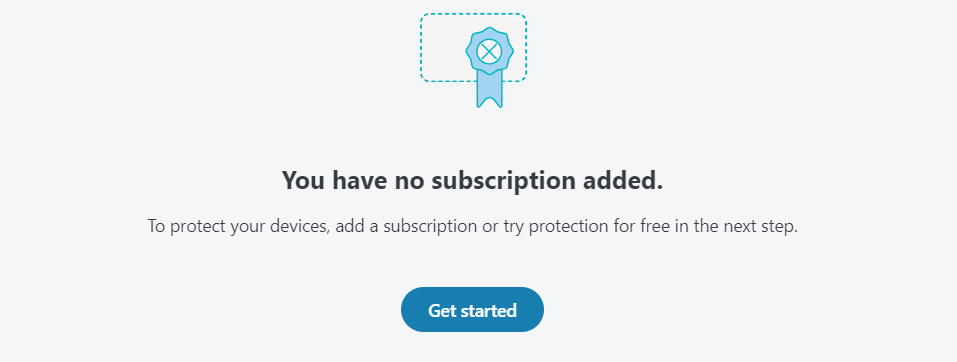
- Click on the "Get Started" button that appears in the center of the screen.
5
Add and Activate Subscription:
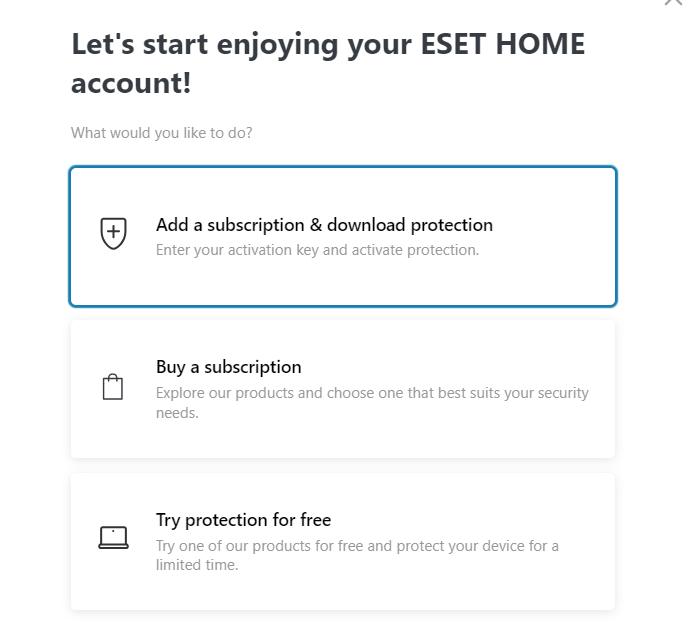
- Select "Add subscription" and click "Continue."
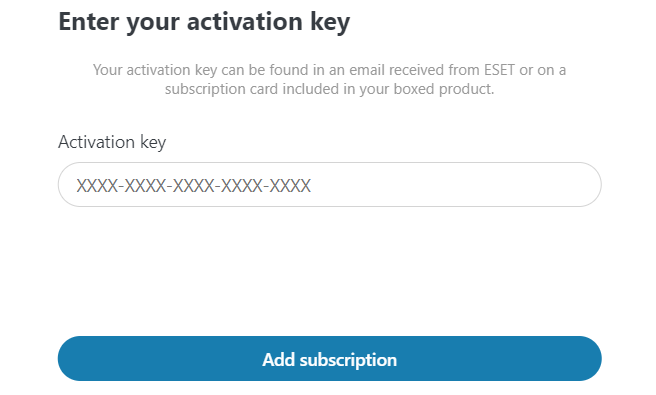
- Enter your activation code into the provided field.
- Ensure that the code is entered correctly.
- Click "Add Subscription" to complete the activation process.
6
Subscription Added:
- Your subscription has been successfully added to your account.


