Grubhub Gift Card
1
1. Redeem Your Gift Card on Web Browser:
Sign In to Your Account
- Go to the Grubhub website and sign in to your account.
2
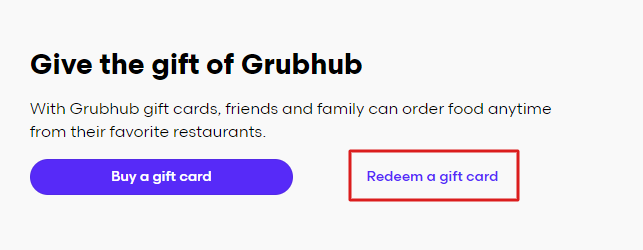
Select Redeem a Gift Card:
- Navigate to the account menu and choose the “Redeem a gift card” option.
3
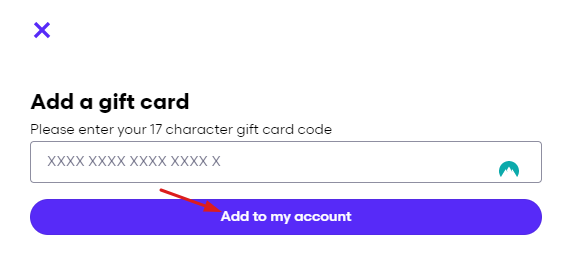
Enter Your Gift Card Code:
- Enter the gift card code in the provided field and select “Add to my account.”
4
2. Redeem Your Gift Card on the App:
Open My Grubhub
- Tap on "My Grubhub."
5
Access Settings:
- Select the gear icon in the upper-right-hand corner.
6
Select Gift Cards:
- Tap on "Gift cards."
7
Redeem a Gift Card:
- Select "Redeem a gift card."
8
Enter Your Gift Card Code:
- Follow the instructions to enter your gift card code and add the balance to your account.