Hytale Account Activation Guide
1
Log In to Hytale Account:
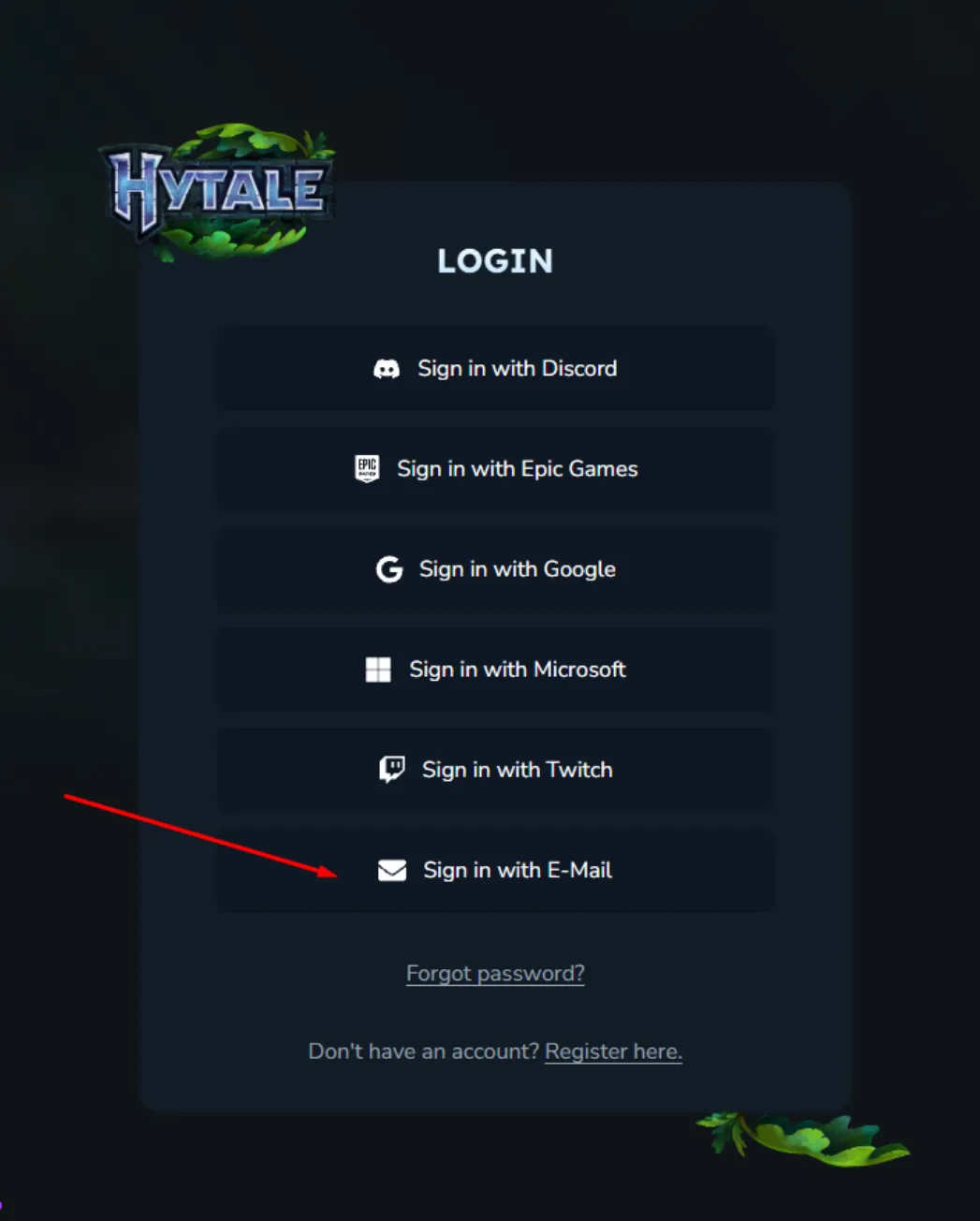
- Navigate to https://accounts.hytale.com/login after order completion.
- Click “Sign in with E-Mail”.
- Enter the provided Account Email and Password, then click “Sign in with password”.
2
Access 2FA Code via Email:
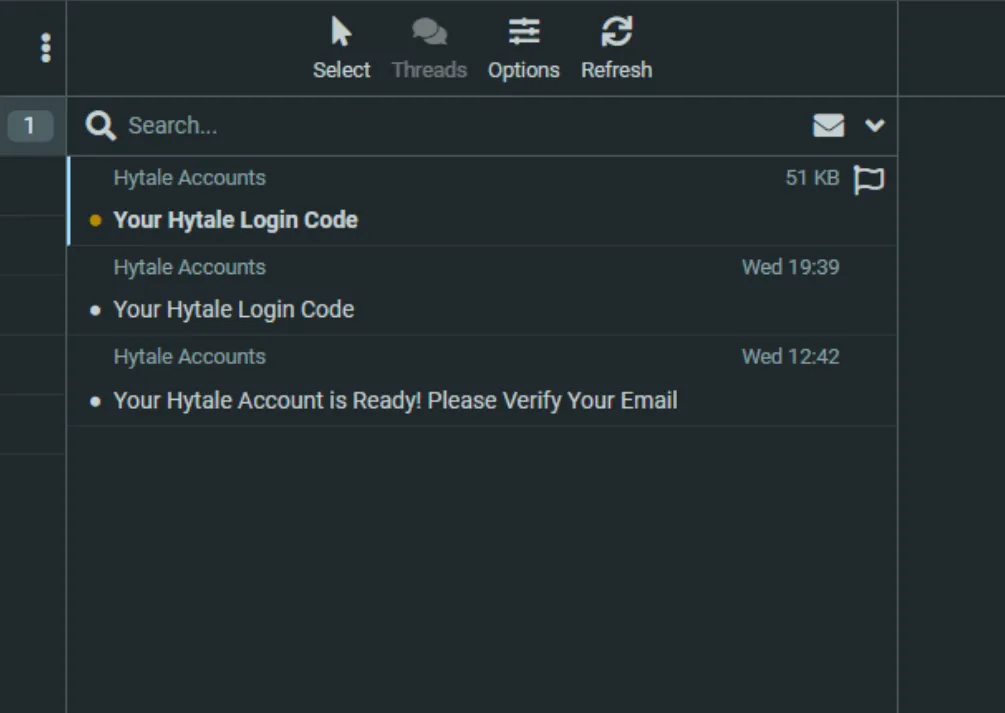
- Open new tab and go to https://onevmail.com/rc/.
- Log in using the SAME Email and Password as your Hytale account.
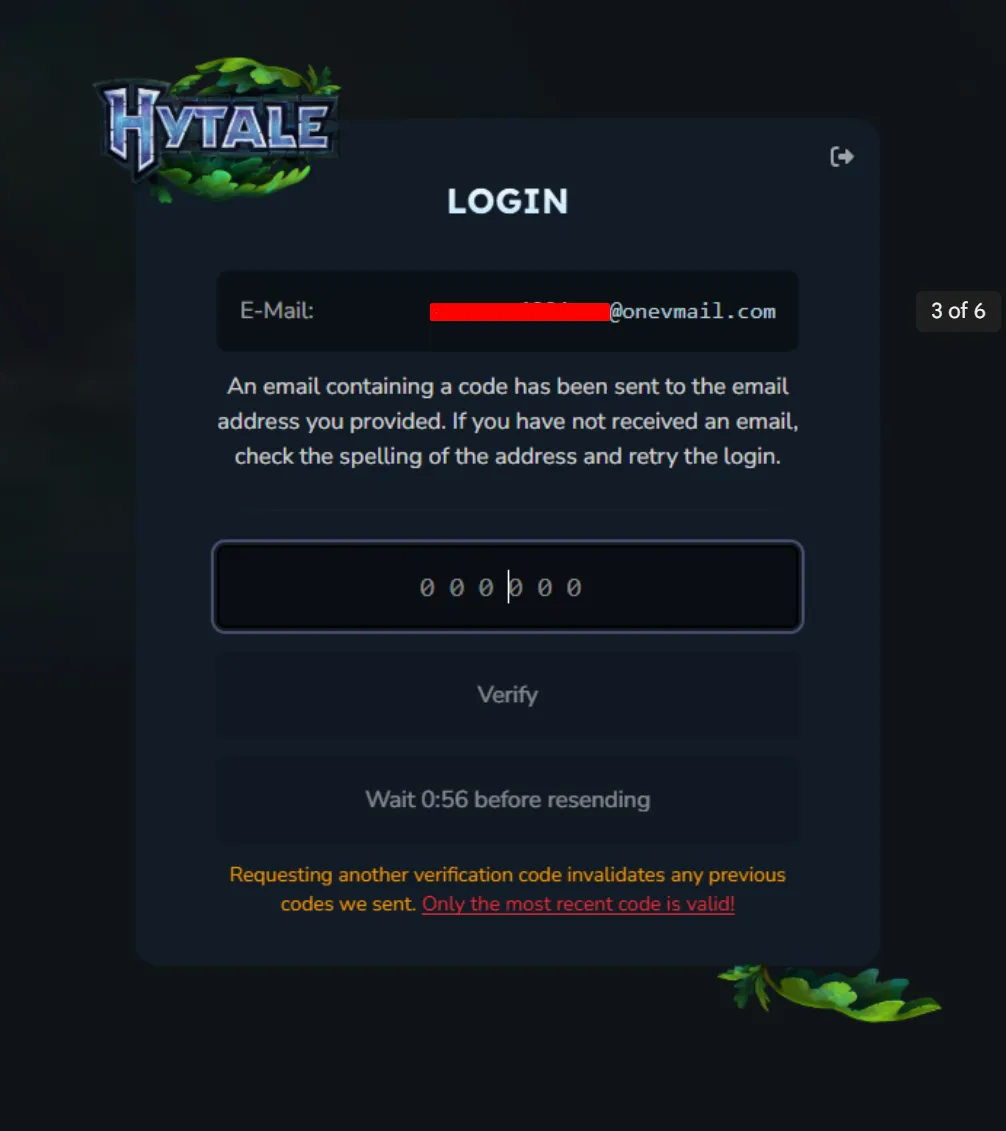
- Open newest email titled “Your Hytale Login Code” and copy the 2FA code from it.
3
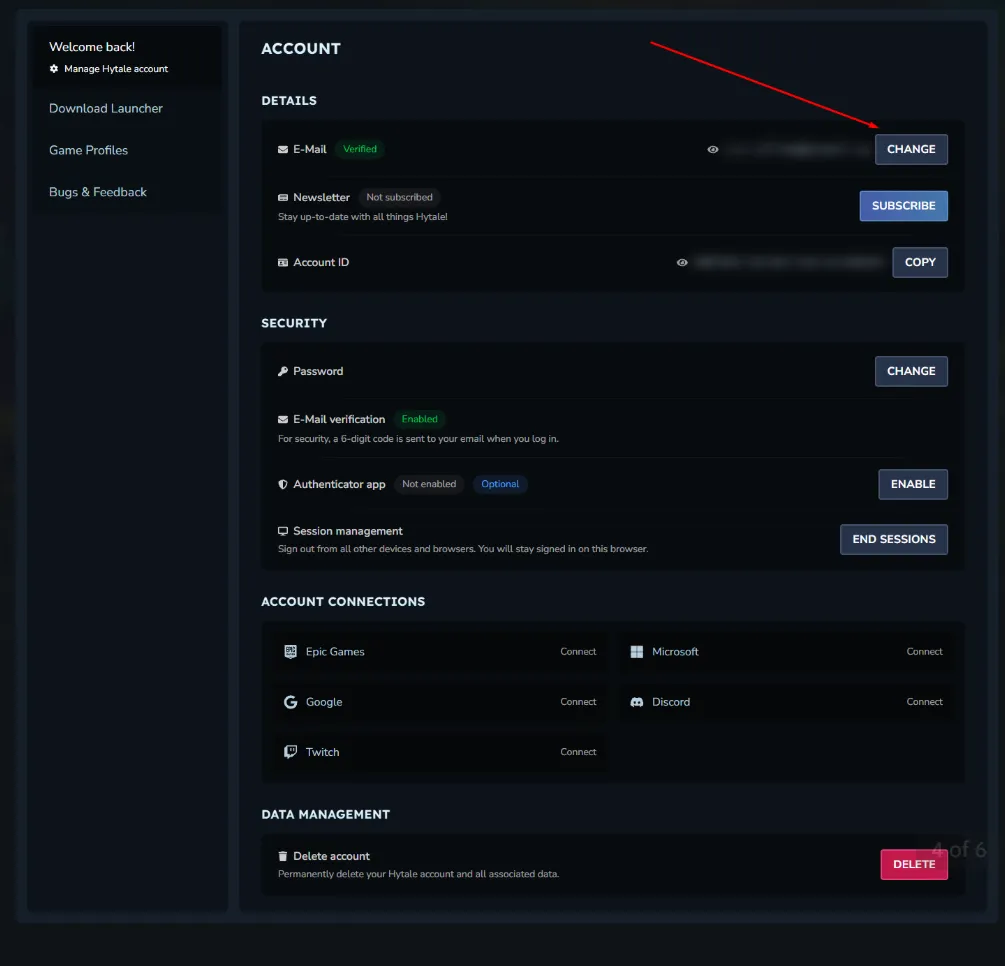
Change Account Email:
- Click here to access email change instructions (use your Hytale account dashboard or support page).
- Follow on-screen steps to update to your personal email address.
- Verify new email via confirmation link sent to your inbox.
4
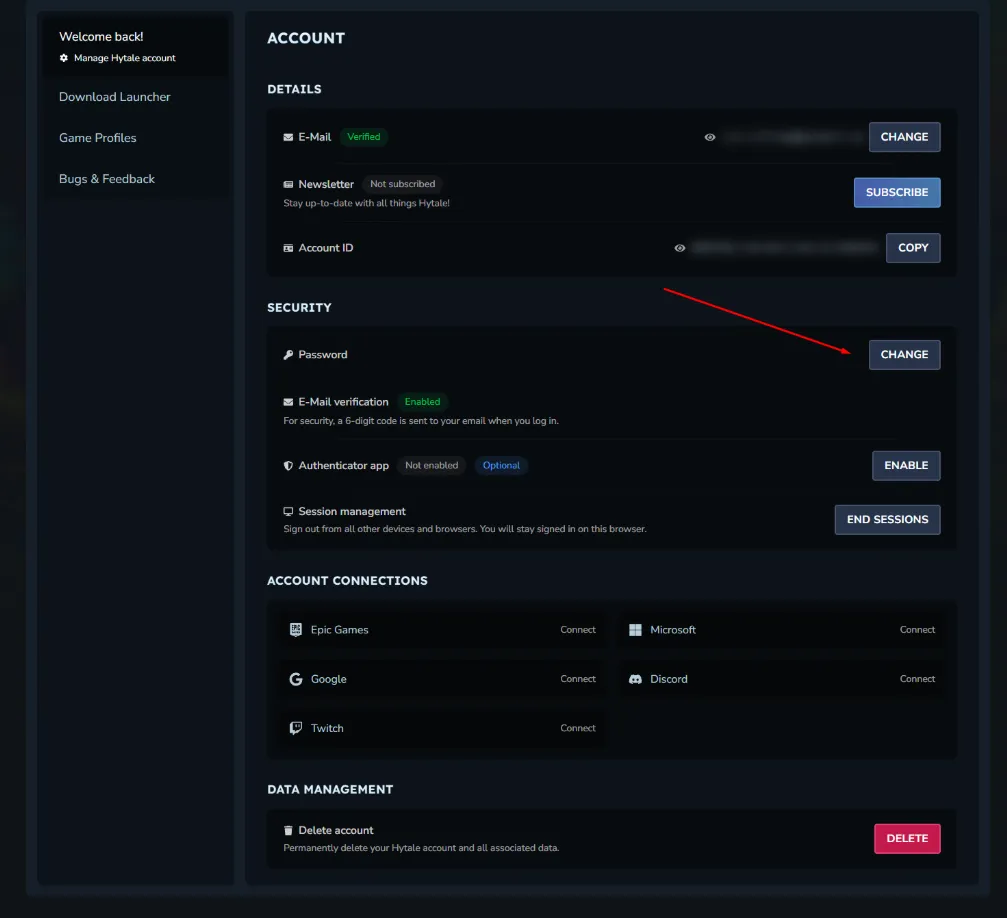
Change Password & Add Security:
- Click here for password change instructions (account settings section).
- Set new password and optionally enable 2FA with an authenticator app like Google Authenticator.
- Save changes and test login with updated credentials.
5
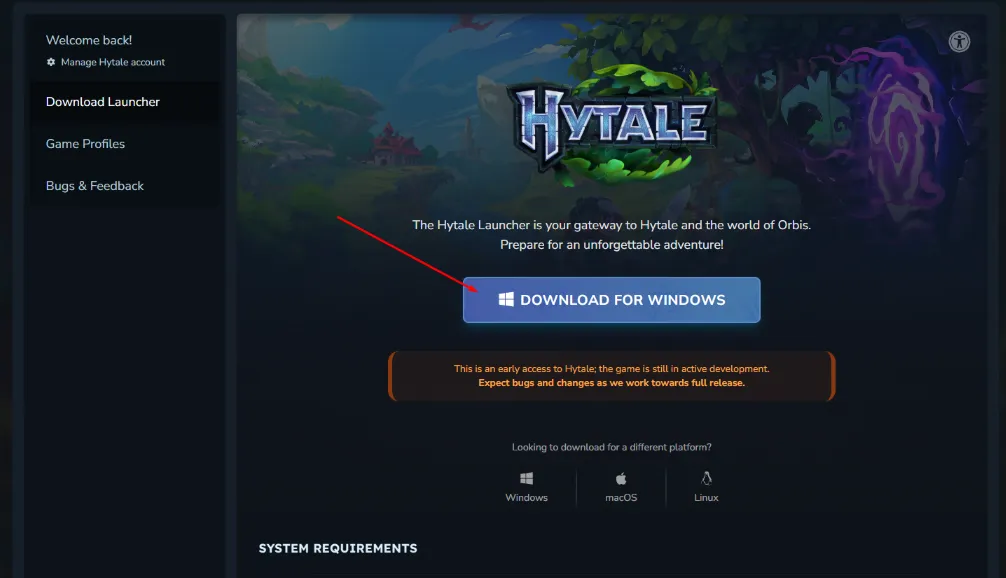
Download Hytale Game:
- Go to https://accounts.hytale.com/download.
- Select “Download for Windows”.
- Run installer and launch the game client after download completes.