Mog Station
1
Login:
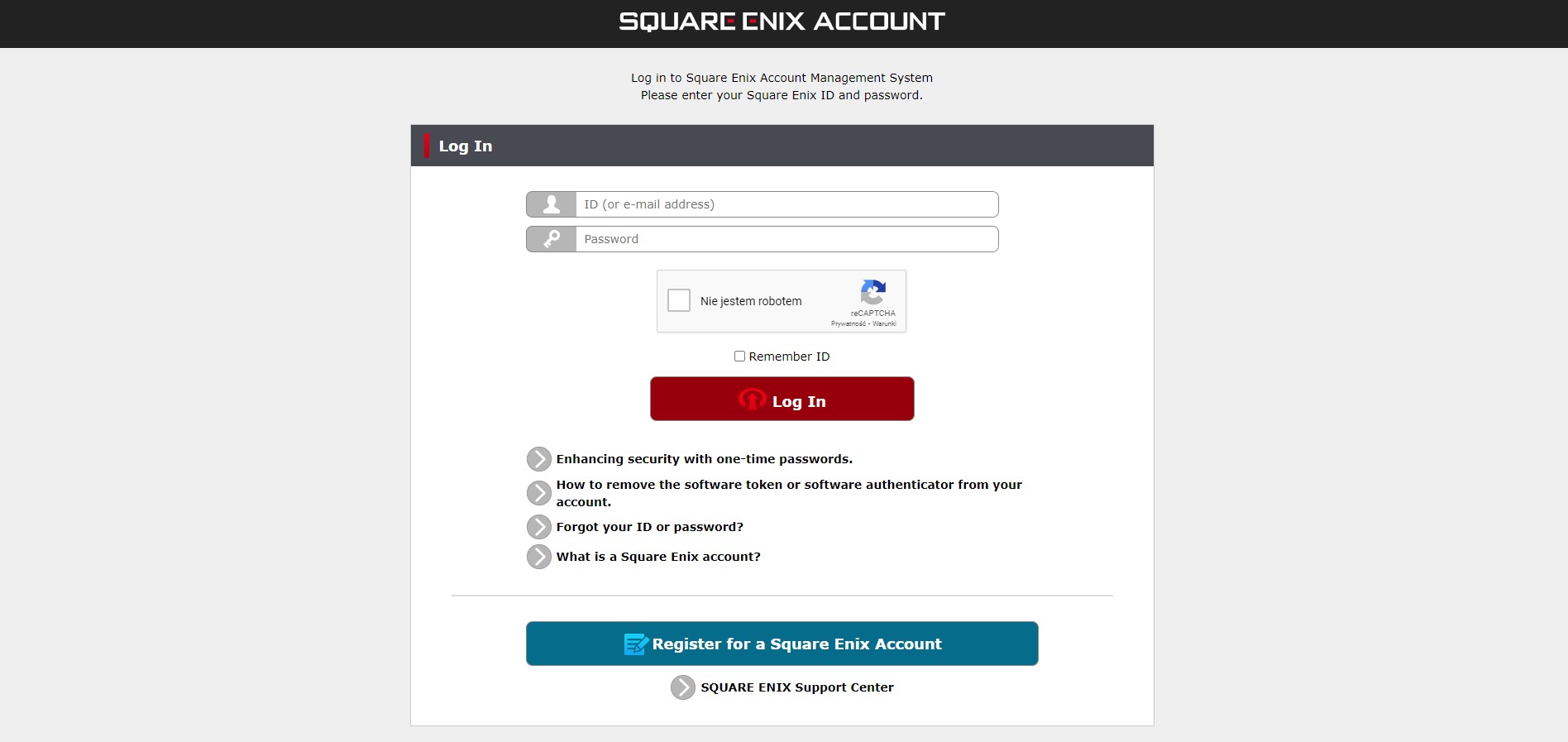
- Follow this link.
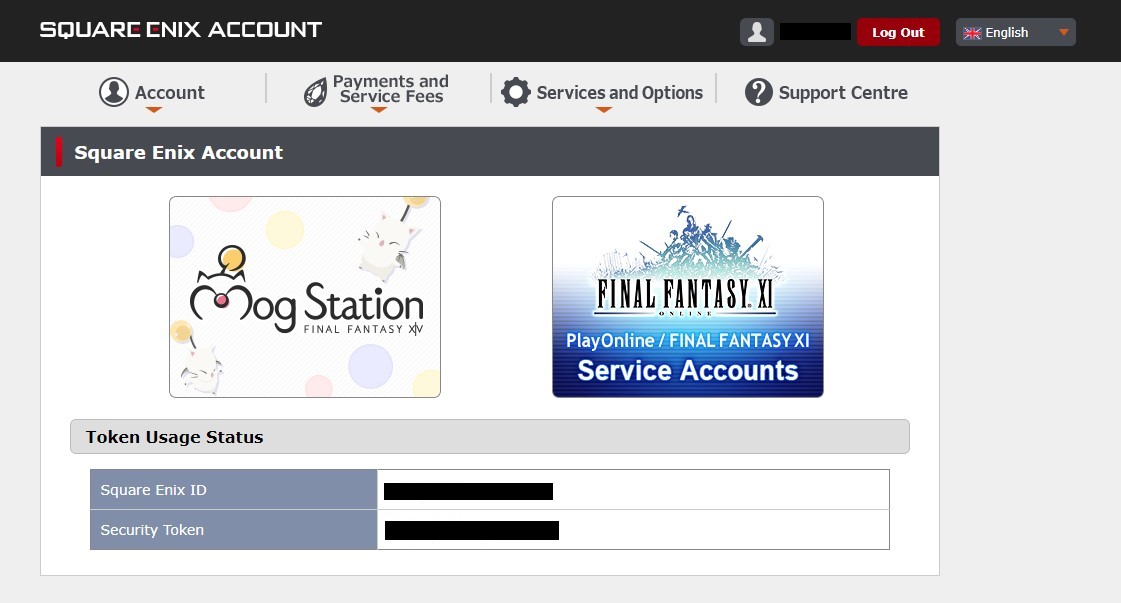
- Login to your account or create a new one. Then choose Mog Station.
2
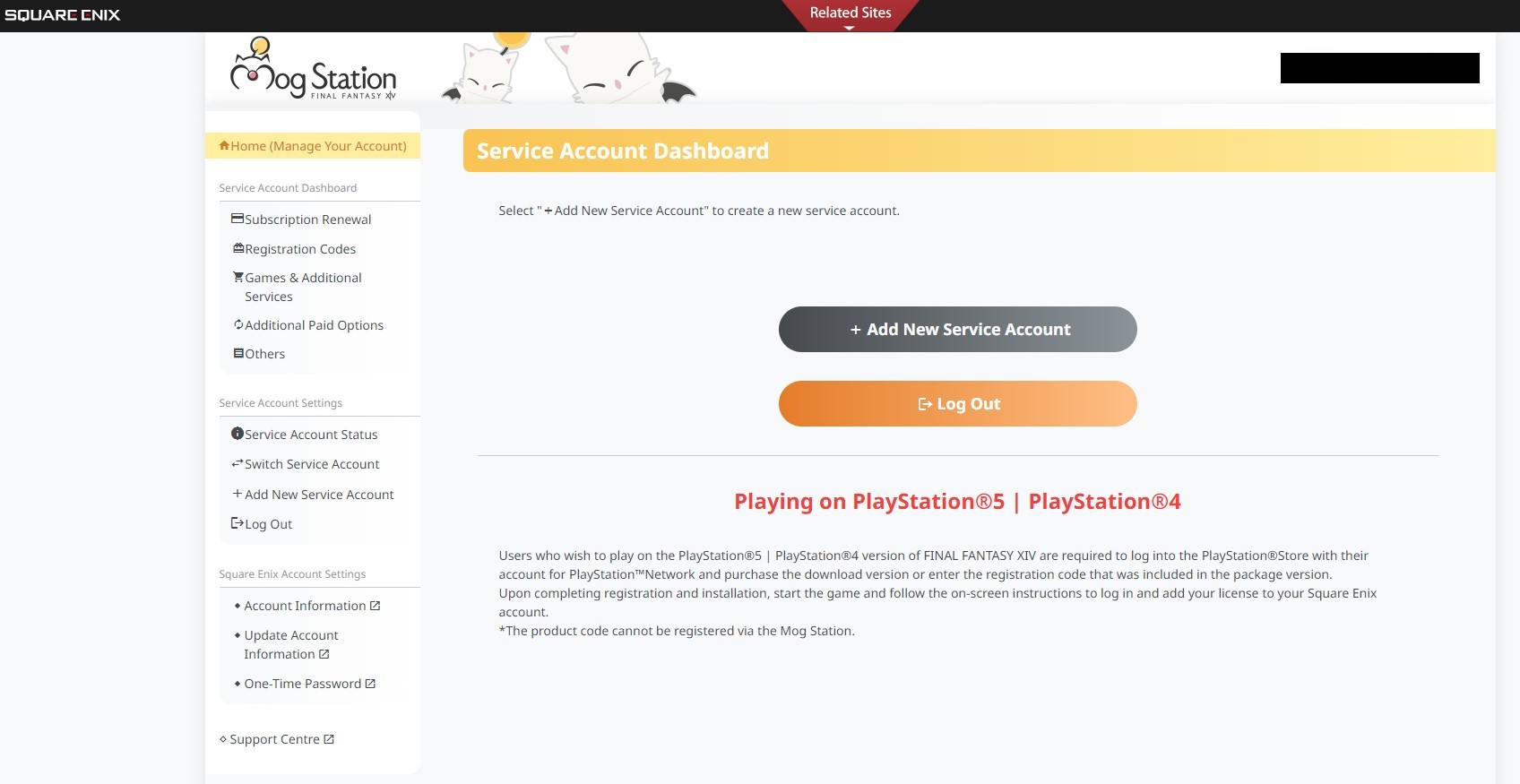
Add Account:
- Click on "Add New Service Account".
3
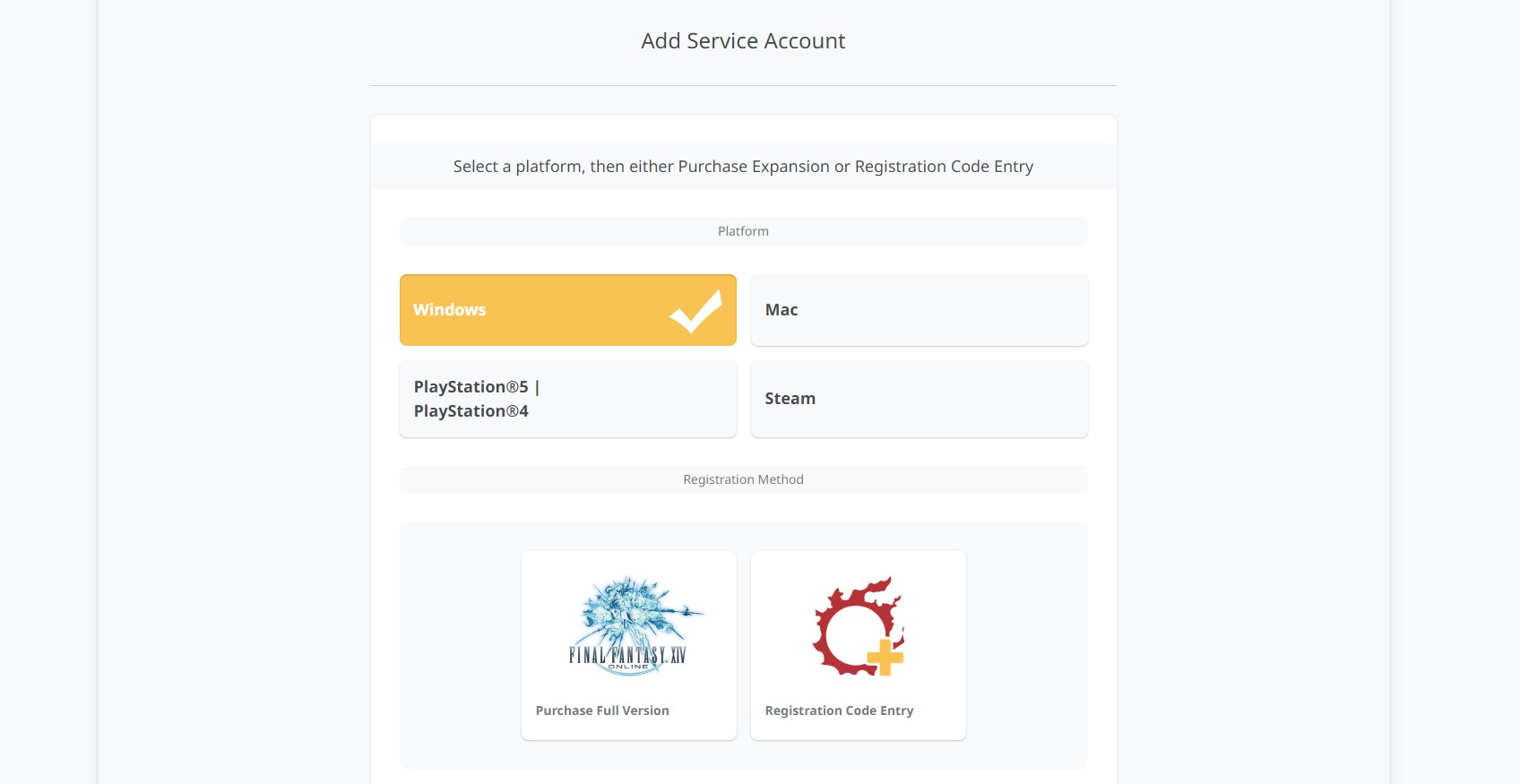
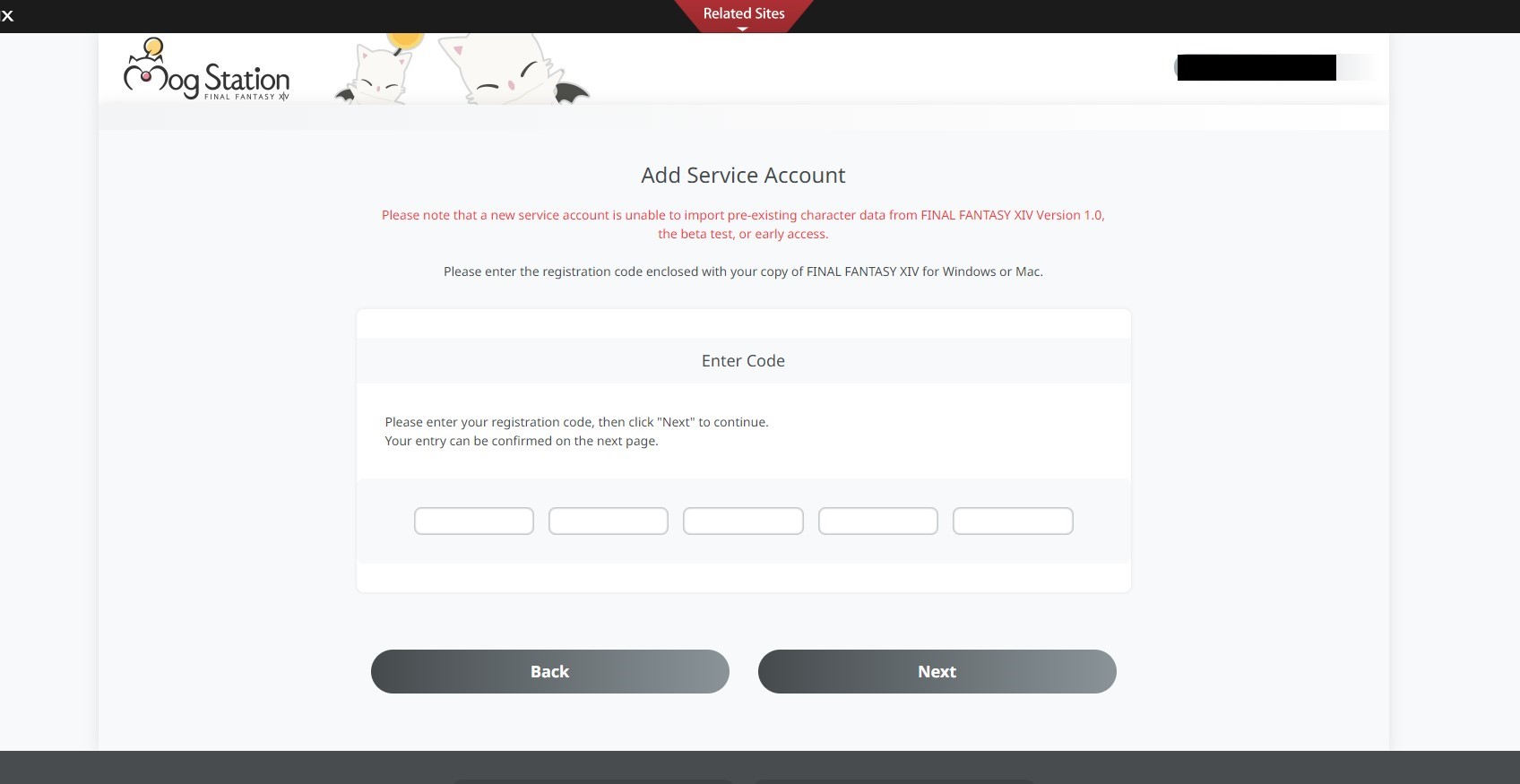
Registration Code Entry:
- Choose the platform and click on "Registration Code Entry". Enter your code and finish off the activation process.
4
Registration Code Entry:
- If you already have a Service Account and trying to activate a code, please choose correct tab for the product you are trying to activate:
- For game time codes choose: Subscription Renewal .
- For item codes choose: Registration Codes
- For expansion codes choose: Game & Additional Services
- Before redeeming the code always make sure that you are on the correct service account.