





















































































































Buono regalo Deliveroo
1
Visita Deliveroo:
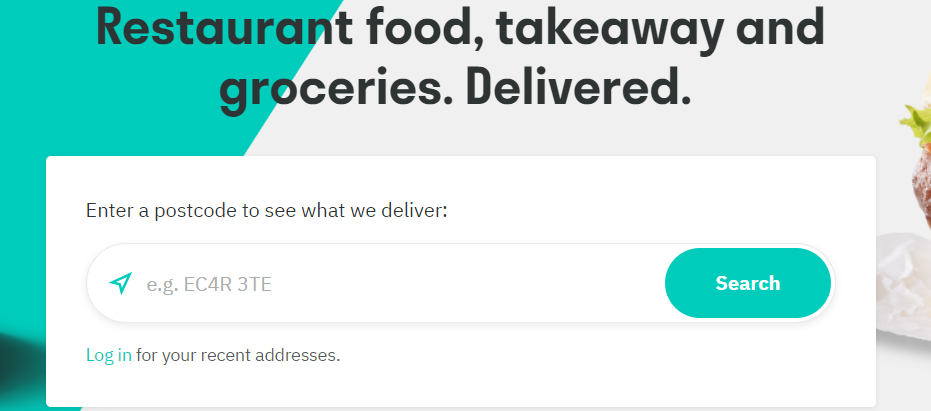
- Vai su Deliveroo o apri l'app Deliveroo.
2
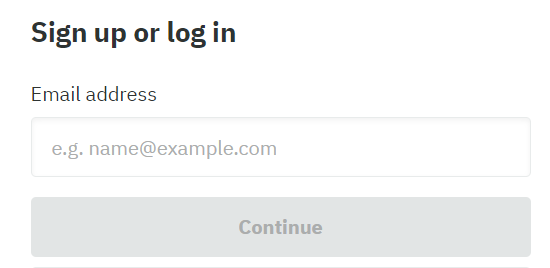
Accedi/Registrati:
- Accedi al tuo account o creane uno nuovo se non ne possiedi uno.
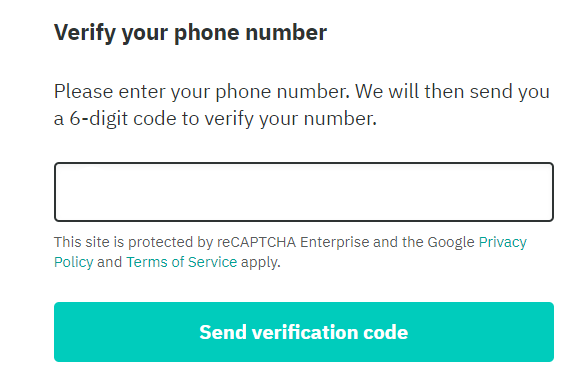
- Dopo aver inserito il tuo indirizzo e-mail, ti verrà richiesta una verifica in due passaggi inserendo il codice inviato al tuo telefono.
3
Scegli i prodotti:
- Seleziona gli articoli che desideri ricevere.
4
Vai su Buoni e Credito:
- Vai su "Il mio account".
5
Aggiungi codice:
- Clicca su "Buoni e credito" e poi su "Aggiungi codice".
6
Inserisci e invia il codice regalo:
- Digita il codice della tua carta regalo.
7
Invia:
- Premi "Invia" per applicare il saldo della carta regalo al tuo account.