PUBG Mobile UC Activation Guide
1
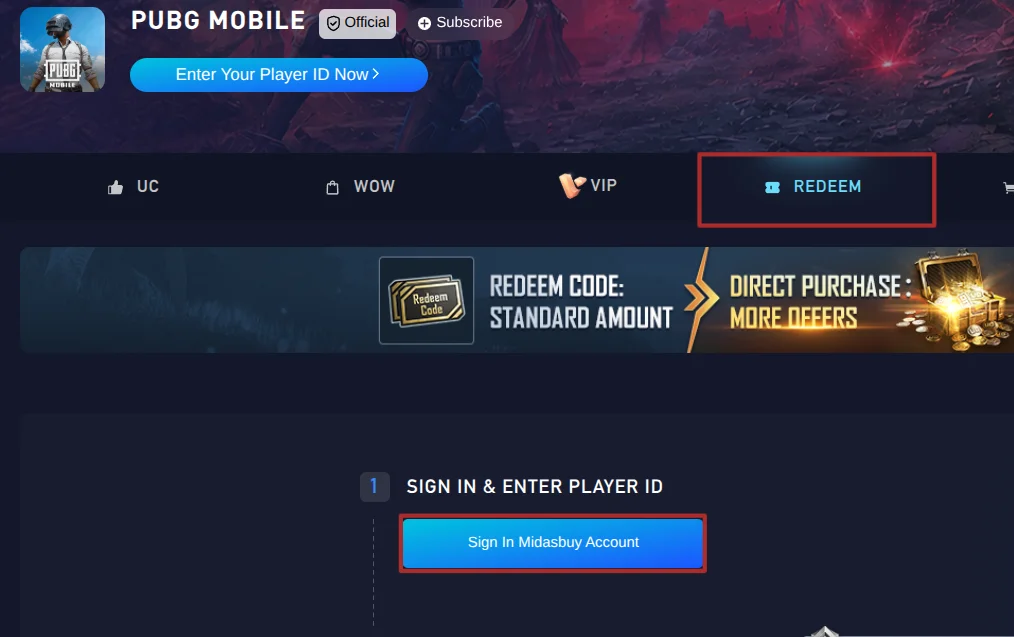
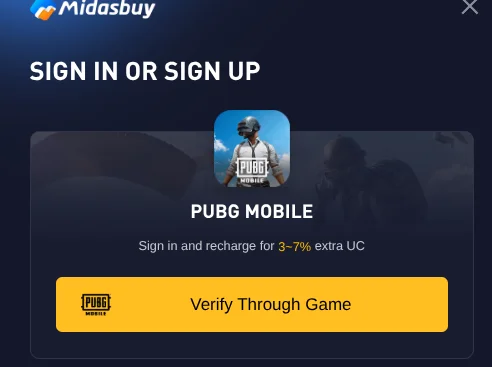
Sign In to Midasbuy:
- Access the official Midasbuy Redemption Center page in your web browser.
- Log in to your existing account or create a new one using the options at the top right of the page.
2
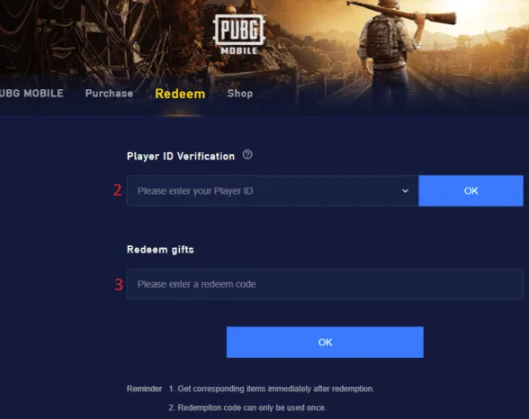
Validate Player ID:
- Navigate to the ID verification box and enter your numeric PUBG Mobile Player ID.
- Press OK to confirm and ensure your in-game nickname appears correctly below the input field.
3
Redeem Voucher Code:
- Find the gift redemption section on the page.
- Enter your digital UC voucher code into the designated field and click Submit.
4
Receive Unknown Cash:
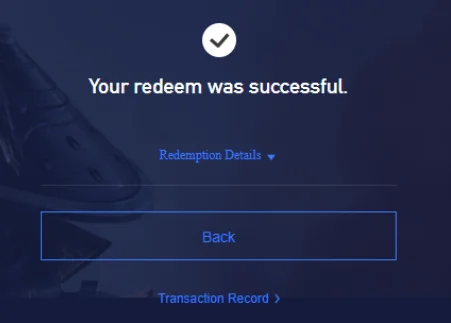
- Verify the successful transaction pop-up message on your screen.
- Launch PUBG Mobile to find your UC credited directly to your account balance or system mail.