










































































































Guild Wars 2
1
Log in to Guild Wars 2:
- Log in to Guild Wars 2 with the account where you want to unlock gems.
2
Open the Black Lion Trading Company Panel:
- Open the Black Lion Trading Company panel. The default hotkey is [O].
- Alternatively, click the lion icon in the upper left corner of the game screen.
3
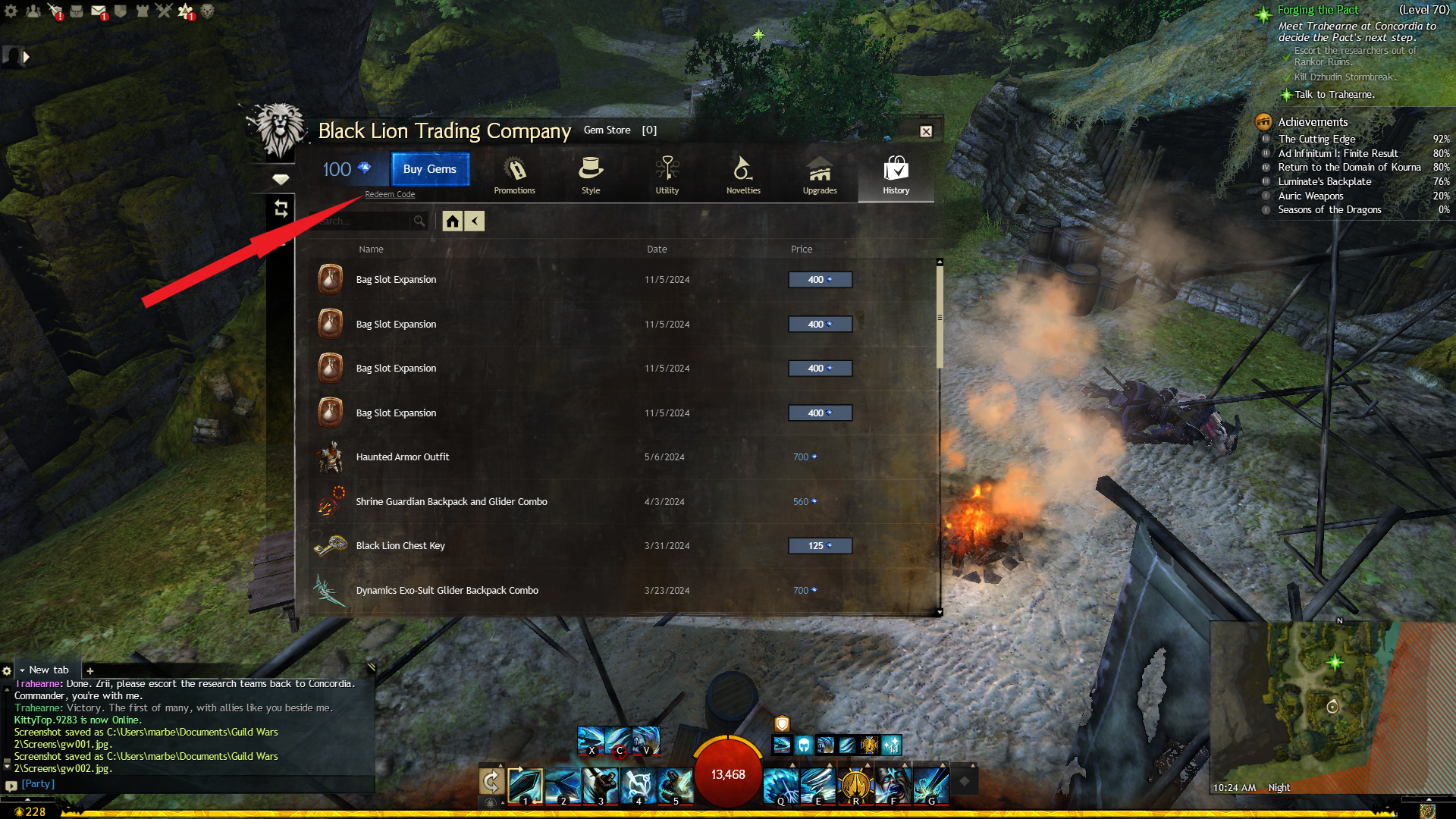
Click "Redeem Code":
- Click the "Redeem Code" link in the upper left corner of the Store homepage.
4
Enter Your Gem Code:
- Enter or copy and paste your gem code into the field that reads: "Please enter your Gem code".
5
Redeem:
- Click "Redeem" to unlock your gems.