











































GIANTS Software
1
Install the Game or Software:
- If you haven't already, download and install the game or software you purchased from GIANTS Software. This could be from a DVD/CD you bought in-store or a digital download from an online retailer.
2
Launch the Game or Software:
- Once installed, open the game or software.
3
Navigate to Activation Section:
- Upon launching for the first time, the software or game may prompt you to enter an activation key. If not, you might find this option in the 'Settings' or 'Options' menu, or a dedicated 'Activation' section.
4
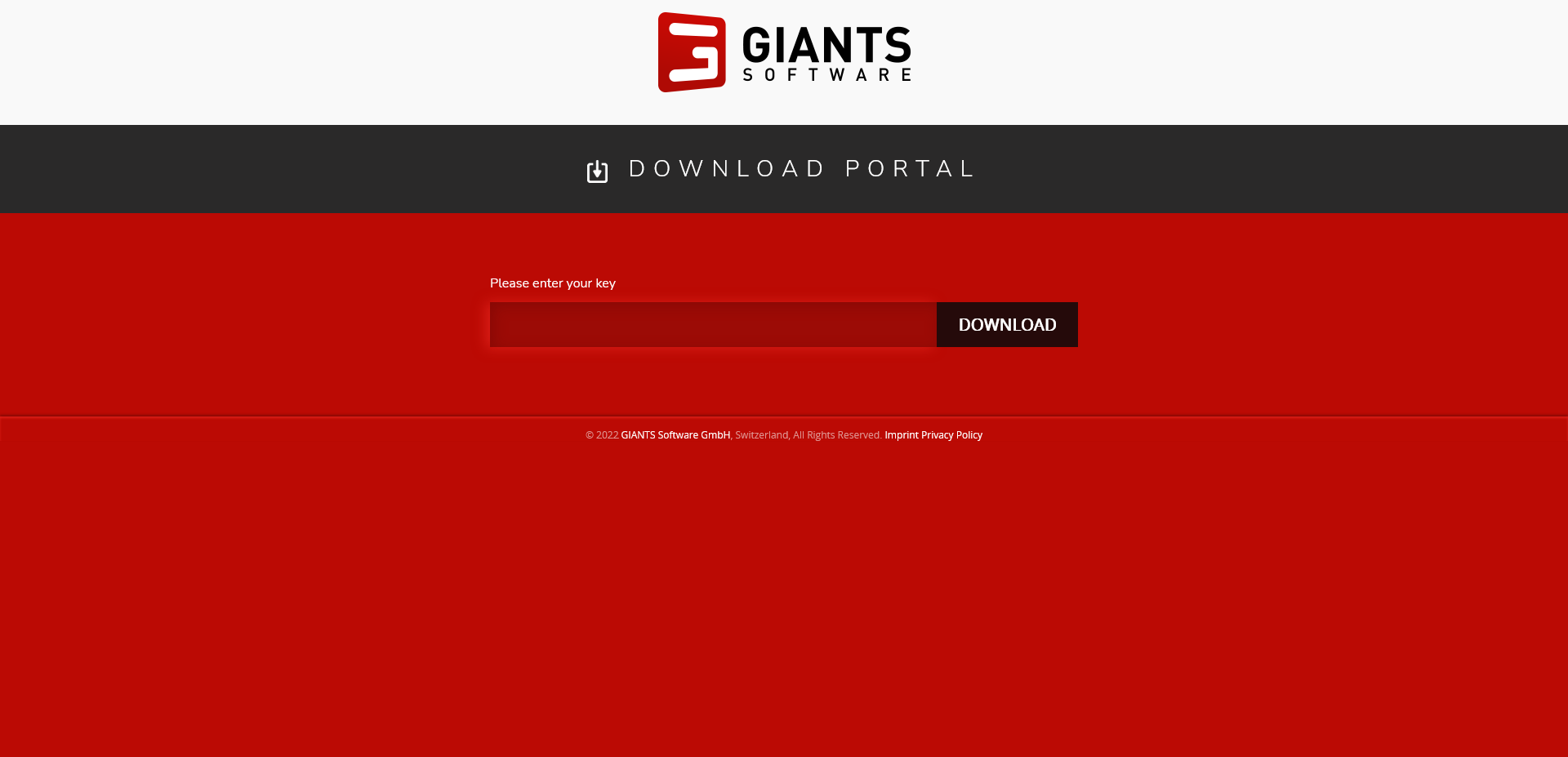
Enter the Activation Key:
- Type in the activation key or code that you received with your purchase. This key is usually found in the game box, on a sticker, or in an email if you purchased it digitally.
5
Confirm Activation:
- Follow any additional prompts to complete the activation process.
- The game or software should then confirm that the product has been activated and is ready for use.