



























































Kaspersky
1
Download the Software:
- Download the appropriate Kaspersky software for your device from the official website or authorized source.
2
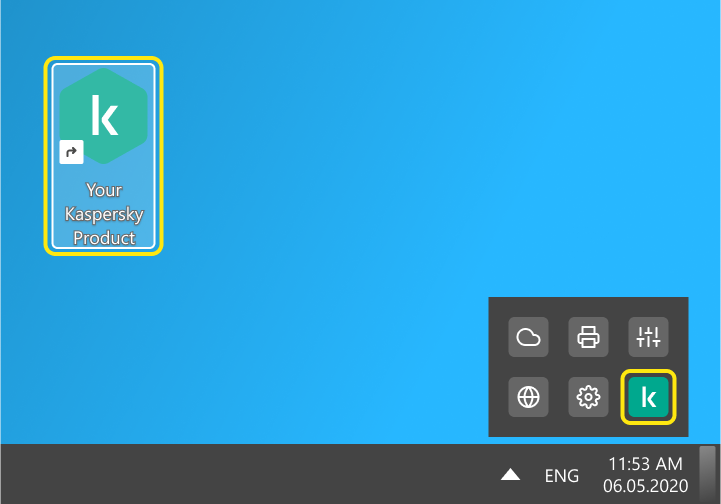
Open Kaspersky:
- Click the Kaspersky icon in the lower-right corner of the taskbar, or click the arrow to reveal more icons if needed.
3
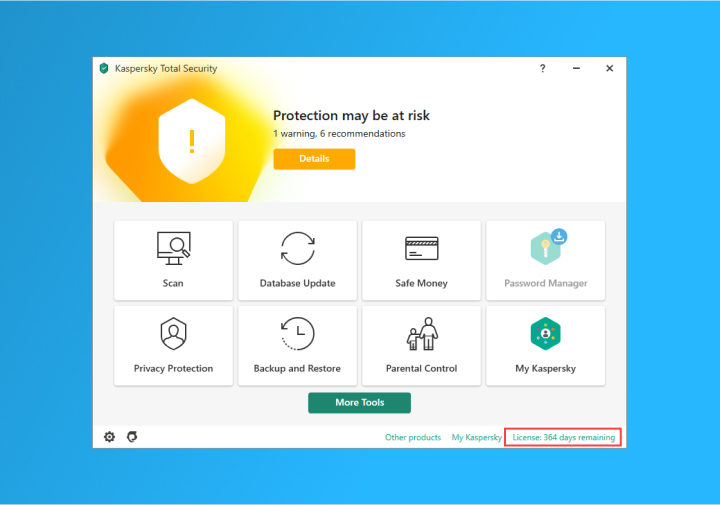
Navigate to Licensing:
- Click "License: X days remaining" if your license is still current.
- Click "License: expired" if your protection has already lapsed.
4
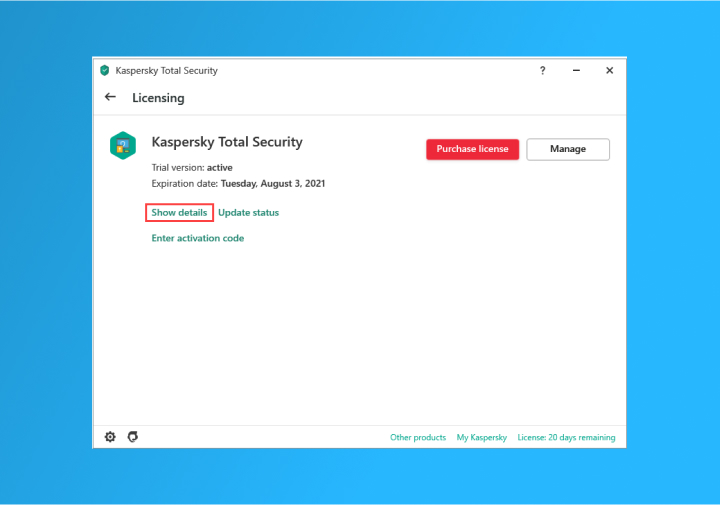
Check License Details:
- In the Licensing section, click on "License information" or "Show Details" (the link may vary depending on your product).
- A window will appear displaying details about your license.
5
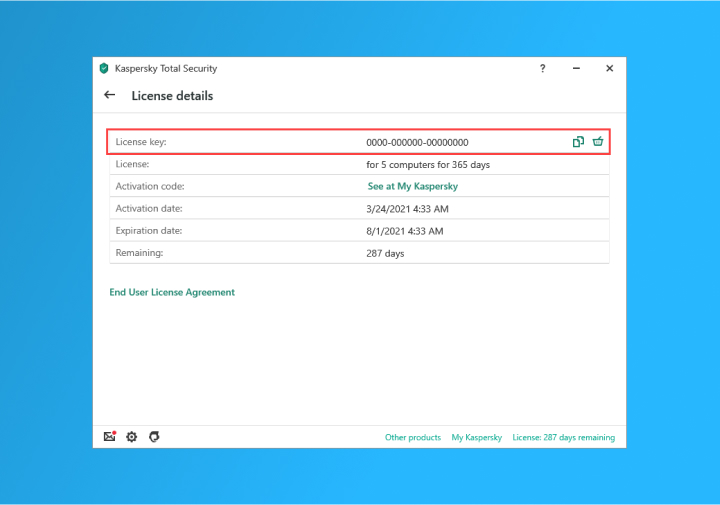
Copy the License Key:
- In the license window, click the option to copy the License key.
- Enter the copied license key into the input field at the top of the Kaspersky renewal page to start the renewal process.