























































Activation guides

Back

Google Play

1

Log In:

  • Follow this link to create a new Google account or login into your existing one.
2

Log In to Google Play:

  • Follow this link and login into your Google account in the Google Play store.
3

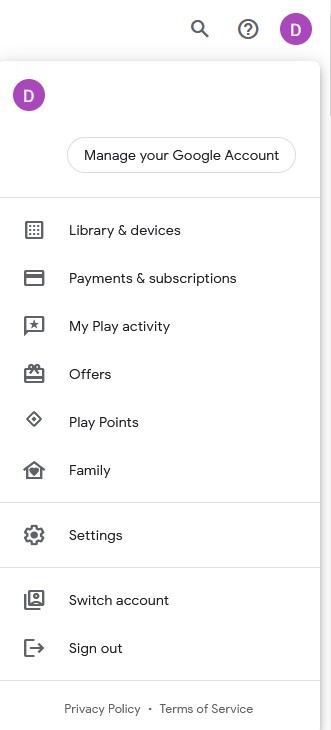
Go to Your Account:

  • Navigate to the top-right corner of the website and click on the account avatar.
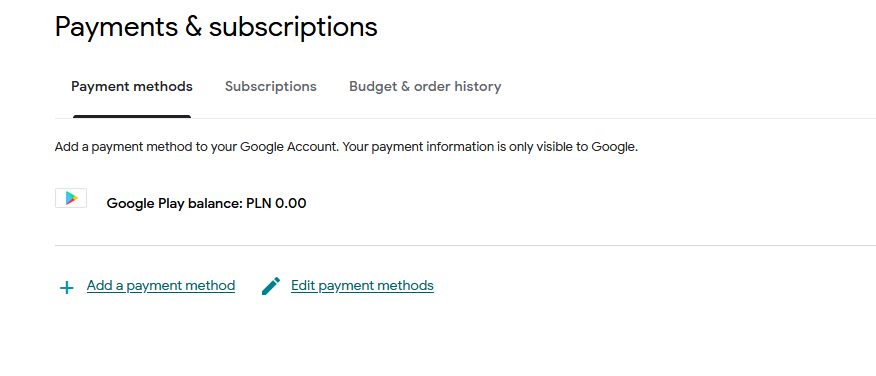
  • Choose the “Payments & subscriptions” option from the drop-down menu.
4

Add a Payment Method:

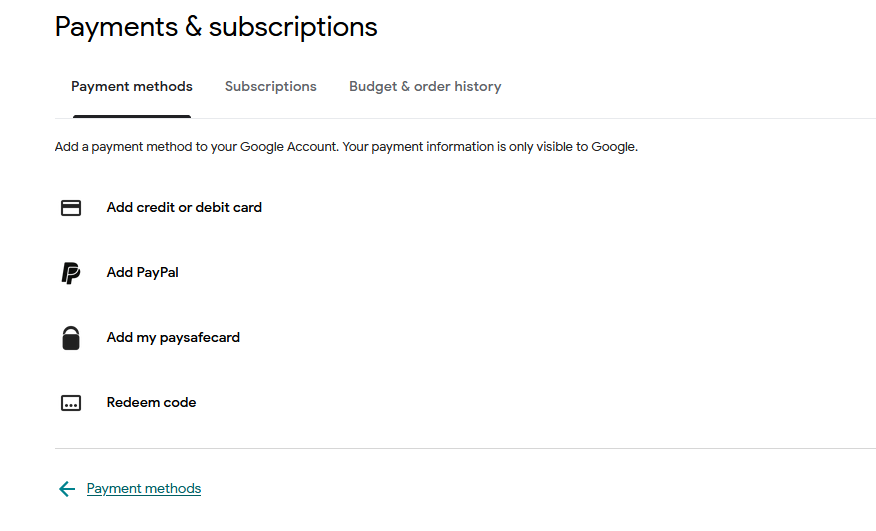
  • In the Payments & subscriptions section, click on “Add a payment method.”
  • Select the “Redeem code” option.
5

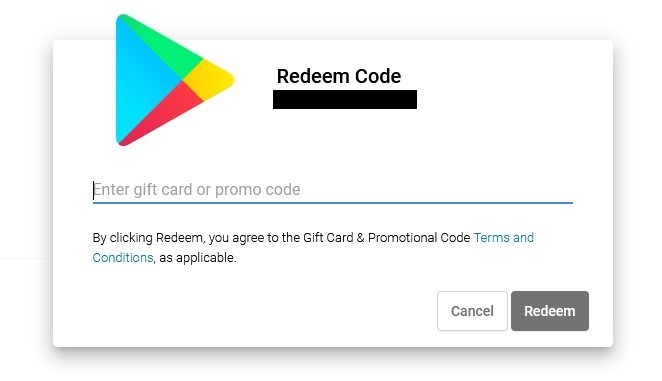
Choose Redeem Code:

  • Enter your Google Play gift code into the designated field.
Google Play Gift Card 10 EUR
-31%
Google Play Google Play
Google Play
GERMANY
10.00 € 6.93 €
6.31 € with
Google Play Gift Card 15 EUR
-12%
Google Play Google Play
Google Play
GERMANY
15.00 € 13.25 €
12.06 € with
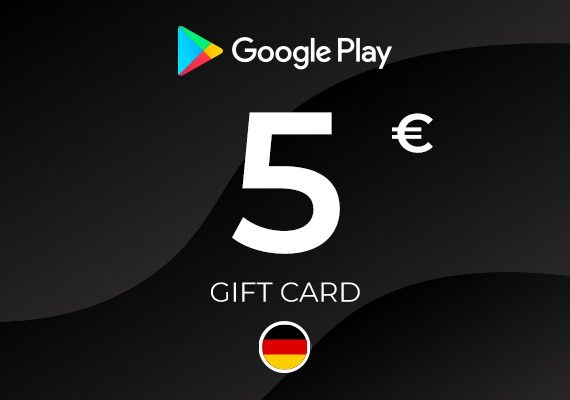
Google Play Gift Card 5 EUR
-2%
Google Play Google Play
Google Play
GERMANY
5.00 € 4.89 €
4.45 € with
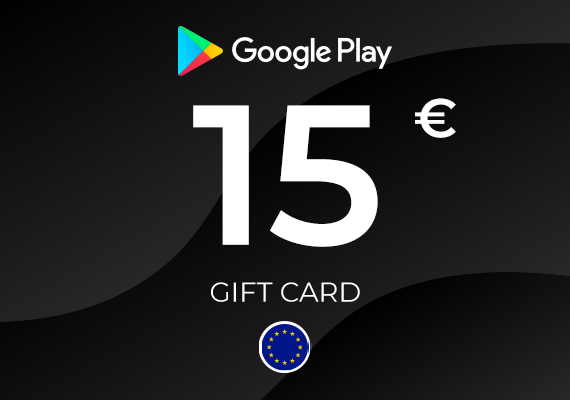
Google Play Gift Card 15 EUR
-7%
Google Play Google Play
Google Play
EU
15.00 € 13.92 €
12.67 € with
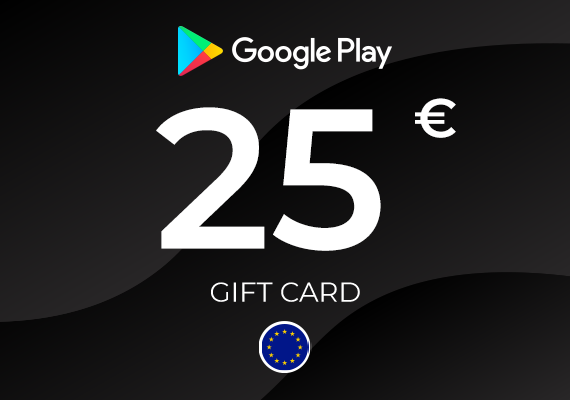
Google Play Gift Card 25 EUR
Google Play Google Play
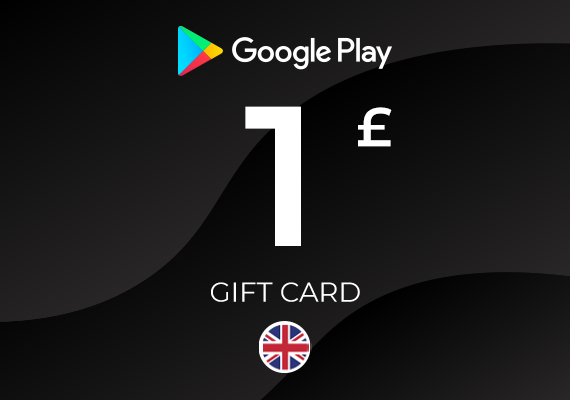
Google Play Gift Card 1 GBP
-54%
Google Play Google Play
Google Play
UNITED KINGDOM
1.49 € 0.68 €
0.62 € with
Google Play Gift Card 10 GBP
-41%
Google Play Google Play
Google Play
UNITED KINGDOM
12.99 € 7.63 €
6.94 € with
Google Play Gift Card 5 GBP
-3%
Google Play Google Play
Google Play
UNITED KINGDOM
5.99 € 5.80 €
5.28 € with
Google Play Gift Card 100 IRN
-51%
Google Play Google Play
Google Play
INDIA
1.99 € 0.97 €
0.88 € with
Google Play Gift Card 1000 INR
-45%
Google Play Google Play
Google Play
INDIA
16.99 € 9.32 €
8.48 € with