












































































































Activation guides

Back

Rockstar Games Launcher

1
Follow this link: https://socialclub.rockstargames.com/rockstar-games-launcher Download and install Rockstar Games Launcher.
2
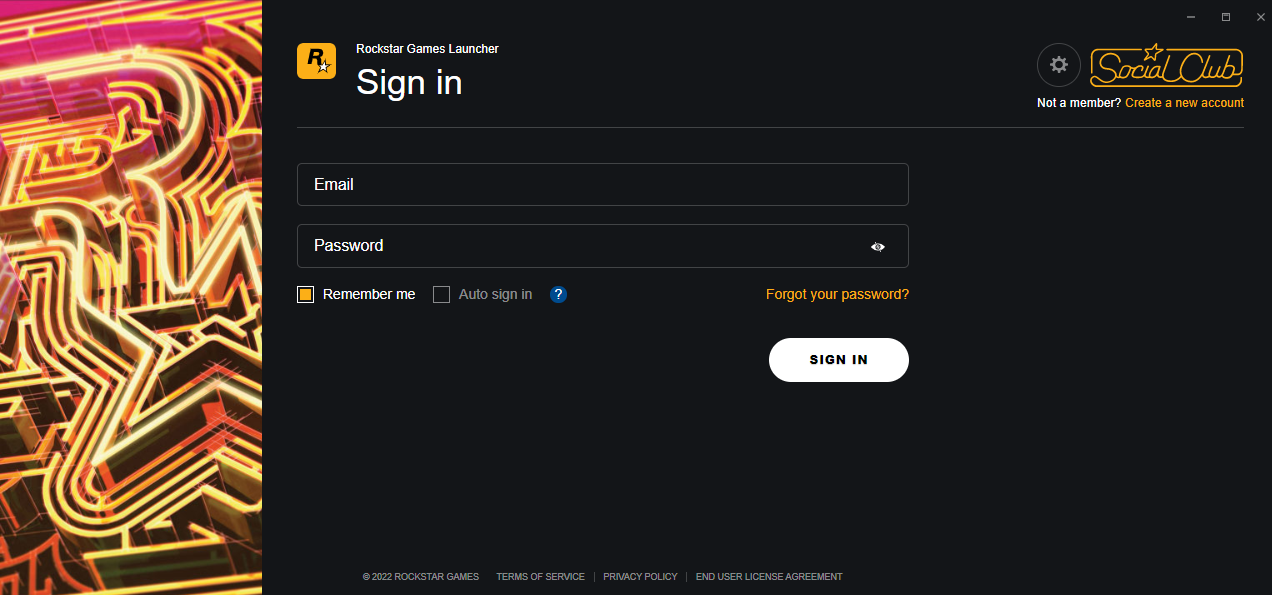
Launch Rockstar Games Launcher, login into an account or create a new one.
3
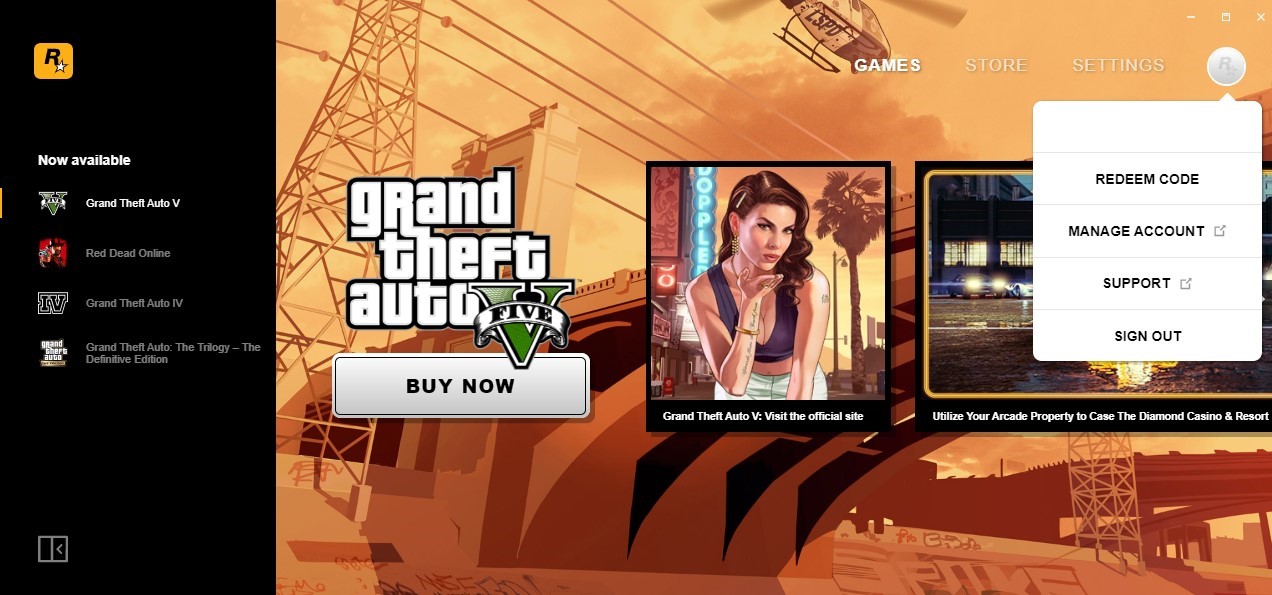
Navigate to the top-right corner of the Rockstar Games Launcher, click the Rockstar icon and choose the “REDEEM CODE” option.
4
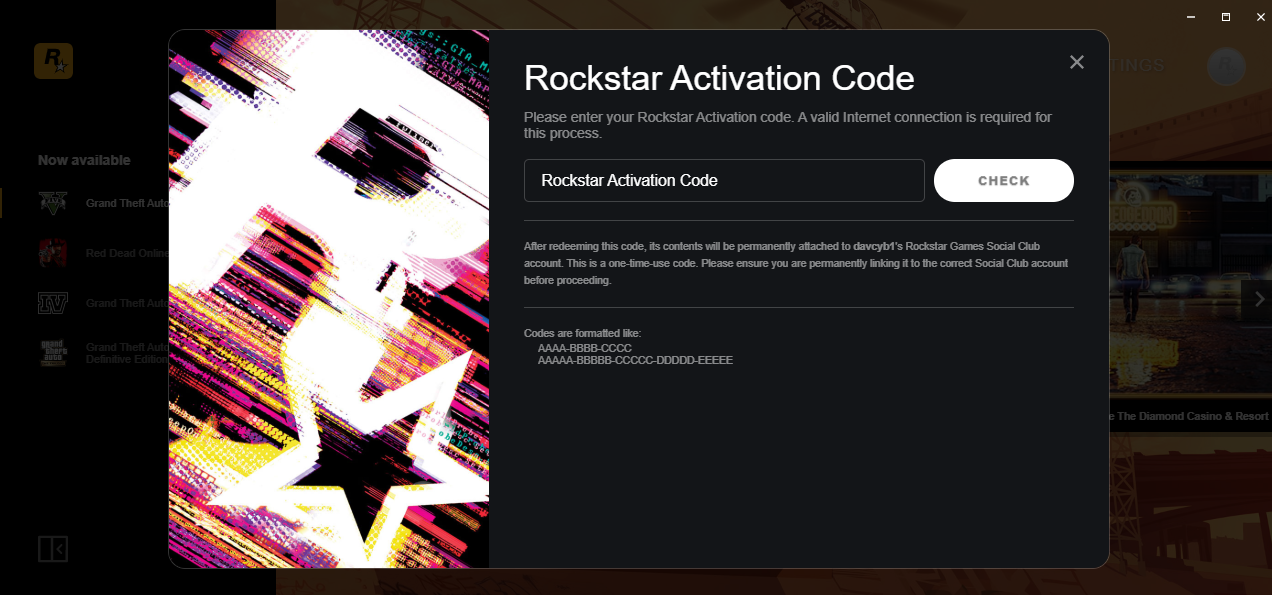
Insert the code and confirm activation.
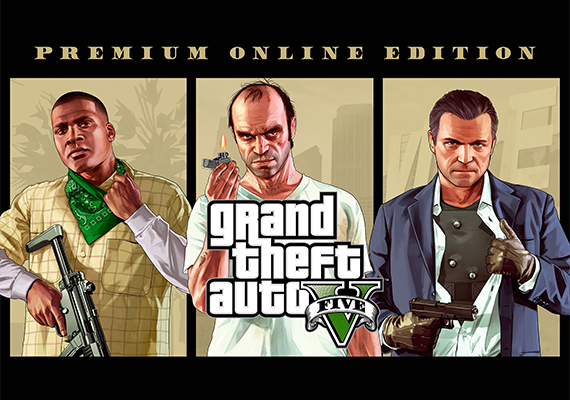
Grand Theft Auto V: Premium Online Edition (PC)
-63%
Rockstar Games Launcher Rockstar Games Launcher
Rockstar Games Launcher
GLOBAL
29.99 € 10.95 €
9.31 € with
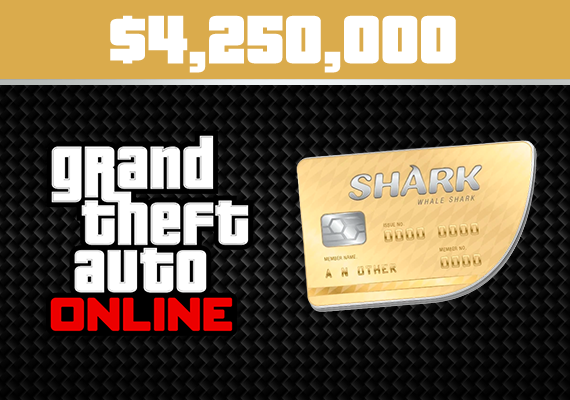
Grand Theft Auto V: Whale Shark Cash Card (PC)
-19%
Rockstar Games Launcher Rockstar Games Launcher
Rockstar Games Launcher
GLOBAL
37.99 € 30.96 €
26.32 € with
L.A. Noire Complete Edition (PC)
-79%
Rockstar Games Launcher Rockstar Games Launcher
Rockstar Games Launcher
GLOBAL
19.99 € 4.16 €
3.54 € with
Grand Theft Auto IV: Complete Edition (ENG) (PC)
-70%
Rockstar Games Launcher Rockstar Games Launcher
Rockstar Games Launcher
GLOBAL
19.99 € 6.00 €
5.10 € with
Grand Theft Auto V (PC)
-69%
Rockstar Games Launcher Rockstar Games Launcher
Rockstar Games Launcher
GLOBAL
29.77 € 9.30 €
7.91 € with
Red Dead Redemption 2 (PC)
-79%
Rockstar Games Launcher Rockstar Games Launcher
Rockstar Games Launcher
GLOBAL
59.99 € 12.39 €
10.53 € with
Red Dead Redemption 2: Ultimate Edition (PC)
-73%
Rockstar Games Launcher Rockstar Games Launcher
Rockstar Games Launcher
GLOBAL
59.99 € 15.96 €
13.57 € with
Max Payne 3 Complete Edition (PC)
-87%
Rockstar Games Launcher Rockstar Games Launcher
Rockstar Games Launcher
GLOBAL
29.99 € 3.88 €
3.30 € with