










































































































PlayStation Network Gift Cards

 PSN
PSN
 PSN
PSN
 PSN
PSN
 PSN
PSN
 PSN
PSN
 PSN
PSN
 PSN
PSN
 PSN
PSN
 PSN
PSN
 PSN
PSN
 PSN
PSN
 PSN
PSN
 PSN
PSN
 PSN
PSN
 PSN
PSN
 PSN
PSN
 PSN
PSN
 PSN
PSN
 PSN
PSN
 PSN
PSN
 PSN
PSN
 PSN
PSN
 PSN
PSN
 PSN
PSN
 PSN
PSN
 PSN
PSN
 PSN
PSN
 PSN
PSN
 PSN
PSN
 PSN
PSN
 PSN
PSN
 PSN
PSN
 PSN
PSN
 PSN
PSN
 PSN
PSN
 PSN
PSN
 PSN
PSN
 PSN
PSN
 PSN
PSN
 PSN
PSN
PlayStation Store Wallet Top-Up Cards
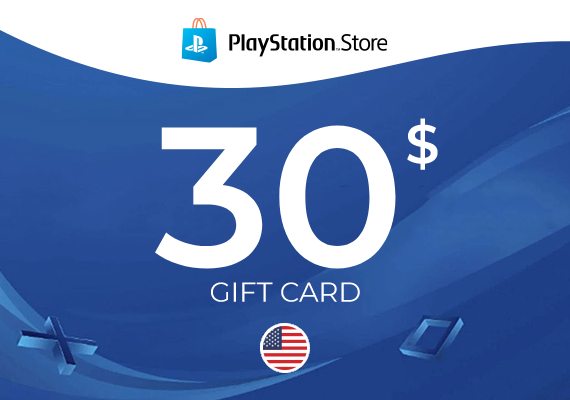
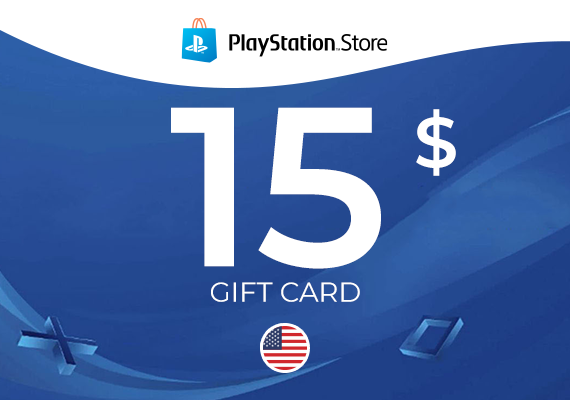
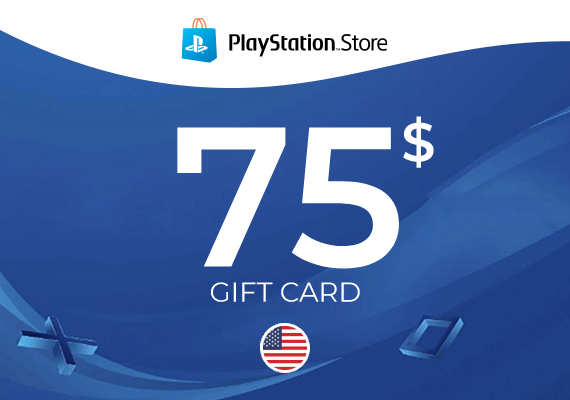
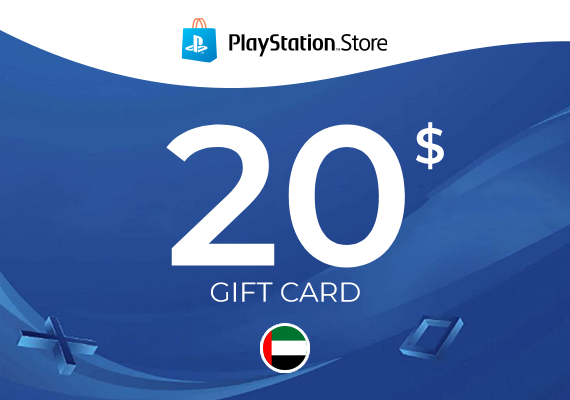
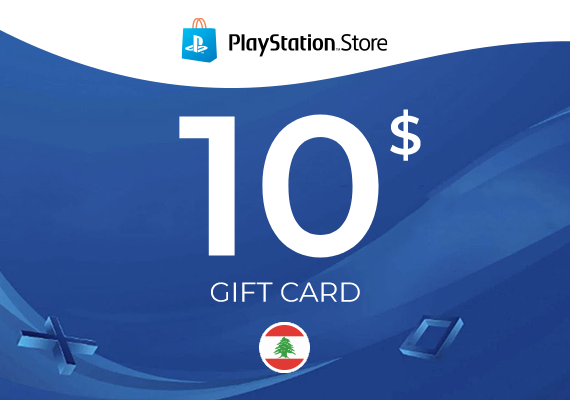
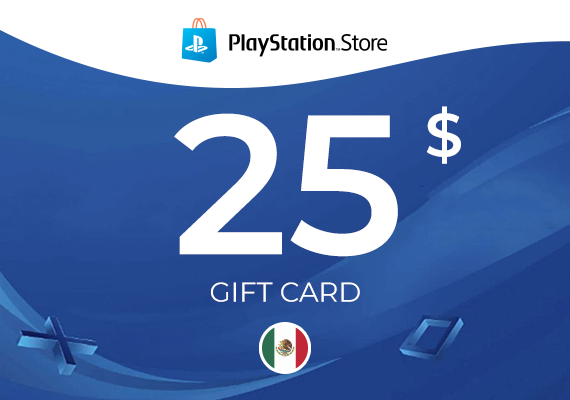
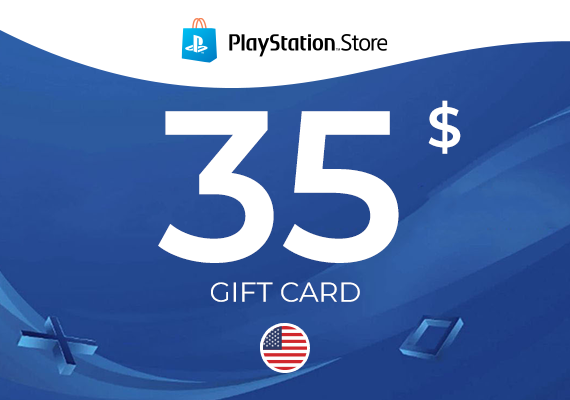
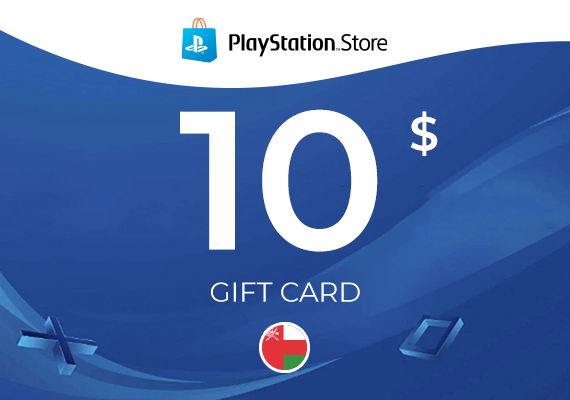
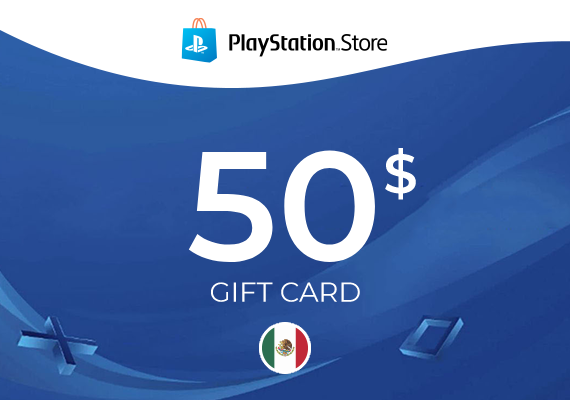
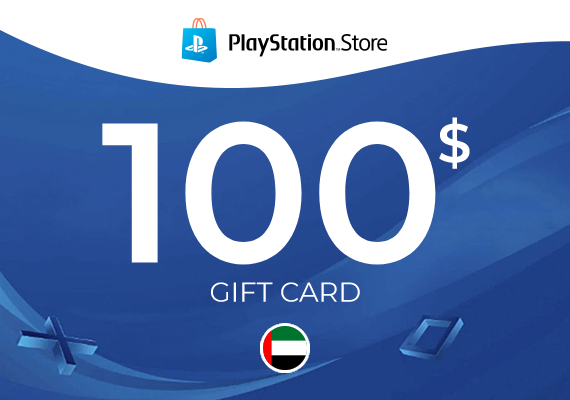
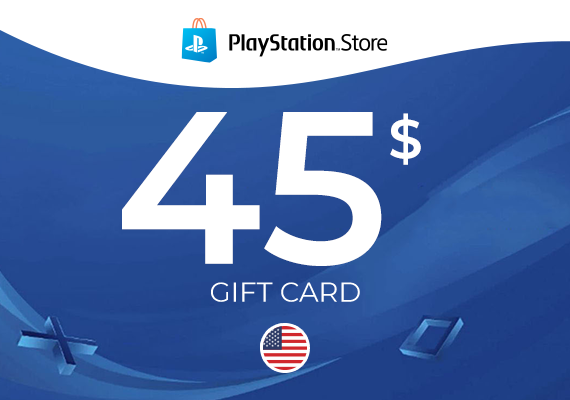
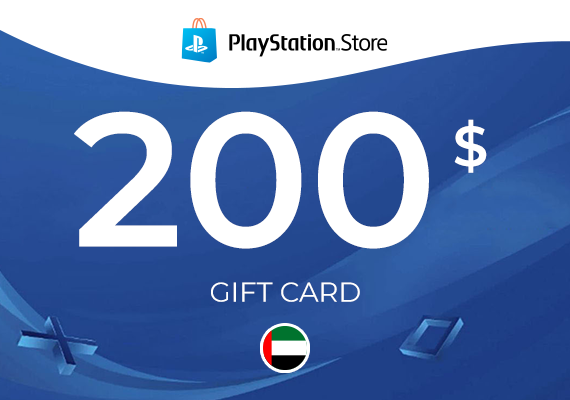
PlayStation Network Gift Cards add wallet balance to your PlayStation account for use in the PlayStation Store. This category includes PlayStation gift cards in different denominations and regions, so you can match the PSN gift card version to the account you want to top up.
- Redeem a PlayStation Network gift card code to credit your PS Store wallet balance.
- Use the balance for eligible purchases in the PlayStation Store.
- Choose the correct region and currency version for your account.
What you can use PS Store balance for
After redemption, the balance is added to your wallet and can be used at checkout in the PlayStation Store where wallet payments are supported. Many customers choose this option for flexible spending or gifting.
- Pay for games, add-ons, and in-store content where wallet balance is accepted.
- Use for subscriptions or renewals when supported by the store flow (listing-dependent).
- Balance is tied to the account that redeems the code.
How redemption typically works
Redeem the code on the PlayStation account that should receive the funds, then verify the updated wallet balance before making a purchase.
- Sign in to the correct PlayStation account.
- Open the redeem code section in the PlayStation Store.
- Enter the gift card code exactly and confirm.
- Check your wallet balance after successful redemption.
What to verify before purchase
PlayStation gift cards are often region- and currency-specific, so the safest approach is to match the product page details to your account. If you are comparing prices, make sure you are looking at the same region version when browsing for cheap PSN gift cards.
- Region/currency compatibility with your PlayStation account.
- Any stated redemption restrictions on the product page.
- That you are buying a PlayStation Store gift card (wallet top-up), not a game or subscription.
Frequently Asked Questions – PlayStation Network Gift Cards
How to redeem a PlayStation Store gift card code?
You can redeem your code directly on your console or through a web browser. On PS4 and PS5 consoles, navigate to the PlayStation Store, select your profile icon, choose the Redeem Code option, and enter the 12-digit sequence. If you are using a computer, log in to the official PlayStation website, go to your account settings, and select the wallet top-up option. The funds will be added to your balance immediately after confirmation.
Are PlayStation gift cards region-locked?
Yes, PlayStation Network gift cards are region-specific. This means the region of the purchased card must exactly match the region you selected when creating your PlayStation Network account. Always check the country or region designation on the product page before completing your purchase to ensure the top-up is compatible with your specific account.
What can I buy with my PlayStation Store wallet balance?
Once you have topped up your wallet, you can purchase any digital content available in the PlayStation Store. This includes full games for PS4 and PS5, downloadable content (DLC), season passes, in-game currencies like those found in sports titles or battle royale games, and various subscription plans if they are available for purchase via wallet balance.
Does my PlayStation Store balance ever expire?
Funds that have been successfully added to your digital wallet do not have an expiration date and will remain in your account until you decide to spend them. However, the unredeemed gift card code itself may have an expiration date set by the issuer. It is generally recommended to redeem the code shortly after purchase to avoid any issues.
Can I transfer PSN funds to another PlayStation account?
No, funds assigned to a PlayStation Network wallet are not transferable between different accounts. Once a code has been redeemed, the amount is permanently linked to that specific profile. If you wish to give funds to someone else as a gift, the safest method is to provide the 12-digit code directly to the recipient so they can activate it on their own account.
What should I do if my PlayStation code is not working?
First, double-check that you have entered the characters correctly, as certain letters and numbers can look very similar. Next, verify that the region of the card matches your account region. If these conditions are met and the problem persists, check the official PlayStation Network service status, as temporary maintenance or network outages can sometimes prevent code activation.
Does the top-up work for both PS4 and PS5 consoles?
Yes. Your wallet balance is tied to your Sony ID account rather than a specific piece of hardware. Once you top up your account, the funds are available on any device where you are logged in, whether it is a PS4, a PS5, the PlayStation mobile app, or the official website.
Can I use a PSN gift card to pay for PlayStation Plus?
Yes, funds from a gift card go directly into your wallet, which can then be used to pay for various PlayStation Plus subscription plans. This is an excellent solution for users who prefer not to link a credit or debit card to their account but still want to enjoy online multiplayer and the library of games included in the membership.
Why is it better to buy a PSN gift card online instead of using a credit card?
Purchasing a gift card offers enhanced security and better control over your spending. You do not need to share your primary payment details within the console system, which helps protect your financial data. Furthermore, buying top-ups from platforms like ours often allows you to take advantage of competitive pricing and promotions, making your PlayStation Store purchases more cost-effective.