


Buono regalo CBSi Paramount Plus
1
Visita il sito web:
- Visita Paramount Plus.
2
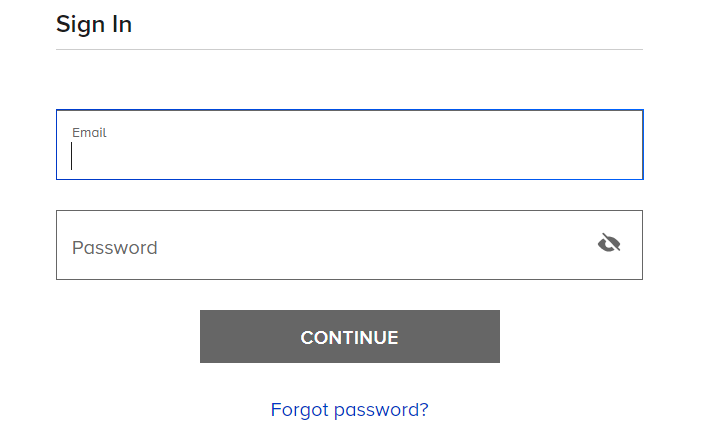
Accedi o crea un account:
- Clicca su "Accedi"
- Inserisci il tuo nome utente e la tua password oppure crea un nuovo account se non ne possiedi uno.
3
Applica la carta regalo al tuo abbonamento:
- Scegli il piano di abbonamento a cui desideri applicare la tua carta regalo.
4
Richiedilo e divertiti:
- Il credito della carta regalo verrà immediatamente accreditato sul tuo account. Ora puoi iniziare a guardare Paramount+!


